social-media
tutorial
How to Download Facebook Video (2026 Guide)

- Facebook has no built-in download button - "Save video" only bookmarks content to your Saved collection and does not download it to your device.
- To download: copy the video URL from the address bar or three-dot menu, paste it into a Facebook video downloader tool, choose SD or HD quality, and save.
- Download Facebook videos for personal use only - redistribution or commercial use without the creator's permission violates copyright and Facebook's Terms of Service.
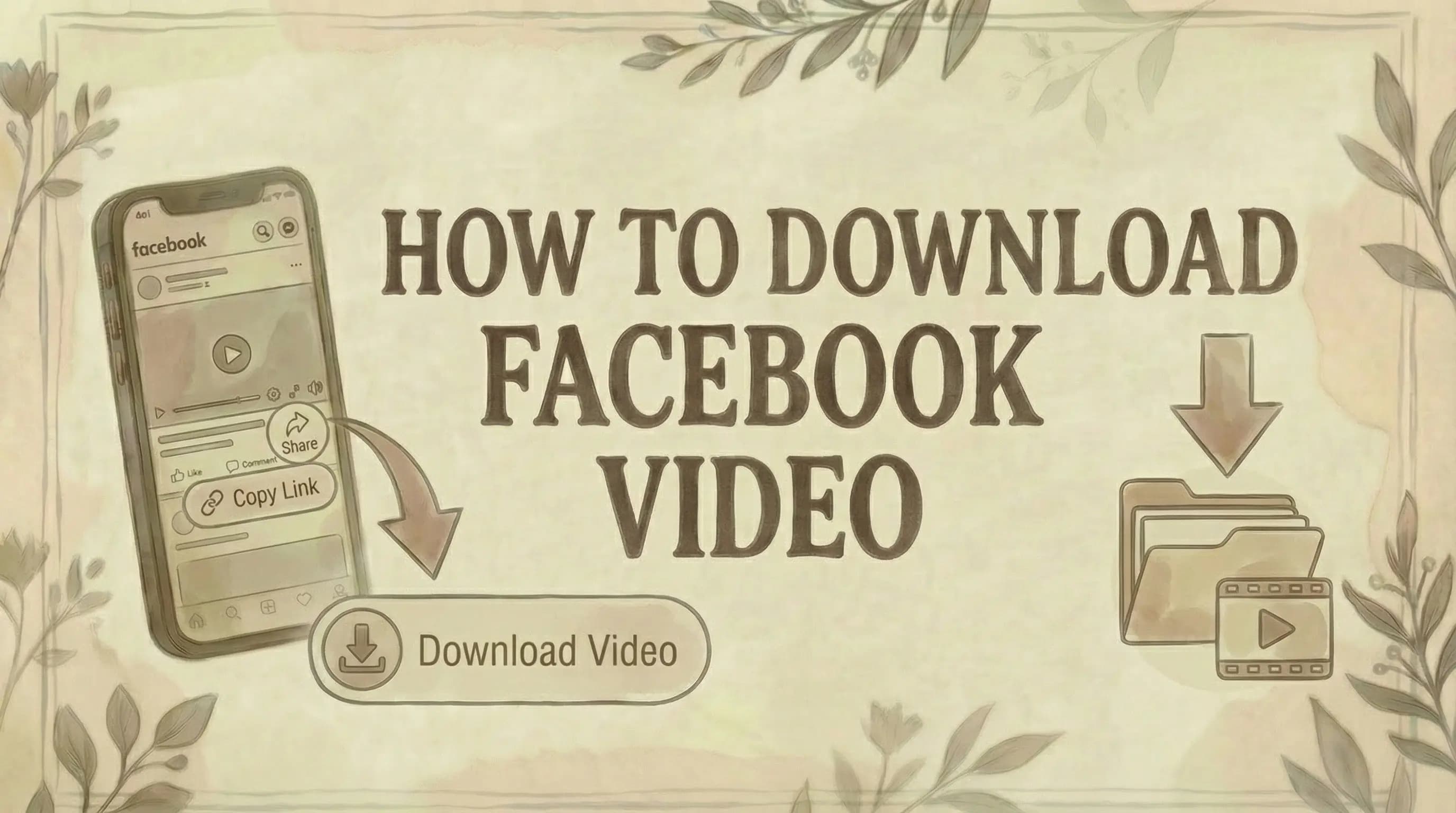
Facebook has no native download button, so saving videos to your device requires a third-party tool. Here's the fastest method that works on both desktop and mobile.
Important Note: No Official Download Feature
Facebook does not offer a built-in download button for videos.
The "Save video" button on Facebook only bookmarks videos to your Saved collection - it doesn't download them to your device.
To actually download Facebook videos, you must use third-party web-based downloader tools.
How to Find the Facebook Video URL
Before downloading, you need to copy the video link.
Mobile app (iOS/Android):
- Open Facebook app
- Find the video you want
- Tap three dots (...) or Share button
- Tap "Copy link"
- Link is now on your clipboard
Desktop (facebook.com):
- Open video on Facebook
- Click three dots (...) on the video
- Click "Copy link"
- Or copy URL from browser address bar
Link format examples:
- https://www.facebook.com/watch/?v=1234567890
- https://fb.watch/abc123/
- https://www.facebook.com/username/videos/1234567890/
How to Download Facebook Videos on iPhone
Facebook doesn't allow direct downloads on iPhone.
Step 1: Copy video link
- Open video in Facebook app
- Tap Share → "Copy link"
Step 2: Open Safari browser
Step 3: Use a web-based Facebook video downloader
- Paste the link into the downloader
- Click Download
Step 4: Choose quality
- Select HD, Full HD, or lower quality
Step 5: Download to iPhone
- Video saves to Files app or Photos
- Check Downloads folder
For iOS 13+: Use Safari browser directly For older iOS: Install "Documents by Readdle" app → Use built-in browser → Access downloader site
How to Download Facebook Videos on Android
Step 1: Copy video link from Facebook app
- Tap Share → "Copy link"
Step 2: Use a web-based downloader in your browser
- Open Chrome or Firefox
- Go to a Facebook downloader site
- Paste link
Step 3: Click Download
Step 4: Choose quality
- HD, Full HD, or standard
Step 5: Video downloads to device
- Saves to Downloads folder or Gallery
Alternative: Install a Facebook video downloader app from Play Store for easier downloads.
How to Download Facebook Videos on PC/Mac
Step 1: Copy video URL from facebook.com
- Click three dots on video → "Copy link"
- Or copy URL from address bar
Step 2: Use a web-based Facebook video downloader
- Paste URL into the downloader
Step 3: Click Download button
Step 4: Choose video quality
- Options typically include: SD (360p), HD (720p), Full HD (1080p), 2K, 4K
- Higher quality = larger file size
Step 5: Video downloads to computer
- Saves to your default Downloads folder
How to Download Facebook Reels
Reels are short-form videos on Facebook (similar to TikTok).
Same process as regular videos:
Step 1: Open the Reel
- In Facebook app or on desktop
Step 2: Copy the link
- Tap/Click Share → "Copy link"
Step 3: Use a Facebook video downloader
- Most downloader tools support Reels
- Paste link and download
Step 4: Choose quality and save
Facebook Reels download in MP4 format, same as regular videos.
How to Download Facebook Stories
Stories disappear after 24 hours, so download quickly if needed.
Step 1: Open the Story
Step 2: Copy the Story link
- Tap/Click three dots → "Copy link"
Step 3: Use a downloader tool that supports Stories
- Not all tools support Stories
- Look for ones that explicitly mention Story downloads
Step 4: Paste link and download
Important: You can only download Stories from accounts you're friends with or that are public.
How to Download Facebook Live Videos
You cannot download while the live stream is active.
Wait until the livestream ends:
Step 1: After the live ends, find the saved video
- Live videos are saved to the creator's profile
Step 2: Copy the video link
- Click three dots → "Copy link"
Step 3: Use a Facebook video downloader
- Same process as regular videos
Step 4: Download the recorded livestream
How to Download Private Facebook Videos
Private videos (from closed groups, private accounts, etc.) are more complicated.
Requirements:
- You must have permission to view the video
- You must be logged into Facebook
- Some downloader tools have "Private Video Download" features
- For managing your Facebook account settings, see how to change email on Facebook and how to change name on Facebook
Process:
- Be logged into Facebook in your browser
- Copy the private video link
- Use a downloader tool that supports private videos
- Some tools require additional steps for authentication
- Download the video
Note: Respect privacy settings. Don't download and share private content without permission.
Video Quality Options Explained
SD (Standard Definition) - 360p/480p:
- Smallest file size (5-20 MB)
- Lower quality
- Good for mobile viewing only
HD (High Definition) - 720p:
- Medium file size (20-50 MB)
- Good quality for most uses
- Recommended for general downloads
Full HD - 1080p:
- Larger file size (50-150 MB)
- Excellent quality
- Best for large screens
2K/4K (Ultra HD):
- Very large file size (150+ MB)
- Highest quality
- Only available if original video was uploaded in 4K
- Not all videos support this quality
For audio extraction:
- Some tools offer MP3 conversion
- Extracts audio only from videos
- Smaller file size (3-10 MB)
Legal and Ethical Considerations
Before downloading:
✓ Personal use only - Don't redistribute or sell downloaded content
✓ Respect copyright - Videos belong to their creators
✓ Get permission - Ask creator before using commercially
✓ Credit creators - If you share, always credit the original creator
✓ Follow Facebook terms - Review Facebook's terms of service
✓ Respect privacy - Don't download and share private videos without consent
- For privacy settings, see how to lock Facebook account
Allowed:
- Saving for personal reference
- Offline viewing
- Educational/study purposes
- Backing up your own videos
Not allowed:
- Reposting without permission
- Using for commercial purposes
- Claiming as your own content
- Sharing private content publicly
Tips for Downloading Facebook Videos
Best practices:
✓ Use reputable downloaders - Choose trusted, well-known tools
✓ No registration needed - Avoid tools requiring sign-up or personal info
✓ Check video quality - Download highest available quality if storage allows
✓ Organize downloads - Create folders to categorize saved videos
✓ Respect data plans - HD videos use more data; download on Wi-Fi
✓ Verify the source - Make sure you're downloading from secure websites
✓ Use antivirus software - Protect against malware from sketchy sites
Downloaded Video Won't Play?
Troubleshooting:
Update media player:
- Use VLC Media Player (plays all formats)
- Update your default video player
Check file format:
- Facebook videos download as MP4 (most compatible)
- If different format, use video converter
Re-download:
- File may be corrupted
- Try downloading again with different quality
Storage space:
- Ensure enough space on device
- Large HD/4K files need more space
Try different browser:
- Some downloads work better in certain browsers
- Try Chrome, Firefox, or Safari
Alternative: Save to Facebook's "Saved Videos"
If you just need to access the video later (not download it):
Step 1: Tap/Click "Save video" button
Step 2: Video saves to your Saved collection
To find saved videos:
- Go to Menu (☰)
- Click "Saved"
- Select "Videos" tab
- For finding draft posts, see how to find drafts on Facebook
Benefit: Easy access within Facebook
Downside:
- Requires internet to view
- Video may be deleted if creator removes it
- Not available offline
Common Questions
Can I download Facebook videos without an account? Using web-based downloader tools, yes. You don't need a Facebook account to download public videos. Private videos require you to be logged in and have access.
Are Facebook video downloaders safe? Reputable downloader tools are generally safe. Look for tools that don't require registration, don't ask for personal information, and have positive user reviews. Always use trusted downloaders.
Can I download videos from Facebook groups? Yes, if they're from public groups or groups you're a member of. Use the "Private Video Download" feature on some downloader tools for group videos.
Do downloaded videos have watermarks? Most Facebook videos download without added watermarks. However, if the creator added a watermark to their original video, it will remain.
Can I download Facebook videos in 4K? Only if the original video was uploaded in 4K. Most Facebook videos are 1080p or lower. Check quality options when downloading.
What format are downloaded videos? Usually MP4 (most compatible format for all devices). Some tools offer MP3 conversion for audio-only downloads.
Can I download entire Facebook albums of videos? Not directly. You'd need to download each video individually. For managing page settings, see how to add admin to Facebook page.
Will the creator know I downloaded their video? No. Facebook doesn't notify creators of downloads. However, respect their content and ask permission before sharing.
Can I convert Facebook videos to MP3? Yes. Many downloader tools offer MP3 conversion to extract audio only from videos. Useful for music videos or podcasts.
How long do downloads take? Usually seconds to a couple minutes, depending on video size, quality, and internet speed. 4K videos take longer than SD videos.
Why Can't I Download Some Facebook Videos?
Common reasons:
1. Private/restricted video
- Video is set to private
- You don't have permission to view
- Need to use private video download feature
2. Region restrictions
- Video blocked in your country
- Geo-restricted content
3. Live stream still active
- Can't download while live
- Wait until stream ends
4. Video was deleted
- Creator removed the video
- Link no longer works
5. Downloader tool issues
- Some tools don't work with all video types
- Try a different downloader
The Bottom Line
Downloading Facebook videos:
No official method - Facebook doesn't offer built-in downloads
Solution: Copy video URL → Use web-based downloader → Download
Process:
- Copy video link from Facebook
- Visit a Facebook video downloader site
- Paste the URL
- Choose quality (HD, Full HD, 2K, 4K)
- Download to device
Works for:
- Regular videos
- Facebook Reels
- Stories (with compatible tools)
- Live streams (after they end)
- Private videos (if you have access)
Key points:
- Works on all devices (desktop, mobile, tablet)
- No registration required with good tools
- Download in MP4 or convert to MP3
- Respect copyright and creator rights
- Download for personal use only
Recommended tool: Genviral's Facebook Video Downloader - Free and works on all devices.
Always download responsibly and credit creators when sharing their content. For monetizing your content, see how to make money with Facebook. For managing your Facebook presence, see how to see scheduled posts on Facebook and how to see who shared my post on Facebook. For privacy and account management, see how to view blocked Facebook friends and how to comment anonymously on Facebook.
Free Facebook Tools
Create better content to go alongside your downloaded videos:
- Facebook Image Resizer — resize thumbnails and cover images to the right dimensions
- Facebook Hashtag Generator — find hashtags that boost reach
- Facebook Hook Generator — write engaging captions for repurposed content
Managing content across multiple platforms? Genviral's Facebook Scheduler helps you schedule and organize social media posts for Facebook, Instagram, TikTok, Pinterest, and more - making it easy to plan your content strategy and maintain consistent posting.

Viktor
Occasional writer, sometimes even funny. Also loves to start conmpanies (weird, I know).