
social-media
tutorial
How to Change Email on Facebook (2026 Quick Guide)

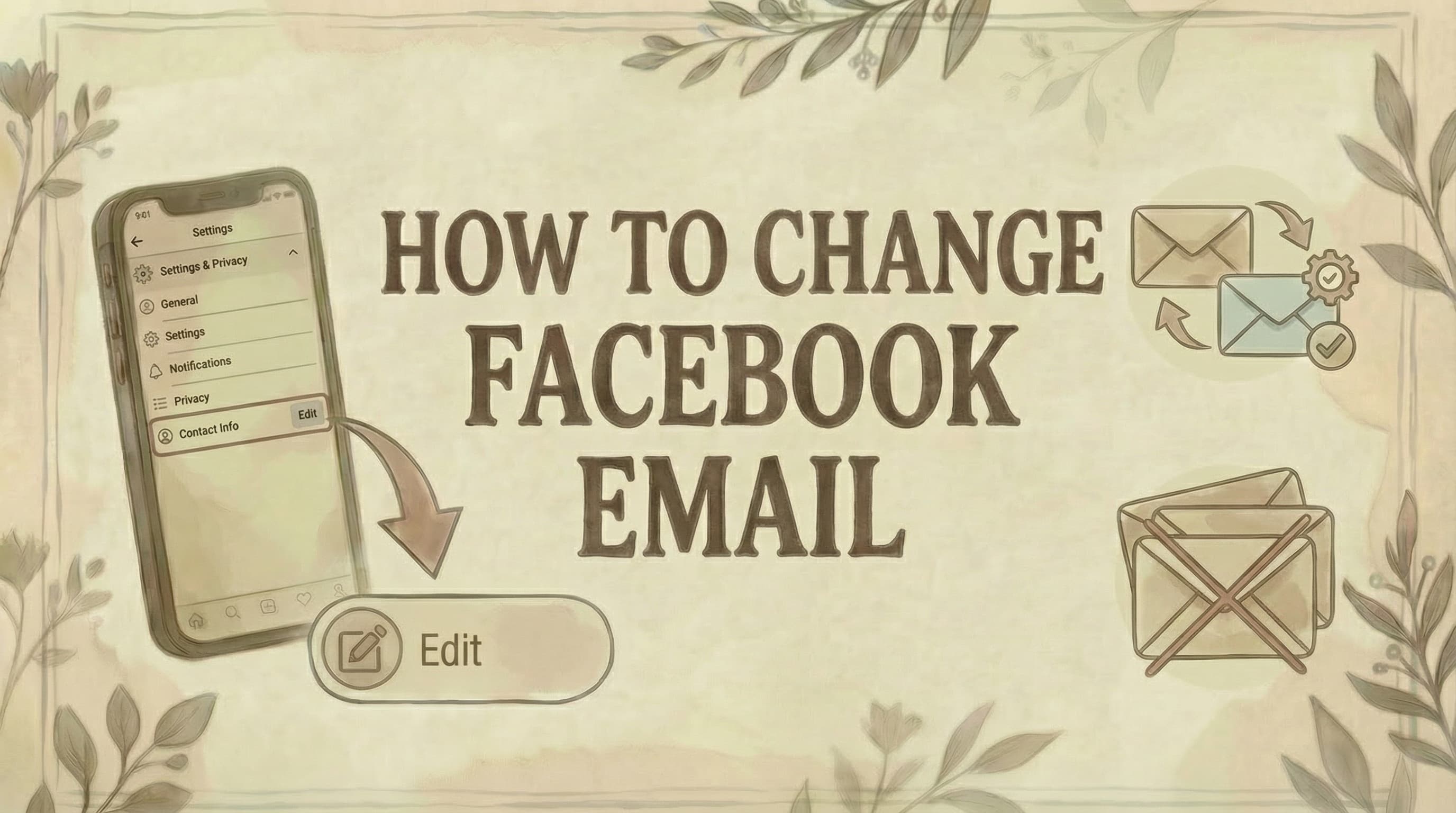
- The full path is: Settings and Privacy - Settings - Accounts Center - Personal Details - Contact Info - Add email - Verify via confirmation email - Set as Primary - Remove old email (optional).
- You must verify the new email before setting it as primary - and you can't remove your only email without first adding and verifying a replacement.
- Changing your email doesn't affect any account content, friends, groups, or Page admin access - only the login email address and notification destination change.
Changing your Facebook email takes about two minutes and runs entirely through the Accounts Center. Here's the complete process for both desktop and mobile.
Desktop: How to Change Email on Facebook
Step 1: Go to facebook.com and log in
Step 2: Click your profile picture (top-right)
Step 3: Click "Settings & Privacy"
Step 4: Click "Settings"
- Note: For other account changes, see how to change name on Facebook
Step 5: Click "Accounts Center"
- In the left menu or center of page
Step 6: Click "Personal Details"
Step 7: Click "Contact Info"
Step 8: Click "Add email address"
Step 9: Enter your new email
- Type carefully
- Must be an email you can access
Step 10: Click "Add"
Step 11: Check your email inbox
- Facebook sends verification email
- Open it and click confirmation link
Step 12: Set as primary email (recommended)
- Return to Contact Info
- Click the new email
- Select "Make Primary"
Step 13: Remove old email (optional)
- Click old email
- Click "Remove"
- Confirm deletion
Done. Your new email is now active.
Mobile: How to Change Email on Facebook
On iPhone/Android:
Step 1: Open Facebook app
Step 2: Tap menu icon (☰)
- iOS: Bottom-right corner
- Android: Top-right corner
Step 3: Scroll and tap "Settings & Privacy"
Step 4: Tap "Settings"
Step 5: Tap "Accounts Center"
Step 6: Tap "Personal Details"
- Under "Account Settings"
Step 7: Tap "Contact Info"
Step 8: Tap "Add email address"
Step 9: Enter new email and tap "Add"
Step 10: Verify via email
- Check inbox
- Tap confirmation link
Step 11: Set as primary
- Go back to Contact Info
- Tap new email
- Tap "Make Primary"
Step 12: Remove old email (optional)
- Tap old email
- Tap "Remove"
Done.
What is "Primary Email"?
Your primary email is:
- The email used to log in to Facebook
- Where Facebook sends important notifications
- Used for password resets
- The main contact for account recovery
You must have at least one primary email. You can't remove it unless you add and set a new one first.
How to Set an Email as Primary
After adding a new email:
Step 1: Go to Contact Info (Settings → Accounts Center → Personal Details → Contact Info)
Step 2: Click/tap on the new email
Step 3: Select "Make Primary"
Step 4: Confirm
Your primary email is now changed.
How to Remove an Old Email
Important: You can only remove an email if:
- ✓ It's NOT your primary email
- ✓ You have another verified email on the account
Steps:
Step 1: Go to Contact Info
Step 2: Find the email you want to remove
Step 3: Click/tap "Remove" next to it
Step 4: Confirm removal
Note: You must have access to the email to remove it (Facebook may send a verification code).
What if I Can't Access My Old Email?
This is a common problem. Here's what to do:
If you can still log in to Facebook:
Step 1: Add a new email (follow steps above)
Step 2: Verify the new email
Step 3: Set new email as primary
Step 4: Try removing old email
- If Facebook asks for verification code from old email
- AND you can't access it
- The old email may stay on your account
Workaround: As long as your new email is primary, the old one won't be used for login or notifications. It can stay listed without causing issues.
If you CAN'T log in to Facebook:
Step 1: Go to facebook.com/login
Step 2: Click "Forgot Password?"
Step 3: Select "No longer have access to these?"
Step 4: Choose recovery method:
- Phone number
- Full name + friend help
- Government ID upload
Step 5: Follow Facebook's identity verification process
This is more complex and may take several days.
Can I Use the Same Email for Multiple Facebook Accounts?
No. Each Facebook account requires a unique email address.
If you try to add an email already in use:
- Facebook will show an error
- "This email is already associated with another account"
- You must use a different email
Workaround: Use email aliases if your provider supports them (e.g., Gmail's "+" feature).
Common Issues and Solutions
Problem: "Email is already in use"
Meaning: This email is linked to another Facebook account.
Solutions:
- Remove it from the other account first
- Use a different email
- Use an email alias (Gmail: youremail+fb@gmail.com)
Problem: "Didn't receive verification email"
Solutions:
- Check spam/junk folder
- Wait 10-15 minutes (emails can be delayed)
- Check you typed the email correctly
- Try "Resend confirmation email" option
- Add noreply@facebook.com to contacts
Problem: "Can't remove old email"
Reasons:
- It's your primary email (change primary first)
- It's your only email (add another first)
- Need verification code from that email
Solution: Add new email → set as primary → then remove old one
Problem: "Changes not saving"
Solutions:
- Clear browser cache/cookies
- Update Facebook app
- Try desktop instead of mobile (or vice versa)
- Log out and log back in
- Try different browser
Security Best Practices
Recommended: ✓ Use a secure email you access regularly ✓ Enable two-factor authentication ✓ Use a strong, unique password ✓ Add backup email/phone number ✓ Keep contact info updated ✓ For additional privacy protection, see how to lock your Facebook account
Avoid: ❌ Using temporary/disposable emails ❌ Sharing your Facebook password ❌ Using same password across accounts ❌ Using work email (if you might lose access) ❌ Ignoring security notifications
- For managing who can interact with you, see how to view blocked Facebook friends
- For finding draft posts, see how to find drafts on Facebook
Will Changing Email Affect My Account?
What STAYS the same: ✓ All your friends ✓ All your posts and photos ✓ Your profile information ✓ Your Page admin access (for managing Pages, see how to add admin to Facebook Page) ✓ Your groups and memberships ✓ Your messages
What CHANGES:
- Login email address
- Where notifications are sent
- Password reset email
- Account recovery email
Your account remains exactly the same. Only the contact email changes.
Common Questions
How long does it take to change my email? Instant once you verify the new email. The verification email usually arrives within minutes.
Will my friends be notified? No. Changing your email is completely private. No notifications are sent.
Can I add multiple emails to my Facebook account? Yes. You can add multiple emails but only one can be primary (used for login).
Do I need to change my password when changing email? No, but it's a good security practice to update your password periodically.
Can I change my email if I forgot my password? Only if you can still log in. If you're locked out, use "Forgot Password" first.
What happens to notifications sent to my old email? Once you remove the old email, notifications will only go to your new primary email.
Can I change my Facebook email without access to the old one? Yes, as long as you can still log in. Add and verify a new email, then set it as primary.
How do I know which email is my primary email? Go to Contact Info in settings. The primary email is marked as "Primary" or has a star/badge.
Can I use a phone number instead of an email? Yes. Facebook allows you to use a phone number as your primary login method.
Will this affect my Messenger? No. Messenger is linked to your Facebook account, not your email. Everything stays the same.
The Bottom Line
Changing your email on Facebook is straightforward:
- Add new email (Settings → Accounts Center → Personal Details → Contact Info)
- Verify via confirmation email
- Set as primary (recommended)
- Remove old email (optional)
Key reminders:
- You must verify new email before setting it as primary
- You can't remove your only email
- Changes are instant after verification
- Your account and content remain unaffected
Keep your contact information updated for account security and easy recovery if you ever get locked out. For monetizing your presence, see how to make money with Facebook. For managing your Facebook content, see our guides on where to find scheduled posts on Facebook, how to see who shared my post on Facebook, and how to comment anonymously on Facebook.
Free Facebook Tools
- Facebook Hashtag Generator - boost your post discoverability
- Facebook Character Counter - keep posts at optimal length
- Facebook Hook Generator - write engaging opening lines
Managing your Facebook presence along with other social platforms? Genviral's Facebook Scheduler helps you schedule content, track engagement, and manage multiple accounts - all from one dashboard, saving you hours each week.

Viktor
Occasional writer, sometimes even funny. Also loves to start conmpanies (weird, I know).


