

social-media
scheduler
9 Best Pinterest Schedulers in 2026 (Researched & Ranked)

- I reviewed official product pages and help docs on April 28, 2026 for Tailwind, Later, Buffer, Hootsuite, Metricool, SocialPilot, Planable, Loomly, and Pinterest's own business guidance before ranking this list.
- Genviral is my #1 pick if Pinterest is a real growth channel for you, not just another box in a social calendar. It combines creation, scheduling, publishing, and automation in one workflow, which most schedulers do not.
- If you want the most Pinterest-native alternative, Tailwind is still the clearest second choice. If you want a generalist scheduler, Later, Metricool, and SocialPilot are the strongest options.
- Pinterest behaves more like a search engine than a social feed, so the best scheduler is the one that helps you publish consistently, manage boards cleanly, and create fresh pins at scale. If you need the strategy side too, read our Pinterest posting strategy and Pinterest tips and tricks guides after this.
Most Pinterest schedulers are just general social media tools with a Pinterest icon added somewhere in the composer.
That is fine if you post one pin every now and then.
It is not fine if Pinterest is actually driving traffic, sales, email signups, or long-tail search discovery for your business.
Pinterest is a different kind of channel. It behaves more like a visual search engine than a social feed. The winning workflow is less about "posting something today" and more about publishing fresh pins consistently, sending them to the right boards, and giving your best content enough repetitions to compound over time.
That is why the best Pinterest scheduler is not always the biggest social media suite. Sometimes it is the tool that understands Pinterest best. Sometimes it is the one that helps your team create more fresh pins. Sometimes it is the one that keeps approvals and board workflows from becoming a mess.
For this guide, I reviewed the official pages and help docs of every scheduler below on April 28, 2026, then ranked them based on what actually matters on Pinterest: scheduling depth, board workflow, analytics, collaboration, content creation, and how well each tool fits Pinterest specifically.
If you only post one pin once in a while, almost any scheduler will work. If Pinterest is part of your growth engine, the differences get obvious very quickly.
Quick Answer
If you want the short version:
- Best overall: Genviral
- Best Pinterest-native alternative: Tailwind
- Best for visual brands: Later
- Best lightweight analytics + scheduling combo: Metricool
- Best for agencies: SocialPilot
Everything else depends on whether your bottleneck is approvals, simplicity, reporting, or content production.
What Makes a Good Pinterest Scheduler?
Pinterest is not TikTok, and it is definitely not X. The best Pinterest scheduler needs to handle a different kind of workflow:
- Board-level organization so you can publish to the right board without chaos
- Fresh-pin consistency because Pinterest rewards steady output over random bursts
- Visual planning since titles, images, and links matter more than conversational posting
- Traffic thinking because the point is usually clicks, saves, and long-tail discovery
- Creation support because most people need help making more pin variations, not just scheduling finished assets
If you're still building the content side manually, start with how to make a pin on Pinterest. If you're already posting consistently and want to scale, this article is the right next step.
Quick Comparison
| Tool | Best For | Pinterest-Specific Strength | Pricing Snapshot | Workflow Style |
|---|---|---|---|---|
| Genviral | Pinterest-first growth teams | AI pin creation + scheduling + automation | $29/mo for 10 social accounts | Create, schedule, publish |
| Tailwind | Pinterest-native marketers | SmartSchedule, Pin spacing, browser extension | $29.99/mo monthly or $17.99/mo annual for 1 account | Pinterest-first scheduling |
| Later | Visual brands | Pinterest partner, strong planner, analytics | $18.75/mo yearly for 1 Social Set | Visual calendar |
| Metricool | Cross-platform creators | Planner, analytics, UTM-friendly workflows | Free, or $22/mo Starter for up to 10 brands | Lightweight all-in-one |
| SocialPilot | Agencies on a budget | Bulk scheduling, multiple boards, approvals | $20/mo monthly or $17/mo annual for 5 accounts | Agency scheduler |
| Buffer | Solo creators | Simple pin scheduling and easy publishing | Free for 3 channels, then $5/mo per channel | Minimalist scheduling |
| Hootsuite | Larger social teams | Approvals, analytics, multi-board publishing | Starts around $99/mo | Enterprise suite |
| Planable | Content approval teams | Collaboration and approvals around Pinterest posts | Free up to 50 posts, then $39/workspace/mo | Review-first workflow |
| Loomly | Small teams that want structure | Calendar, labels, approvals, asset editing | $65/mo monthly or $49/mo yearly | Team planning tool |
If pricing is your first filter, the biggest contrast on this page is still the one between Genviral and Tailwind: Genviral starts at $29/month for 10 social accounts, while Tailwind's comparable entry point is still essentially a 1-account plan.
1. Genviral - Best Overall Pinterest Scheduler

Genviral is my pick for the best Pinterest scheduler because it does something most of the category still doesn’t: it treats Pinterest like a real growth channel instead of an afterthought. You can create pins, schedule them, publish them, organize account workflows, and automate production from the same place.
That matters more on Pinterest than people think. Pinterest rewards fresh content, consistent publishing, clean board targeting, and enough volume to let your winners compound over time. If you’re trying to do that seriously, a scheduler alone is not enough. You need a workflow. That’s where Genviral is strongest.
We use it ourselves on our app PantryAI to promote it via Pinterest. That account has generated over 2 million views, which is exactly why I care much more about fresh-pin throughput, board workflow, and automation than generic "social media management" checklists.
Why I rank it first
- AI-assisted content creation for images and visual assets
- Pinterest post scheduling and publishing from one workflow
- Support for multiple accounts and board-based publishing
- Calendar-style planning instead of one-off manual posting
- OpenClaw/API-based automation if you want to publish at scale
The real edge is that Genviral can sit upstream of the scheduler. If you need more fresh pins, you do not have to leave the platform and stitch together Canva, a copy tool, a scheduler, and a spreadsheet. If you want the full automation angle, read How to Automate Pinterest Posting with OpenClaw and Genviral.
I know this product unusually well because I helped build it, which is exactly why I’m careful about how I rank it: if Genviral only did generic scheduling, I would not put it first. It wins because it solves the actual Pinterest workflow, not just the publishing step.
Pricing
As of April 28, 2026, Genviral starts at $29/month and includes 10 social accounts on the Creator plan. That pricing alone makes it unusually strong in this category because most of the Pinterest-focused alternatives either give you just one account, one workspace, or a very limited starter setup at a similar price.
Best for
Creators, brands, and agencies using Pinterest for traffic, content distribution, or ecommerce discovery, especially if they want to create and schedule pins from one system.
Weaknesses
- Deeper than a basic scheduler, so it is more than some casual users need
- Better fit for people who care about scale, workflow, or automation than for occasional manual posting
2. Tailwind - Best Pinterest-Native Alternative
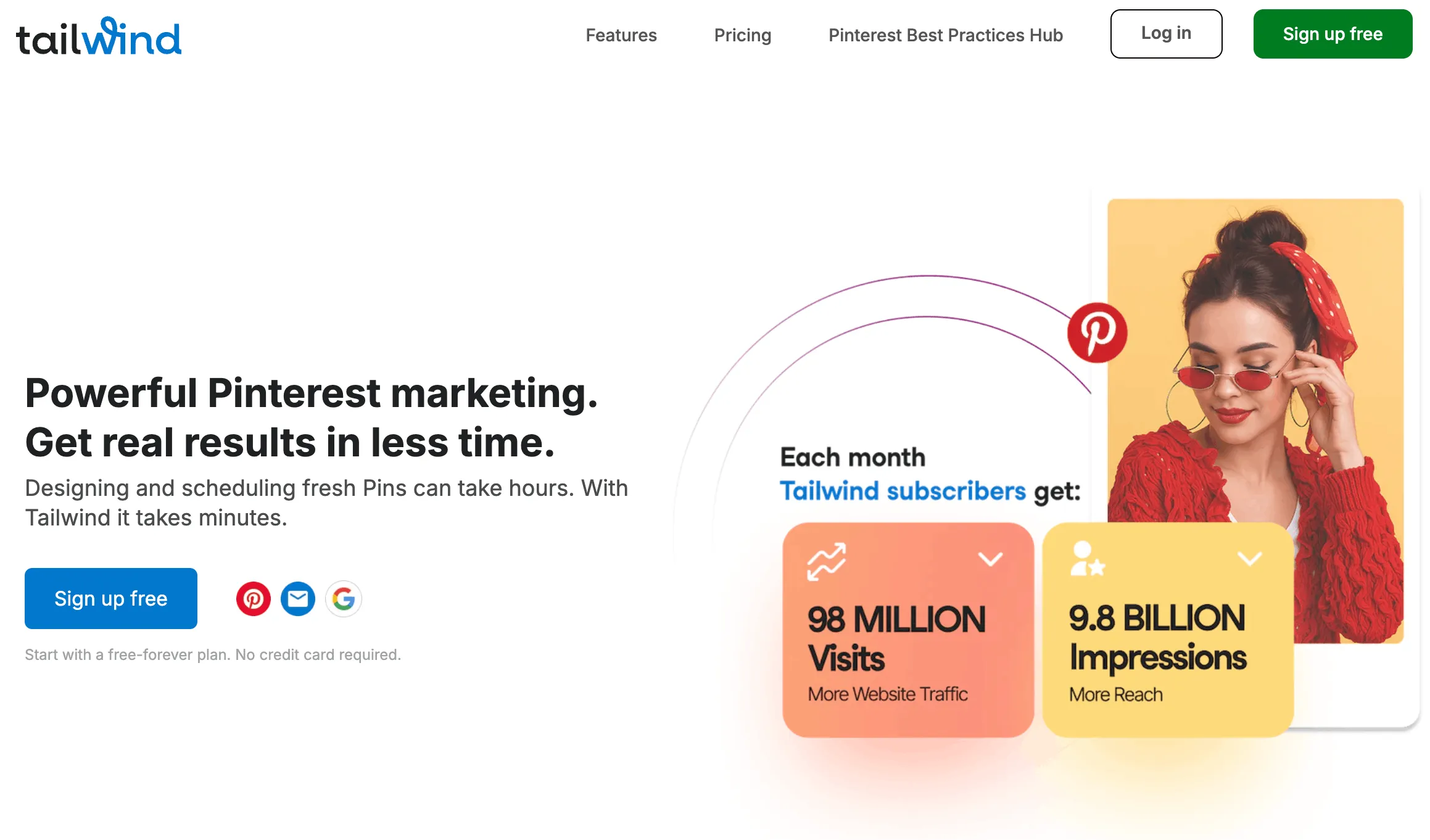
Tailwind would be the clearest Pinterest-first tool on this list if Genviral didn’t exist. Tailwind has been around Pinterest forever, and it still feels like a product designed by people who actually understand how Pinterest users work.
Its official messaging is still centered around Pinterest: SmartSchedule, pin spacing, the browser extension, bulk pin creation from websites, and a lot of workflow support for keeping a Pinterest account active without overposting the same URL too aggressively.
Why Tailwind ranks this high
- Long-standing Pinterest partner positioning
- SmartSchedule for spreading pins throughout the day
- Pin spacing rules for the same URL
- Browser extension for scheduling from around the web
- Strong Pinterest-specific creation and workflow language
The main reason I still put it behind Genviral is that Tailwind is excellent at Pinterest scheduling, but weaker if your workflow now includes AI content generation, multi-platform repurposing, or more modern automation paths. Tailwind still feels most natural for traditional Pinterest marketers.
Pricing
As of April 28, 2026, Tailwind's official pricing page lists:
- Pro: $29.99/month billed monthly, or $17.99/month billed annually
- Included: 1 account, 150 posts/month, 1 user
This is the cleanest place where Genviral's value shows up immediately: for basically the same monthly headline price, Genviral starts at $29/month for 10 social accounts, while Tailwind's Pro plan is still a 1-account product.
Best for
Pinterest-heavy creators, bloggers, and affiliate marketers who want a scheduler built with Pinterest habits in mind.
Weaknesses
- More Pinterest-specialized than flexible
- Less compelling if your content operation spans multiple formats and automation layers
3. Later - Best for Visual Brands and Ecommerce Teams

Later is one of the cleaner choices if your brand already lives in a visual-content workflow. Their Pinterest scheduler is well presented, they position themselves as a Pinterest Marketing Partner, and they explicitly highlight video pin scheduling, visual planning, and analytics tied to traffic and growth.
Later makes the most sense if your team already likes a polished visual calendar and wants Pinterest to live beside Instagram, TikTok, and the rest of your organic stack without feeling bolted on.
Why it works well for Pinterest
- Visual planner and calendar
- Auto-publishing for Pinterest photos and videos
- Mobile and desktop scheduling
- Pinterest analytics focused on clicks, traffic, and growth
- Strong visual brand fit
Pricing
As of April 28, 2026, Later's pricing page lists:
- Starter: $18.75/month billed yearly
- Included: 1 Social Set and 1 user
Later defines a Social Set as one profile per supported network, so for Pinterest this is effectively one Pinterest slot inside a broader multi-platform bundle, not a Pinterest-first account model.
Best for
DTC brands, creators, and ecommerce teams who care a lot about planning visuals and keeping multiple platforms organized in one interface.
Weaknesses
- More of a polished scheduler than a true Pinterest growth engine
- Less Pinterest-native than Tailwind
- Less creation-and-automation depth than Genviral
4. Metricool - Best Lightweight Pinterest Analytics + Scheduling Combo
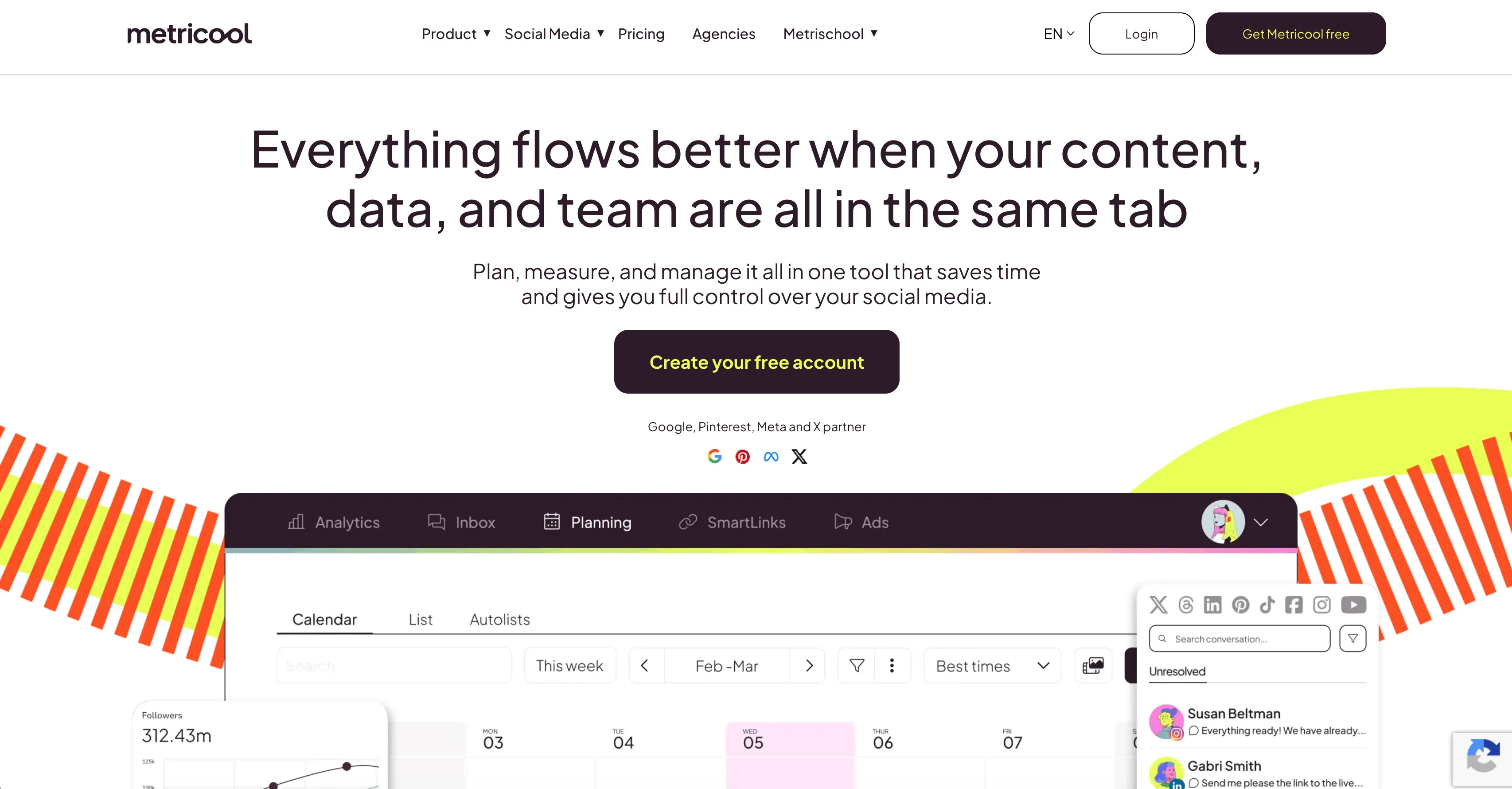
Metricool is a good middle-ground tool. It is not the most Pinterest-native option, and it is not the most advanced content system, but it is practical. You can schedule pins, analyze results, add UTM links, and keep Pinterest inside a broader cross-platform workflow without a lot of friction.
I especially like Metricool for people who want Pinterest to drive measurable traffic but do not need a heavyweight collaboration layer.
Where Metricool stands out
- Pinterest scheduling plus analytics in one place
- UTM-friendly workflow for traffic tracking
- Canva and Adobe Express integration language on the official page
- Built-in editor for simple asset handling
- Strong fit for small teams and solo operators
Pricing
As of April 28, 2026, Metricool's official pricing materials list:
- Free: 1 brand
- Starter: $22/month billed monthly or $18/month billed annually
- Included: up to 10 brands on Starter
That makes Metricool one of the better value generalist options on this list, especially if you care more about analytics plus scheduling than about creation and automation.
Best for
Creators, bloggers, and small businesses that want clean scheduling plus enough reporting to see whether Pinterest is actually doing anything.
Weaknesses
- Less Pinterest-specialized than Tailwind
- Less workflow depth than Genviral, Hootsuite, or Planable
- More functional than inspiring
5. SocialPilot - Best Value for Agencies

SocialPilot is probably the best fit on this list for agencies that want Pinterest support without paying enterprise-suite money. Their Pinterest page leans into exactly the right things for that audience: publishing to multiple boards, bulk scheduling, approvals, AI-assisted timing, client sharing, and collaboration.
It is not the fanciest tool here, but it is easy to see why agencies buy it.
Why agencies like it
- Publish to multiple boards inside one account
- Bulk scheduling up to large volumes
- Approval workflows and collaboration
- AI-suggested time slots
- Built-in image editor and alt-text support
Pricing
As of April 28, 2026, SocialPilot's official pricing page lists:
- Essentials: $20/month billed monthly or $17/month billed annually for 5 social accounts
- Standard: $40/month billed monthly or $34/month billed annually for 10 social accounts
That is solid agency math, especially compared with tools that charge per seat first and make account growth expensive.
Best for
Agencies and service businesses managing Pinterest alongside other client channels who want a sensible mix of features and cost control.
Weaknesses
- More of an agency control panel than a Pinterest growth product
- Not as Pinterest-native as Tailwind
- Not as creation-first as Genviral
6. Buffer - Best for Simplicity

Buffer remains the easiest answer for someone who wants a Pinterest scheduler without a learning curve. If your biggest priority is "let me schedule pins quickly and keep the queue moving," Buffer is still very good.
Their Pinterest positioning is simple on purpose: schedule photo and video pins, crosspost when needed, keep ideas organized, and use light analytics. That is enough for a lot of people.
Why Buffer makes the list
- Very clean and easy UI
- Fast onboarding
- Straightforward queue-based publishing
- Light analytics
- Good for people who hate bloated software
Pricing
As of April 28, 2026, Buffer's official pricing page lists:
- Free: up to 3 channels
- Essentials: $5/month per channel billed yearly
- Team: $10/month per channel billed yearly
Buffer looks cheap at first, but its economics change fast once you connect more than a few channels or accounts because the pricing is channel-based rather than workspace-style.
Best for
Solo creators, small businesses, or anyone who wants the least complicated path to consistent Pinterest publishing.
Weaknesses
- Minimal Pinterest depth
- Not built for board-heavy, approval-heavy, or automation-heavy workflows
- Better at "posting consistently" than "winning Pinterest strategically"
If you go this route, pair it with a strong strategy. Our Pinterest tips and tricks guide will matter more than the tool itself.
7. Hootsuite - Best for Bigger Teams That Need Process

Hootsuite is still the enterprise answer when your team cares about governance, approvals, unified planning, and reporting across a lot of channels. Their Pinterest page emphasizes publishing to multiple accounts or boards, calendar planning, approvals, and AI-assisted brainstorming.
That is all useful. It is also more than many Pinterest-first businesses actually need.
Why Hootsuite ranks here
- Multi-board and multi-account publishing
- Approval workflows
- Calendar-based planning
- Analytics and broader reporting stack
- Strong fit for centralized social teams
Pricing
As of April 28, 2026, Hootsuite's own current plan pages emphasize the feature differences between Standard and Advanced, while official Hootsuite pricing/comparison materials still frame the product as starting around $99/month with higher plans above that.
The important practical takeaway is that Hootsuite sits firmly in the premium generalist bucket, not the value bucket.
Best for
Larger brands and teams already running a broad social stack who want Pinterest managed inside the same operating system.
Weaknesses
- Often overkill for Pinterest-first users
- Enterprise/generalist feel
- You pay for a lot of cross-platform structure, not just Pinterest performance
8. Planable - Best for Approval Workflows

Planable is not the most Pinterest-native tool, but it is one of the strongest if the actual bottleneck in your workflow is review and approval. Their Pinterest positioning is all about planning, creating, reviewing, approving, and scheduling inside a collaborative workspace.
That makes it more useful for marketing teams than for solo creators.
Why Planable deserves a spot
- Strong visual planning
- Feedback directly next to the post
- Approval workflows are a core part of the product
- Media library and editing support
- Good board selection and scheduling support for Pinterest business pages
Pricing
As of April 28, 2026, Planable's pricing materials list:
- Free: up to 50 total posts
- Basic: $39/workspace/month
- Pro: $59/workspace/month
Planable is priced more like a collaboration product than a scheduler, which makes sense given where it is strongest.
Best for
Agencies, in-house content teams, and anyone whose problem is content review, not content generation.
Weaknesses
- More of a collaboration layer than a Pinterest growth layer
- Less useful if you work alone
- Less Pinterest-specific than Tailwind
If your main headache is getting posts approved, Planable can absolutely beat more "powerful" tools in day-to-day usefulness.
9. Loomly - Best for Small Teams That Want Structure
Loomly is a solid option for smaller teams that want something more structured than Buffer but less enterprise-heavy than Hootsuite or Sprout-style tools. Their Pinterest messaging is centered on auto-posting image and video pins, content calendars, labels, approvals, and an editing workflow.
I would not call Loomly the sharpest Pinterest specialist, but I would call it dependable and easy to understand.
Why it rounds out the list
- Auto-post image and video pins
- Calendar planning and previews
- Labels and campaign organization
- Approval workflows for small teams
- Built-in editing and asset support
Pricing
As of April 28, 2026, Loomly's official pricing page lists:
- Starter: $65/month billed monthly or $49/month billed yearly
- Included: 12 social accounts and 3 users
That makes Loomly more expensive than the lightweight tools, but still easier to justify than a full enterprise suite if your team mostly wants structure and approvals.
Best for
Small marketing teams, consultants, and agencies that want organized workflows without jumping to a bigger enterprise platform.
Weaknesses
- Less Pinterest-native than Tailwind
- Less powerful for automation than Genviral
- Less minimalist than Buffer without matching Hootsuite's enterprise breadth
My Honest Ranking
If I had to simplify this entire article into one decision tree, it would be this:
- Choose Genviral if you want Pinterest content creation, scheduling, publishing, and automation in one place.
- Choose Tailwind if you want the most Pinterest-native alternative.
- Choose Later if your team is visual-first and multi-platform.
- Choose Metricool if you want practical scheduling plus analytics without a lot of complexity.
- Choose SocialPilot if you run Pinterest for clients and need bulk workflows.
- Choose Buffer if you want the simplest possible scheduler.
- Choose Hootsuite, Planable, or Loomly if process, approvals, and team structure matter more than Pinterest-native depth.
And if your Pinterest strategy itself still feels messy, fix that before obsessing over tools. Start with:
- Pinterest Posting Strategy 2026: How Often Should You Post?
- Pinterest Tips and Tricks 2026
- How to Make a Pin on Pinterest
- How to Find Group Boards on Pinterest
- How to Make a Board on Pinterest Private
- How to Merge Pinterest Boards
- How to Make Money with Pinterest
Final Verdict
The best Pinterest scheduler in 2026 is the one that matches how serious you are about Pinterest.
If Pinterest is just one more place you repost content, Buffer, Later, or Metricool will probably be enough. If Pinterest is a real acquisition channel and you need more output, better workflows, or automation, Genviral's Pinterest Scheduler is the strongest option on the market right now.
That is the honest version.

Viktor
Occasional writer, sometimes even funny. Also loves to start conmpanies (weird, I know).

