

social-media
scheduler
7 Best LinkedIn Schedulers in 2026 (Researched & Ranked)

- I reviewed official product pages, pricing pages, and help docs on April 29, 2026 for AuthoredUp, Taplio, Buffer, SocialBee, Metricool, and LinkedIn's native scheduler before ranking this list.
- AuthoredUp is my #1 pick if you want a scheduler that is built only for LinkedIn. It stays focused on the real LinkedIn workflow: writing, formatting, previewing, scheduling, and analytics.
- Genviral ranks #2 because it is much stronger upstream in the workflow than most LinkedIn schedulers. If your real bottleneck is creating enough good LinkedIn content, especially visual posts, infographic-style assets, and carousels, that matters a lot.
- The rest of the list splits by buyer intent: Taplio for personal-brand growth, Buffer for simplicity, SocialBee for team workflow, Metricool for analytics value, and LinkedIn native as the free baseline.
- If your goal is not just scheduling but actually building demand from LinkedIn, pair this with our LinkedIn Scheduler, OpenClaw LinkedIn automation guide, and How to Make Money with LinkedIn.
Most "LinkedIn schedulers" are not really LinkedIn products.
They are broad social media suites that happen to support LinkedIn.
That is fine if all you need is a calendar and a publish button.
It is not fine if LinkedIn is a serious channel for your business, your personal brand, or your pipeline.
LinkedIn has its own rhythm. The posts that work are often longer, more structured, more readable, and more strategically packaged than what you would publish on most other networks. The workflow is also different. Formatting matters. Document posts matter. Carousels matter. Comments matter. And if you are posting consistently, analytics and reuse matter a lot too.
That is why the best LinkedIn scheduler is not always the biggest social media platform. Sometimes it is the one that understands LinkedIn best. Sometimes it is the one that helps you produce better content. Sometimes it is the one that keeps an agency or team workflow from turning into chaos.
For this guide, I reviewed the official pages and help docs of every tool below on April 29, 2026, then ranked them based on what actually matters on LinkedIn: LinkedIn-specific depth, scheduling workflow, formatting and content support, analytics, collaboration, and pricing.
Quick Answer
If you want the short version:
- Best overall LinkedIn-only scheduler: AuthoredUp
- Best AI-assisted LinkedIn scheduler: Genviral
- Best for personal-brand growth: Taplio
- Best for simplicity: Buffer
- Best free baseline: LinkedIn native scheduler
Everything else depends on whether your bottleneck is creation, approvals, reporting, or just staying consistent.
What Makes a Good LinkedIn Scheduler?
LinkedIn is one of the few major social platforms where the writing and packaging layer matters almost as much as the timing layer.
The best LinkedIn scheduler should help with:
- Readable post formatting so longer posts still feel easy to consume
- Document, carousel, image, and video support because LinkedIn is not just a text-post network anymore
- Preview and editing workflow so you can catch awkward formatting before it goes live
- Analytics or post-level feedback so you know what is actually working
- Mentions, comments, and collaboration if LinkedIn is part of a real team workflow
- Creation support because a lot of LinkedIn consistency problems are really content-production problems
If your content itself is still the hard part, the tool that helps you create posts can beat the tool with the nicest calendar.
Quick Comparison
| Tool | Best For | LinkedIn-Specific Strength | Pricing Snapshot | Workflow Style |
|---|---|---|---|---|
| AuthoredUp | LinkedIn-only creators | Editor, formatting, calendar, analytics | $19.95/mo for 1 profile | LinkedIn-only content studio |
| Genviral | AI-assisted creators & operators | AI visuals + scheduling + repurposing | $29/mo for 10 social accounts | Create, schedule, repurpose |
| Taplio | Personal-brand growth | AI writing, analytics, viral-post discovery, mentions | Starts around $39/mo or $32/mo billed yearly | Growth engine |
| Buffer | Simplicity | Text, image, carousel, PDF, video, analytics | Free for 3 channels, then $5/mo per channel | Minimalist scheduler |
| SocialBee | Teams and agencies | Personal + company pages, carousels, approvals, AI | $29/mo monthly or about $24/mo yearly | Workflow + recycling |
| Metricool | Analytics + value | Polls, documents, mentions, first comment, best times | From $20/mo for up to 5 brands | Analytics-first planner |
| LinkedIn native | Free baseline | Built directly into LinkedIn | Free | Lightweight native scheduling |
1. AuthoredUp - Best Overall LinkedIn Scheduler
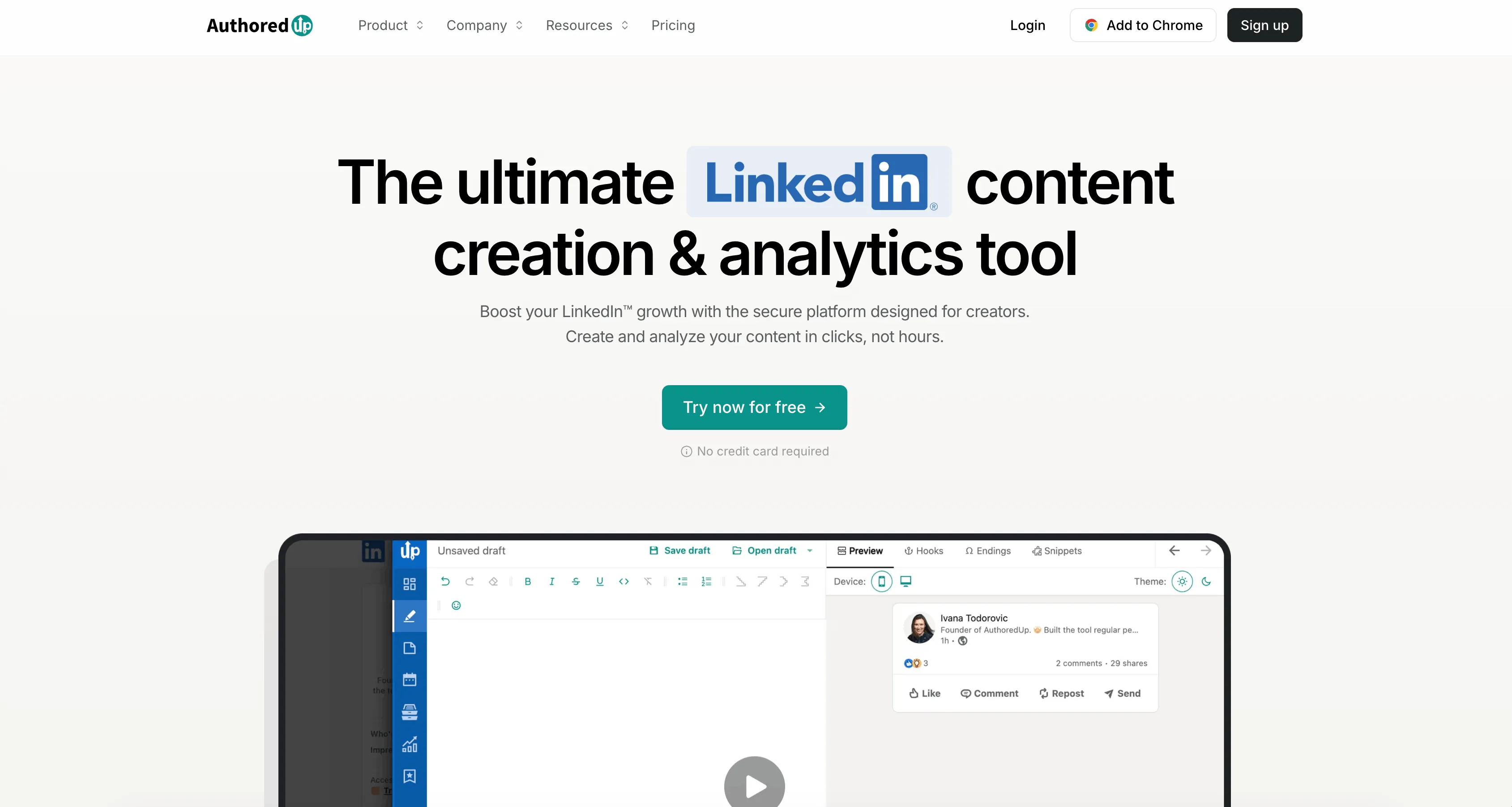
AuthoredUp is the best LinkedIn scheduler on this list if your entire world is LinkedIn.
That sounds obvious, but it matters. AuthoredUp is not trying to be an Instagram planner, a TikTok trend engine, or an all-purpose social media suite. Its product is centered around the LinkedIn content workflow itself: write, format, preview, save drafts, schedule, review analytics, reuse what worked, and keep the whole system tight.
That focus shows up everywhere. The editor is clearly built for LinkedIn readability. The product highlights formatting, hooks, previews, drafts, calendar, posts history, analytics, saved posts, and post reuse. It also stays unusually explicit about trust and safety, which matters in a category where some LinkedIn tools still feel sketchier than they should.
Why I rank it first
- Built specifically for LinkedIn rather than treating LinkedIn as one channel among many
- Strong editor for formatting, previewing, and tightening posts before publishing
- Calendar, drafts, post history, and analytics all live in one LinkedIn-specific workflow
- Company pages are included in the product story, not treated as an edge case
- Pricing is straightforward for solo creators
The strongest case for AuthoredUp is simple: if your main job is publishing better content on LinkedIn, not running a six-network content machine, it feels more focused than the alternatives.
Pricing
As of April 29, 2026, AuthoredUp's pricing page lists:
- Individual: $19.95/month for 1 profile
- Business: $14.95 per profile/month with a 3-profile minimum
That is a strong value for a LinkedIn-only product, especially if you care more about quality, formatting, and analytics than about broad multi-platform publishing.
Best for
Founders, consultants, creators, and B2B operators who treat LinkedIn as a serious primary channel and want the sharpest LinkedIn-specific workflow.
Weaknesses
- Narrow by design if you also need strong cross-platform scheduling
- Less compelling if your real pain is visual asset creation rather than writing and analytics
2. Genviral - Best for AI-Assisted LinkedIn Content and Infographics
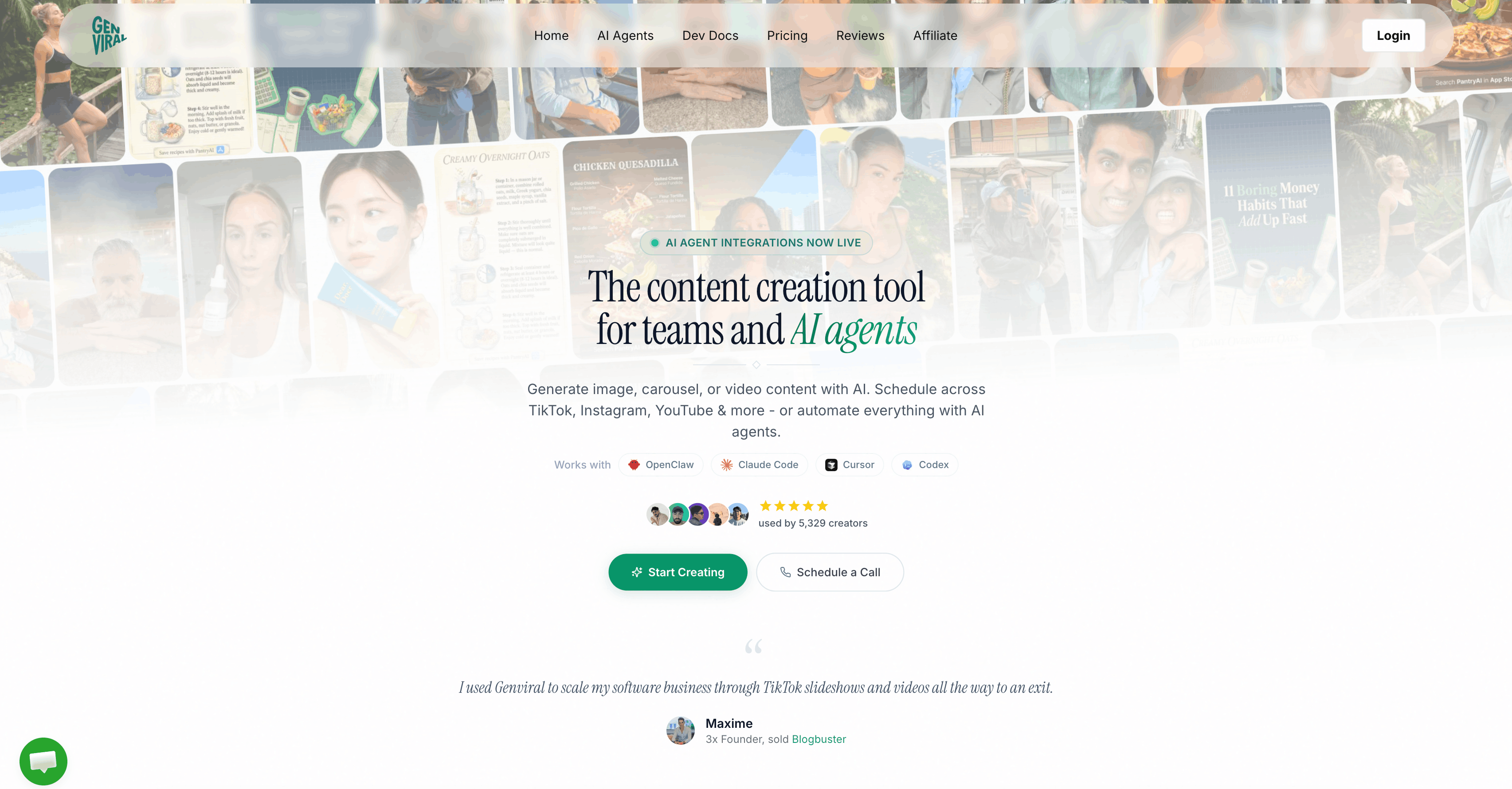
Genviral is the most interesting tool on this list if your problem is not "how do I click schedule?" but "how do I create enough good LinkedIn content to publish consistently?"
That is why I rank it second.
Most LinkedIn schedulers assume you already have the finished post. Genviral can sit much earlier in the workflow. You can generate visuals in AI Studio, turn ideas into carousel-style assets, create infographic-like posts, schedule them to LinkedIn, and repurpose the same content across other platforms from one system. If you publish educational visuals, thought-leadership carousels, or polished founder content, that is a very different value proposition from a normal scheduler.
It is also a better fit if LinkedIn is only one part of your content machine. You can create once, then adapt for LinkedIn, TikTok, Instagram, YouTube, Facebook, or Pinterest instead of rebuilding everything inside separate tools.
Why Genviral ranks this high
- AI-assisted content creation is built into the same workflow as scheduling
- Strong fit for visual LinkedIn content such as carousels, documents, and infographic-style posts
- Cross-platform repurposing matters if your content starts on one channel and gets adapted to LinkedIn
- OpenClaw / API automation path exists if you want a more agentic workflow
- Creator pricing is unusually aggressive for the amount of workflow it replaces
I would not rank Genviral above AuthoredUp for pure LinkedIn specialization today. I do rank it above every broader scheduler below because the creation layer is real leverage on LinkedIn.
Pricing
As of April 29, 2026, Genviral starts at $29/month and includes 10 social accounts on the Creator plan.
That is one of the strongest pricing/value differences on this page. A lot of LinkedIn tools are either single-profile tools or channel-based tools. Genviral starts with much more room if your LinkedIn posting lives inside a broader content operation.
Best for
Creators, founders, operators, and lean teams who want LinkedIn scheduling plus AI-generated content production from the same workflow, especially if visual thought leadership is part of the strategy.
Weaknesses
- Current LinkedIn fit is strongest for personal-profile workflows rather than company-page-heavy teams
- If you only want a tight LinkedIn-only editor and analytics layer, AuthoredUp is the cleaner answer
If you want the automation angle, read How to Automate LinkedIn Posting with OpenClaw and Genviral.
3. Taplio - Best for Personal Brand Growth
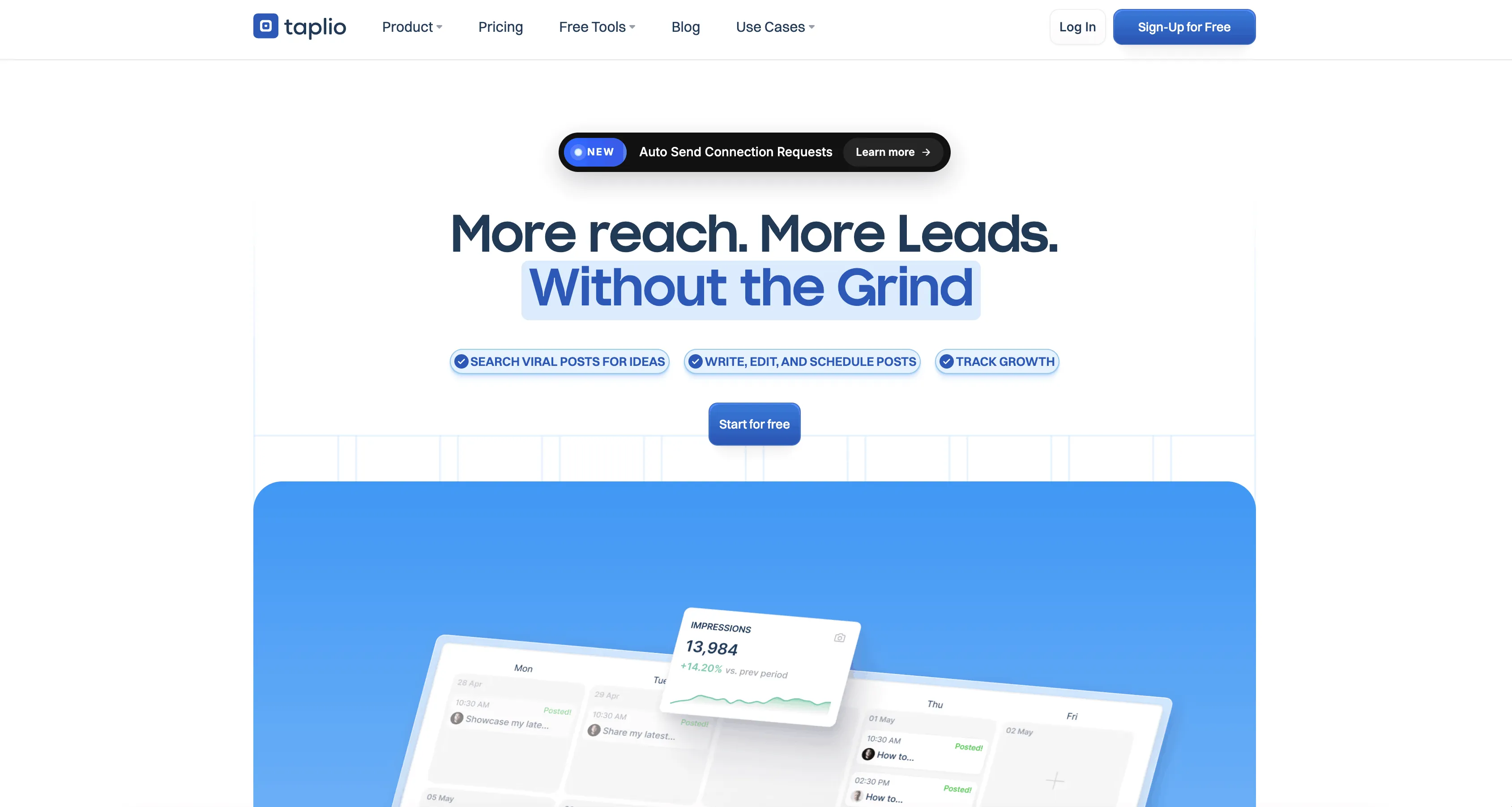
Taplio is probably the most recognizable LinkedIn growth suite after AuthoredUp, but it is optimized for a slightly different job.
Taplio is less "editor + scheduler only" and more "grow your personal brand on LinkedIn from one control panel." Their product leans into AI-assisted writing, post ideas, carousel creation, analytics, scheduling, mentions, smart replies, and even lead-generation features on higher plans.
That makes it very attractive for founders, consultants, sales-led creators, and anyone whose LinkedIn strategy is tightly tied to inbound demand.
Why Taplio ranks here
- Strong LinkedIn-only positioning
- AI writing support plus a large post-idea library
- Carousel builder and post analytics are included early
@mentionsare supported directly from the editor- Higher tiers extend into engagement and lead workflows
Taplio is excellent, but it feels more like a LinkedIn growth engine than a pure scheduler/editor. That is why I still put AuthoredUp ahead of it for this specific keyword.
Pricing
As of April 29, 2026, Taplio's pricing page lists:
- Starter: around $39/month, or about $32/month billed yearly
- Growth: around $69/month, or about $49/month billed yearly
- Pro: around $199/month, or about $149/month billed yearly
So Taplio becomes expensive faster than AuthoredUp, but the extra growth and engagement tooling is the reason people buy it.
Best for
Founders, creators, consultants, and sales-led personal brands trying to turn LinkedIn into a bigger growth channel.
Weaknesses
- More expensive than it first appears once you want the stronger AI and engagement layers
- Less focused than AuthoredUp if your main need is simply writing, scheduling, and analyzing LinkedIn posts cleanly
4. Buffer - Best for Simplicity

Buffer is still the easiest answer for people who do not want to overthink this category.
Its LinkedIn page is refreshingly direct: schedule your posts, analyze key metrics, save ideas, and cross-post when needed. Buffer also explicitly supports text, image, carousel, PDF, video, and link-preview posts on LinkedIn, which is a stronger LinkedIn feature set than many casual buyers assume.
If your main requirement is "give me something clean, reliable, and not bloated," Buffer is still very hard to beat.
Why Buffer makes the list
- Very easy to learn and adopt
- Broad LinkedIn post-type support
- Free tier exists for testing
- Analytics are included without turning the product into a monster
- Good fit if LinkedIn is important but not the only network you manage
Pricing
As of April 29, 2026, Buffer's pricing page lists:
- Free: up to 3 channels
- Essentials: $5/month per channel billed yearly
- Team: $10/month per channel billed yearly
The free tier is a good starting point, but Buffer stops looking inexpensive once you scale. At 10 connected accounts, its entry pricing works out to about $50/month on Essentials, which is notably higher than Genviral's $29/month for 10 social accounts.
Best for
Solo creators, consultants, and small teams that want a simple LinkedIn scheduler without a lot of extra operational overhead.
Weaknesses
- Less LinkedIn-specific than AuthoredUp or Taplio
- Less creation-first than Genviral
- Per-channel pricing can get annoying if you manage several accounts
5. SocialBee - Best for Teams and Approval Workflows
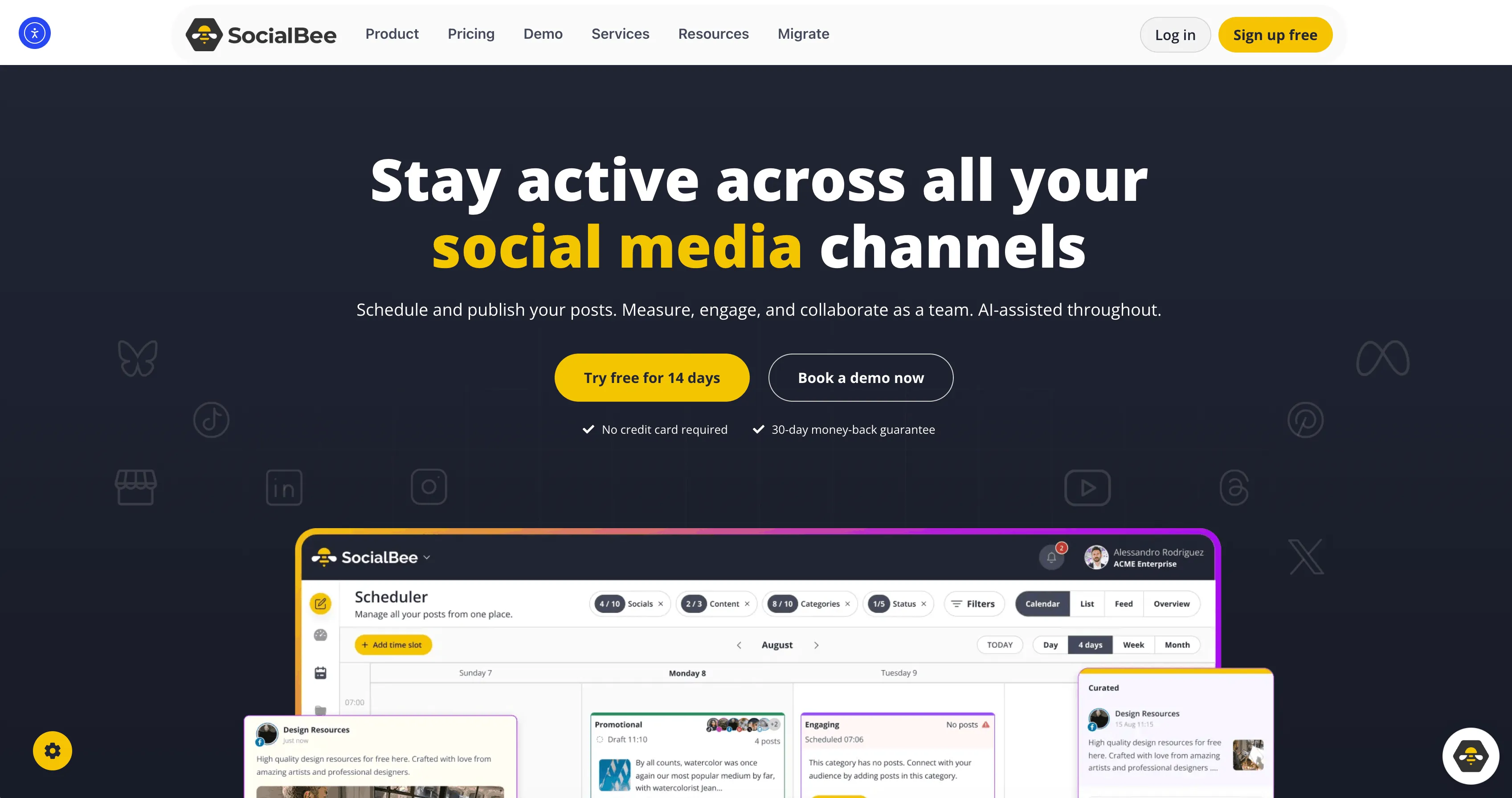
SocialBee is a stronger LinkedIn option than many people realize.
Its LinkedIn page is clear about supported post types: text, single image, multiple images, videos, and document carousels built from PDF, DOC, DOCX, PPT, or PPTX files. It also leans into AI content generation, Canva integration, and broader workflow features like approvals and analytics.
That makes it a very practical middle ground between lightweight tools like Buffer and heavier enterprise-style suites.
Why SocialBee ranks well
- Supports both personal profiles and company pages
- Good post-type coverage, including document carousels
- AI content generation is included in the workflow
- Approval and team features are stronger than most creator-first tools
- Pricing is still reasonable before agency scale
Pricing
As of April 29, 2026, SocialBee's pricing page lists:
- Bootstrap: $29/month monthly or about $24/month billed yearly
- Accelerate: $49/month monthly or about $41/month billed yearly
- Pro: $99/month monthly or about $83/month billed yearly
That is a sensible structure if your LinkedIn workflow already involves more than one person or more than one approval step.
Best for
Small teams, agencies, and service businesses that need LinkedIn scheduling plus approvals, reusable workflows, and multi-format support.
Weaknesses
- Less elegant than AuthoredUp for pure LinkedIn writing
- Less upstream AI-creation depth than Genviral
- More workflow-heavy than a solo creator may want
6. Metricool - Best LinkedIn Analytics + Scheduling Value
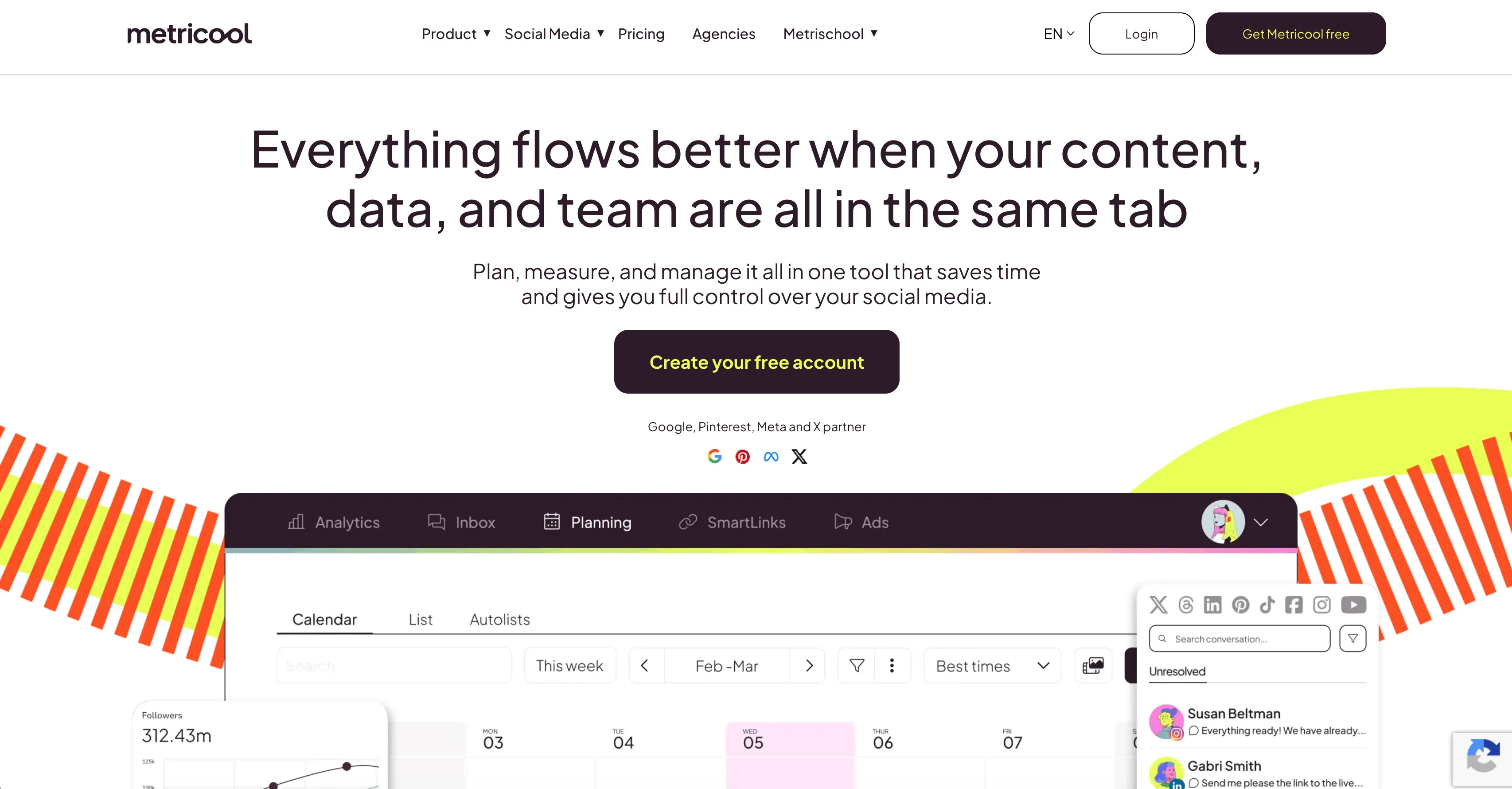
Metricool is one of the best options here if you care about a clean analytics-and-scheduling combo without paying a premium for a more elaborate suite.
Their LinkedIn help docs are unusually specific, which I like. Metricool supports posts and polls, up to 20 images, one video, documents, alt text, mentions, first comments, and an image-carousel workflow for LinkedIn. Their broader pricing page also makes it clear that LinkedIn connection is included on paid plans and that the entry tier covers more brands than most tools at the same price.
Where Metricool stands out
- Best-times workflow and analytics are a core part of the product
- Mentions, first comments, alt text, and document support are explicitly documented
- Good fit for people who want measurable LinkedIn output rather than just a queue
- Pricing scales well for multi-brand users
Pricing
As of April 29, 2026, Metricool's pricing page lists:
- Starter: from $20/month for up to 5 brands
- Starter: up to 10 brands for $36/month
- Advanced: from $53/month
That is strong value for agencies, consultants, and operators who want analytics with their scheduler, not as a separate purchase.
Best for
Creators, consultants, and agencies that want LinkedIn scheduling with useful reporting, but do not want to buy an enterprise-grade tool.
Weaknesses
- LinkedIn is only available on paid plans
- More utilitarian than inspiring
- Less specialized for LinkedIn writing than AuthoredUp or Taplio
7. LinkedIn Native Scheduler - Best Free Baseline
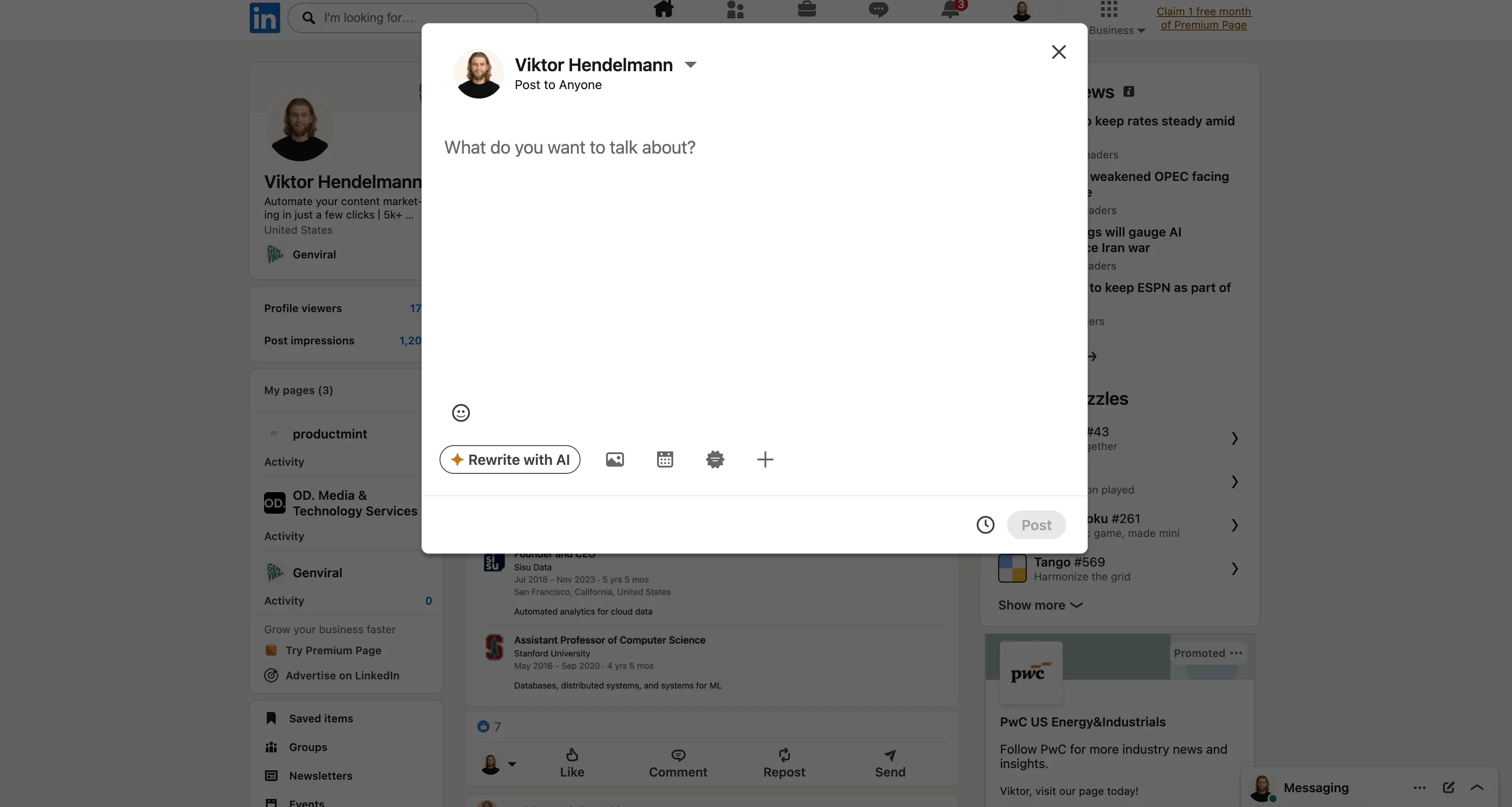
LinkedIn's own built-in scheduler deserves a place on this list because a lot of people do not actually need a third-party tool yet.
If you post occasionally, manage one profile or page, and mostly want to avoid manually hitting publish, the native scheduler is fine. It is simple, free, and already inside LinkedIn.
The tradeoff is that it is clearly a baseline tool, not a full workflow product.
Why it makes the list
- Free
- Built directly into LinkedIn
- Good enough for light publishing
- No extra tool sprawl if your needs are minimal
Pricing
- Free
What to know before using it
According to LinkedIn's own help docs:
- Personal-profile posts can be scheduled within 10 minutes to 3 months from the current time
- Page posts can be scheduled from 1 hour to 3 months in advance
- Profile scheduling does not support events, jobs, or services
- Page scheduling does not support events, multiple photos, reshares, polls, jobs, or service posts
That is why the native scheduler is useful, but limited. It handles the timing problem. It does not really solve the broader workflow problem.
Best for
People with one LinkedIn profile or page, no real collaboration needs, and no desire to pay for a scheduler yet.
Weaknesses
- Short scheduling window compared with third-party tools
- Very limited workflow, analytics, and collaboration
- Quickly outgrown if LinkedIn becomes a real content channel
How to Choose
The right LinkedIn scheduler depends on what you are actually trying to optimize.
If you want the best LinkedIn-only tool: pick AuthoredUp.
If you want AI-assisted content production plus scheduling: pick Genviral.
If you are building a personal brand and want AI + growth tooling: pick Taplio.
If you want something simple and lightweight: pick Buffer.
If you need approvals, teams, and document carousels: pick SocialBee.
If analytics and reporting matter most: pick Metricool.
If you just need a free baseline: start with LinkedIn native scheduling.
FAQ
What is the best LinkedIn scheduler overall?
For a tool dedicated only to LinkedIn, AuthoredUp is the strongest overall choice right now. It is the most focused on the actual LinkedIn publishing workflow: writing, formatting, previewing, scheduling, and analyzing what worked.
What is the best LinkedIn scheduler if I need help creating content too?
Genviral is the best fit if the hard part is producing enough good LinkedIn content, not just scheduling it. That is especially true if you publish visual thought leadership, carousels, documents, or infographic-style posts.
Is there a free LinkedIn scheduler?
Yes. LinkedIn has a built-in native scheduler, and Buffer also offers a free tier for up to 3 channels.
Which LinkedIn scheduler is best for company pages?
Among the tools on this list, AuthoredUp, Buffer, SocialBee, Metricool, LinkedIn's own page scheduler, and Genviral are all viable company-page options. Genviral now supports both personal LinkedIn profiles and LinkedIn public pages, so it fits better when you want one workflow for founder-led and brand-led posting together.
Can I schedule LinkedIn document or carousel posts?
Yes, but support varies. Buffer explicitly supports LinkedIn carousel and PDF posts. SocialBee supports PDF, DOC, DOCX, PPT, and PPTX carousel-style posts. Metricool supports documents and an image-carousel workflow. If document posts are central to your strategy, check the exact supported formats before committing.
Do I really need a third-party LinkedIn scheduler?
Not always. If you post occasionally, LinkedIn's native scheduler may be enough. If you care about better formatting, analytics, approvals, content reuse, AI creation, or multi-account workflow, third-party tools become much more worth it.
Key Takeaways
- The best LinkedIn scheduler is not automatically the biggest social media suite.
- AuthoredUp wins if you want the strongest LinkedIn-only workflow.
- Genviral is the best AI-assisted alternative if content creation is the real bottleneck.
- Taplio is strongest when LinkedIn is part of a personal-brand and lead-gen engine.
- Buffer, SocialBee, and Metricool each make sense for very different reasons: simplicity, approvals, and analytics.
- LinkedIn's native scheduler is a good free baseline, but most serious LinkedIn operators outgrow it fast.
Related Guides

Viktor
Occasional writer, sometimes even funny. Also loves to start conmpanies (weird, I know).

