
ai
image
tools
7 Best AI Image Upscalers in 2026 (Tested & Compared)

- AI image upscalers in 2026 split into two camps: faithful-detail tools (Topaz, Let's Enhance, Upscayl) that reconstruct what was in the source, and creative/generative tools (Magnific, Krea, Genviral) that invent plausible new detail via diffusion models.
- We tested 7 upscalers across five criteria: output quality, faithfulness to the source, workflow integration, pricing, and platform (web / desktop / mobile / API).
- Genviral is the only one on this list that folds upscaling into a full creator pipeline - generate, enhance, upscale, slideshow, post to 6 platforms, analyze - from one subscription with a shared credit pool.
- Pricing spans free and open-source (Upscayl), bundled-with-subscription (Genviral from $29/mo includes upscaling credits), mid-tier web ($9-35/mo for Let's Enhance and Krea), prosumer desktop ($149/yr Topaz Gigapixel), and premium creative ($39-299/mo Magnific).
- If your endgame is posting content to TikTok, Instagram, or YouTube, Genviral is the only tool on this list that gets you from raw image to published post without ever leaving the platform.
A few years ago, "AI image upscaler" meant one thing: a tool that turned a 500px thumbnail into a 2000px print. In 2026, the category has fractured. Some upscalers faithfully reconstruct what was originally in the image - good for photographers, ecommerce, and archival work. Others use diffusion models to invent believable new detail - great for AI art, landscapes, and creative illustration, but wrong for anything where fidelity matters. Picking the right tool now depends as much on what you're upscaling and where it's going as on raw output quality.
We tested seven of the best AI image upscalers on the market: standalone desktop apps, creative web tools, open-source options, mobile-first consumer apps, and integrated content platforms. Whether you're restoring old family photos, prepping product shots for print, cleaning up Midjourney renders, or producing content for social media, there is a tool on this list that fits.
What Is an AI Image Upscaler?
An AI image upscaler increases the resolution of an image using machine learning, rather than the simple interpolation (nearest-neighbor, bicubic) that image editors used for decades. Instead of stretching pixels, it predicts what the missing detail should look like based on millions of training examples.
Modern upscalers fall into two technical categories:
- Reconstruction upscalers - models trained to restore the "ground truth" detail that was likely present before the image was downsized or compressed. Real-ESRGAN, Topaz's Gigapixel engine, and Let's Enhance's core models fall here. Best for photos, documents, and anything where faithfulness matters.
- Generative / diffusion upscalers - newer models that use Stable-Diffusion-family architectures to hallucinate plausible new detail, often guided by a text prompt. Magnific, Krea Enhance, and Genviral's Image Upscaler fall here. Best for AI art, landscapes, renders, and content where "more believable detail" beats "truthful reconstruction."
There is no single "best" category. A wedding photographer upscaling a RAW file wants reconstruction. An AI artist upscaling a Midjourney render wants generative. Most tools do one or the other well. A few do both.
How We Evaluated
We assessed each upscaler across five criteria:
- Output quality - sharpness, detail recovery, handling of skin, hair, text, and fine textures. Tested on photos, illustrations, AI art, low-resolution scans, and product shots.
- Faithfulness - how closely the output matches the source. Faithful reconstruction vs creative re-imagining - each has its place, but we flag which each tool does.
- Workflow fit - can you use the upscaled image in context? Is it locked to a desktop app? Is there a public API? Does it feed into other tools (scheduling, editing, posting)?
- Pricing transparency - predictable per-month cost, credit economics, rollover, free tier, and hidden fees (subscription-only switches, tokens that expire).
- Platform - web, desktop (macOS / Windows / Linux), mobile, API, local-vs-cloud processing, privacy posture.
We also gave credit for unique capabilities: creative sliders, prompt-guided upscaling, face recovery, integration with broader creator tooling, and honest pricing.
Quick Comparison
| Tool | Best For | Max Upscale | Platform | Starting Price |
|---|---|---|---|---|
| Genviral | Social media creators (post-ready workflow) | 4x | Web | $29/mo (incl. 200 credits) |
| Topaz Photo AI / Gigapixel | Photographers, print, archival | 16x | Desktop (macOS/Windows) | $12/mo ($149/yr) |
| Magnific AI | AI artists, creative re-imagining | 16x | Web + API | $39/mo |
| Krea AI | AI creative suite users | 22K res (Max tier) | Web | $9/mo |
| Let's Enhance | Ecommerce, print, fidelity + API | 16x | Web + API (Claid) | $9/mo |
| Upscayl | Free, privacy, offline | 16x (via chain) | Desktop (Win/Mac/Linux) | Free (open-source) |
| Remini | Consumer mobile face fix | 2x | iOS, Android, Web | $6.99-9.99/wk |
1. Genviral - Best for Social Media Creators
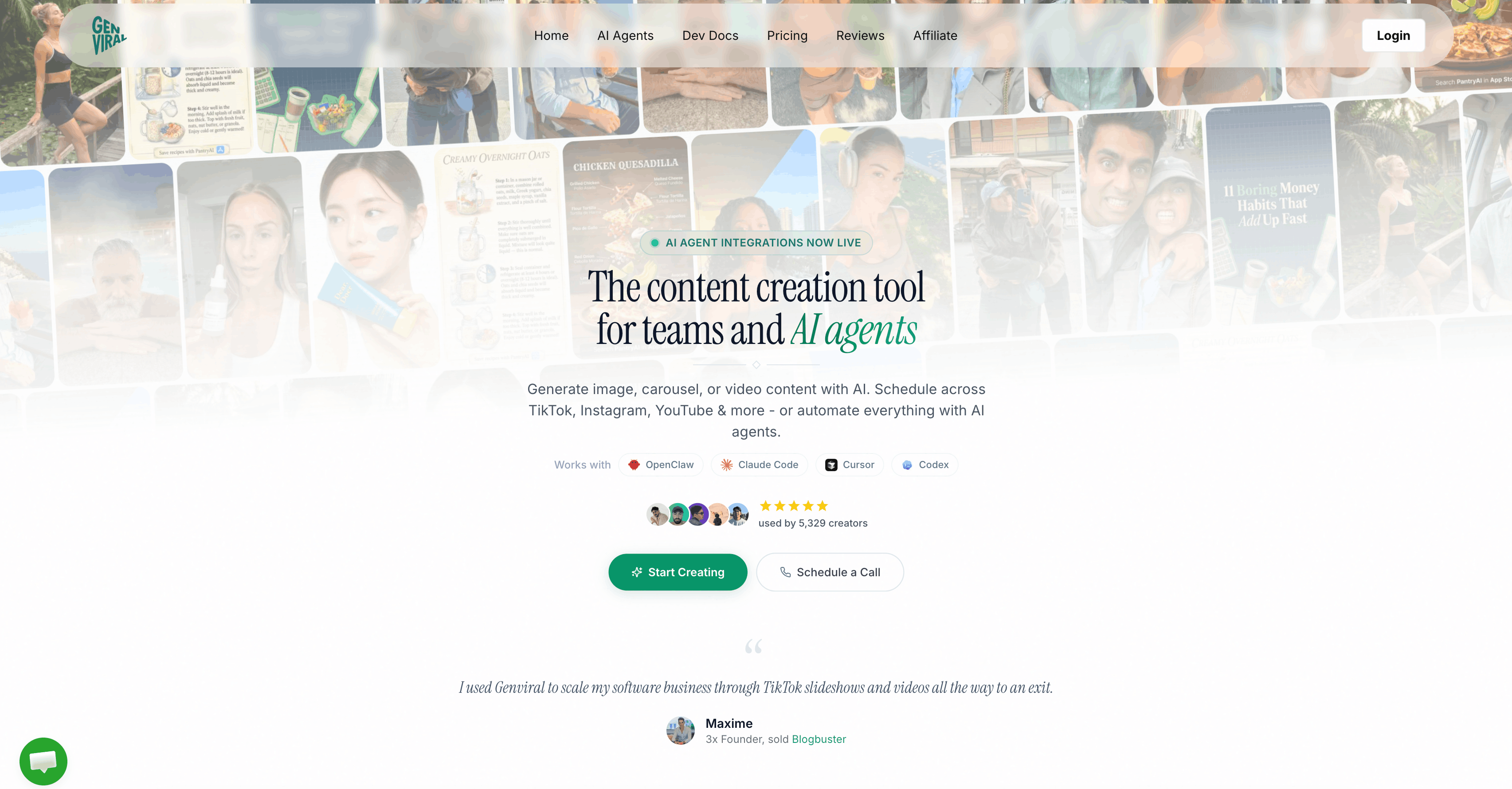
Platform: Web (integrated into AI Studio) Best for: creators and marketers who upscale images in order to post them
Genviral is the only tool on this list where upscaling is one node in a full creator pipeline. Instead of a standalone upscaler, it's a quick action inside the AI Studio: generate an image with one of 10 AI models, upscale it to print-ready resolution, drop it into a slideshow or carousel, and schedule it to TikTok, Instagram, YouTube, Facebook, Pinterest, or LinkedIn - all without downloading a single file. The upscaler itself is a diffusion-based enhancement model with automatic fallback routing, so you don't see failures when a provider rate-limits.
This is not the tool to pick if your job is upscaling a RAW wedding photo to a 40-inch print. For that, Topaz Gigapixel is still the benchmark. But for AI-generated imagery that needs to look sharp on a TikTok slideshow or an Instagram carousel - which is what the vast majority of creators are actually upscaling in 2026 - the integrated workflow saves hours and a lot of context-switching.
Key Features
- 2x upscale with dynamic sizing - the default scale is 2x, priced by output megapixels. Images up to ~2K cost 1 credit, up to 3K cost 2 credits, up to 4K cost 4 credits, above 4K cost 8 credits. You pay proportionally for what you produce.
- Generate-then-upscale pipeline - upscale any image already in AI Studio with one click. The upscaled file stays in your media library, can be fed back into video generation as an input frame, used as a character reference, or dropped straight into a slideshow.
- Direct-to-post workflow - after upscaling, post the result to any of 6 connected social platforms from the same interface. No download, no re-upload, no separate scheduling tool.
- Slideshow and carousel ready - upscaled images feed into TikTok photo carousels (up to 35 images) and Instagram carousels natively. Your ad creative, product shots, or AI art all stay at the resolution you chose.
- Shared credit pool - the same credits power image generation (Nano Banana, GPT Image 1.5, SeeDream 5, Imagen 4), video generation (Sora 2, Veo 3.1, Kling 2.6), face swap, consistent character, and upscaling. No separate "upscaler fee."
- Automatic provider fallback - if the primary upscaler provider hits a rate limit, requests automatically route to a backup, so high-volume creators don't see failures.
- No watermark, stored on our CDN - upscaled images are saved as permanent file records, accessible anywhere in your account.
- Workspace isolation for agencies - workspace-scoped API keys and shared credit pools let agencies upscale for multiple clients without crossing tenants.
Pricing
| Plan | Price | Credits/mo | What you can upscale |
|---|---|---|---|
| Creator | $29/mo | 200 | ~25-200 images (depending on output size) |
| Professional | $49/mo | 500 | ~60-500 images |
| Business | $99/mo | 1,200 | ~150-1,200 images |
Credits roll over. Upscaling is included in every plan - there is no separate fee and no "upscaler tier." Credit top-ups available ($10 for 50, $30 for 250, $45 for 500). 30-day money-back guarantee on all plans.
The economics matter here. If you're already paying for AI content tooling, upscaling on Genviral is effectively free at typical creator volumes. Compare that to stacking Topaz Photo AI ($17/mo) + Magnific Pro ($39/mo) + Buffer ($5/mo per channel × 6 channels = $30/mo) = $86+/mo for tools that don't talk to each other.
Pros
- Only upscaler on this list with direct social scheduling built in.
- Upscaled output feeds directly into slideshows, carousels, and video generation workflows.
- Shared credit pool across image gen, video gen, upscale, face swap, slideshow, and automations.
- No watermark, no separate subscription, no "upscaler upsell."
- Automatic provider fallback keeps reliability high during peak hours.
Cons
- Not the best pure upscaler vs Topaz on photos or Magnific on AI art - if fidelity or creative re-imagining is the only job, specialist tools still win.
- Default UI exposes a 2x scale. Higher multipliers aren't in the end-user UI today.
- Credits are consumed per upscale - power users who upscale hundreds of images per day will burn through a plan faster than an open-source option like Upscayl.
- Not yet available as a standalone Partner API endpoint (upscaling lives in the Studio, not the public REST API).
- Web-only - no native desktop or mobile app.
Best For
Content creators, agencies, and in-house social teams who upscale images specifically so they can post them. If your workflow already involves generating images, building slideshows, or scheduling to TikTok / Instagram / YouTube, the integrated pipeline is the single biggest time saver in the category.
2. Topaz Photo AI / Topaz Gigapixel - Best for Photographers
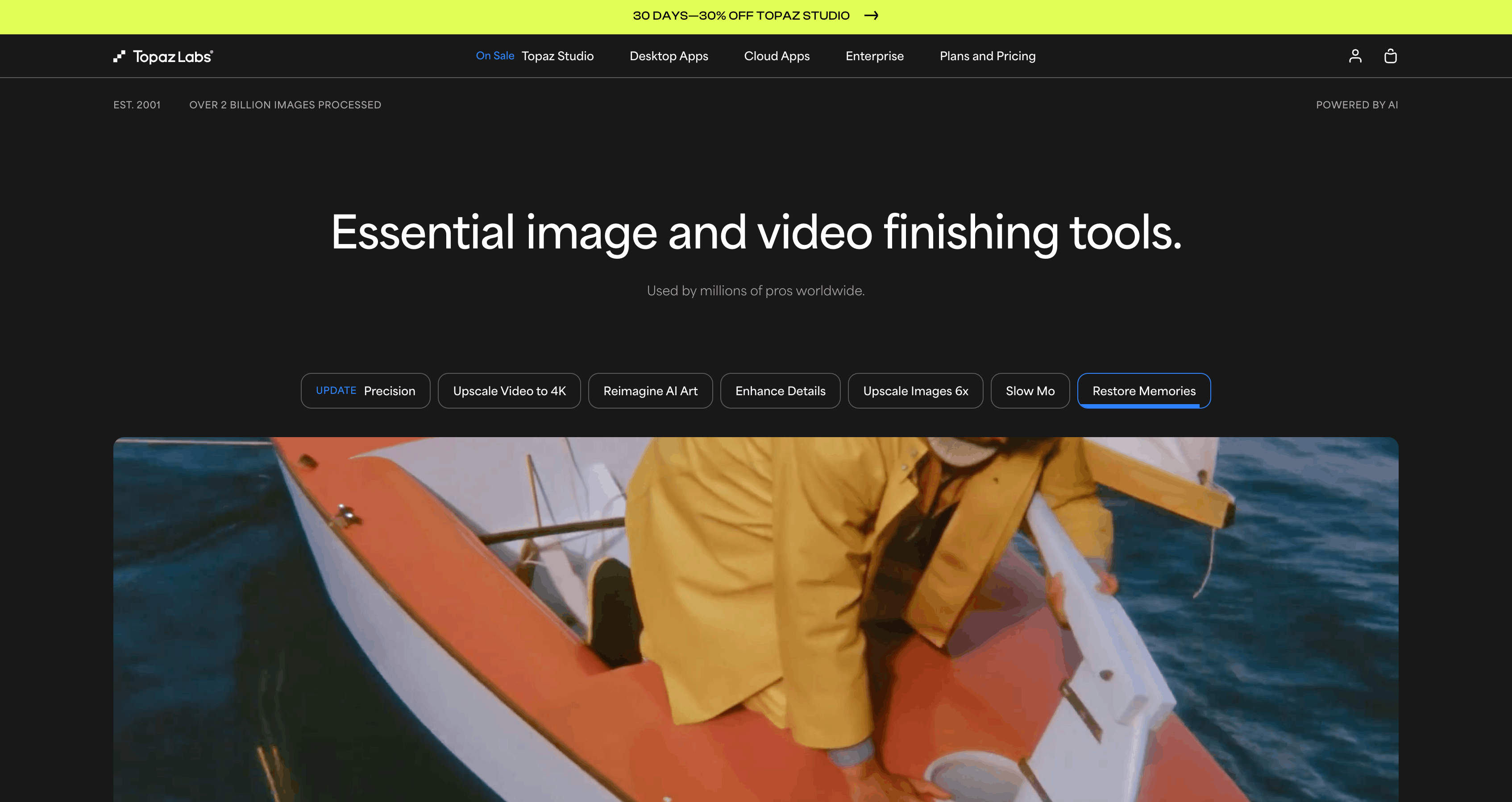
Platform: Desktop (macOS 12+, Windows 10/11) Best for: photographers, print, archival
Topaz Labs has been the benchmark for photo upscaling for years, and in 2026 that's still true for one category of work: photography. Photo AI is the all-in-one enhancer (denoise + sharpen + upscale + face recovery in a single pass); Gigapixel is the dedicated upscaler with deeper controls and up to 16x scaling. Gigapixel's engine is embedded inside Photo AI, so Photo AI is usually the right starter product unless you specifically need Gigapixel's advanced modes.
Key Features
- Proprietary model library - Standard, High Fidelity, Low Resolution, Art & CG, Text & Shapes, Lines, plus generative models (Recover v2, Redefine Realistic, Redefine Creative, Face Recovery Gen2).
- Up to 16x upscaling in Gigapixel - industry-leading headroom for print and archival work.
- Prompt-guided enhancement - Redefine mode accepts a text prompt to steer detail generation.
- RAW + TIFF support - works with photographer workflows, exports as TIFF.
- Photoshop and Lightroom plugins - drops directly into pro editing pipelines.
- Local GPU processing - no cloud uploads by default (optional cloud render exists).
- Batch processing - queue hundreds of images for overnight processing.
Pricing (2026)
Topaz moved to subscription-only in October 2025, ending perpetual licenses.
- Gigapixel: $12/mo annual ($149/yr) or $29/mo no-commit. Gigapixel Pro: $499/yr.
- Photo AI: $17/mo annual ($199/yr) or $39/mo no-commit. Photo AI Pro: $599/yr.
- Topaz Studio bundle: $279/yr intro (reg. $399) or $69/mo.
30-day refund guarantee. No free trial on the pricing page.
Pros
- Still the industry benchmark for photo upscaling quality.
- Deep model library with specialist modes for every image type.
- Runs fully offline / local GPU - good for privacy and RAW workflows.
- Batch and plugin workflows built for pro use.
- 16x scale ceiling is the highest in the category for faithful reconstruction.
Cons
- Very slow - single images often take 10-15 minutes; generative models take much longer.
- Subscription-only since October 2025 - perpetual licenses are gone, which drew a visible backlash from long-time customers.
- Desktop only - no web, no mobile, no public API.
- Heavy GPU requirements (6GB+ VRAM recommended). Stability and crash complaints persist.
- Weaker on illustrations and AI art vs diffusion-native tools like Magnific or Krea.
- No social / publishing workflow of any kind - you export a TIFF and move on.
Best For
Photographers, retouchers, print shops, and archival projects where fidelity to the source is non-negotiable and you're willing to trade workflow speed for absolute quality. Also a solid pick if you already own a Lightroom / Photoshop workflow and want a plugin that drops into it.
3. Magnific AI - Best for Creative AI Art
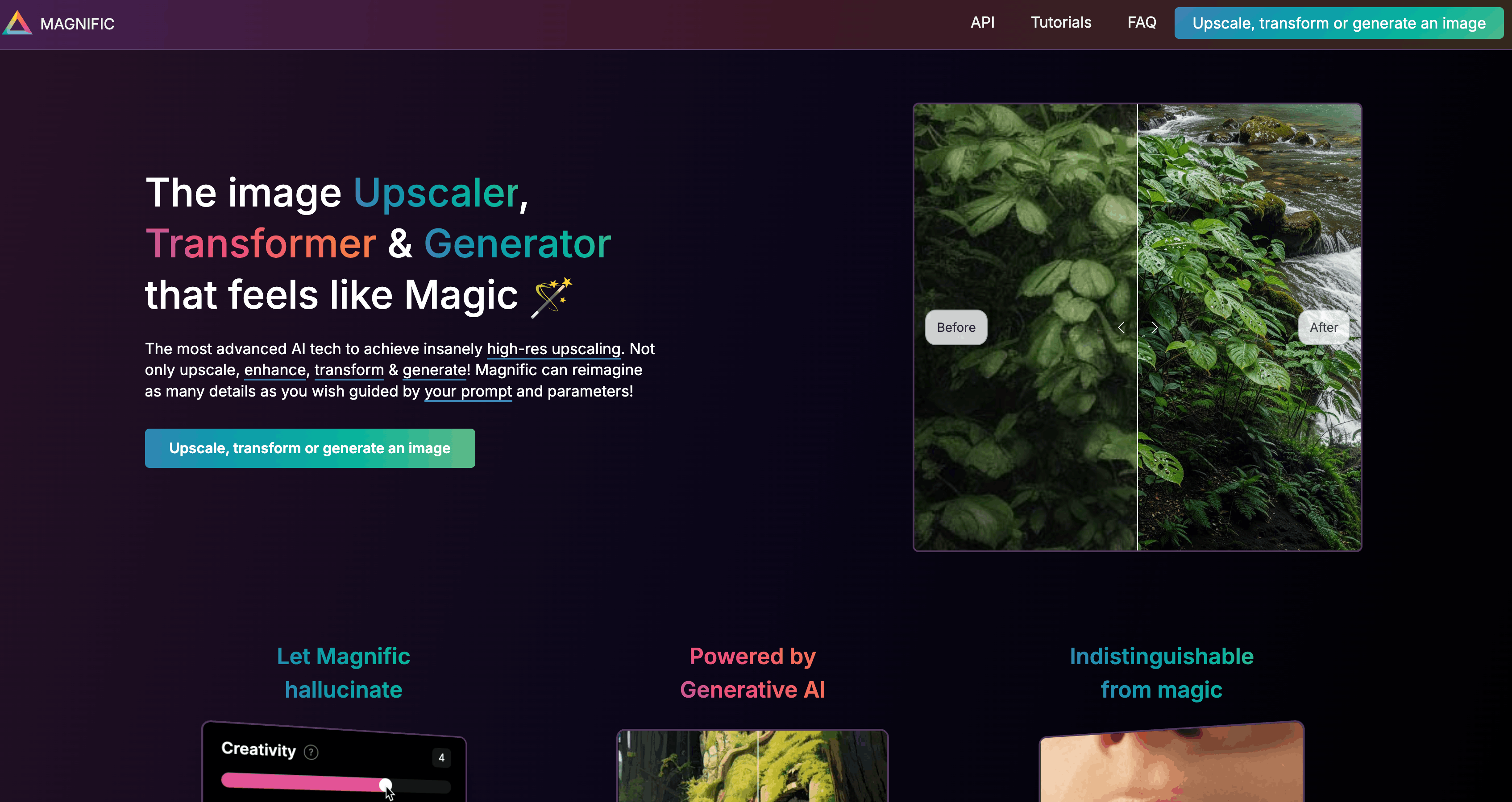
Platform: Web + API + Photoshop plugin Best for: AI artists, Midjourney / Stable Diffusion users, concept art
Magnific AI launched in 2024 and quickly became the tool of choice for AI artists who wanted their Midjourney renders to look photo-shot. It was acquired by Freepik in May 2024 but still operates as a standalone product. The defining quality: it doesn't "upscale" in the reconstruction sense - it re-imagines your image at higher resolution using diffusion, inventing plausible new detail as it scales.
Key Features
- Creativity slider - controls how aggressively the model invents new detail. Low = faithful, high = dramatic reinterpretation.
- HDR, Resemblance, Fractality, Sharpness - fine control over the generative pass.
- Ultra Detail - maximum detail density for textures, foliage, architecture.
- Prompt-guided upscale - a text prompt steers what kind of detail gets invented.
- Up to 16x magnification (outputs around 10K × 7K px). Note: "Precision" mode (best for realistic photo preservation) is capped at 2x only.
- Relight - change lighting via prompt, reference image, or light map.
- Mystic v2.5 - text-to-image generation (Zen / Realism / Flexible models, up to 4K).
- Editorial Portraits model for fashion and editorial work.
Pricing (2026)
Token-based, three tiers:
- Pro - $39/mo (2,500 tokens)
- Premium - $99/mo
- Business - $299/mo
Annual billing gives 2 months free. Unused tokens expire (no rollover). No free trial, no refunds. A 2x upscale costs ~5 tokens; a 4x upscale costs 20 tokens ($0.32/image on Pro).
Pros
- Best-in-class creative detail generation for AI art, renders, landscapes, and concept work.
- Deep control surface (creativity, HDR, resemblance, prompt).
- Has grown into a full creative suite (Relight, Mystic text-to-image, Style Transfer).
- Up to 16x scale and ~10K-pixel outputs.
Cons
- Distorts faces and likeness - multiple reviewers report warped facial features, fabricated freckles-as-pustules, altered bone structure. Wrong tool for portraits or photojournalism.
- Hallucinated detail - not faithful to the source. Unsuitable for legal, medical, archival, ecommerce product accuracy, or anything where truth matters.
- Expensive - $39/mo entry, tokens expire, no free trial, no refunds.
- Precision mode (the faithful one) is capped at 2x, so realistic-photo users get the worst of the scale range.
- Overlapping sliders (HDR vs fractality vs creativity) are confusing; iteration burns tokens.
Best For
AI artists and creative professionals who work in Midjourney, Stable Diffusion, DALL-E, or Flux and want aggressive, believable detail on concept art, illustration, landscapes, and stylized renders. Not the right tool for any job where the output needs to faithfully match a real subject.
4. Krea AI - Best AI Creative Suite
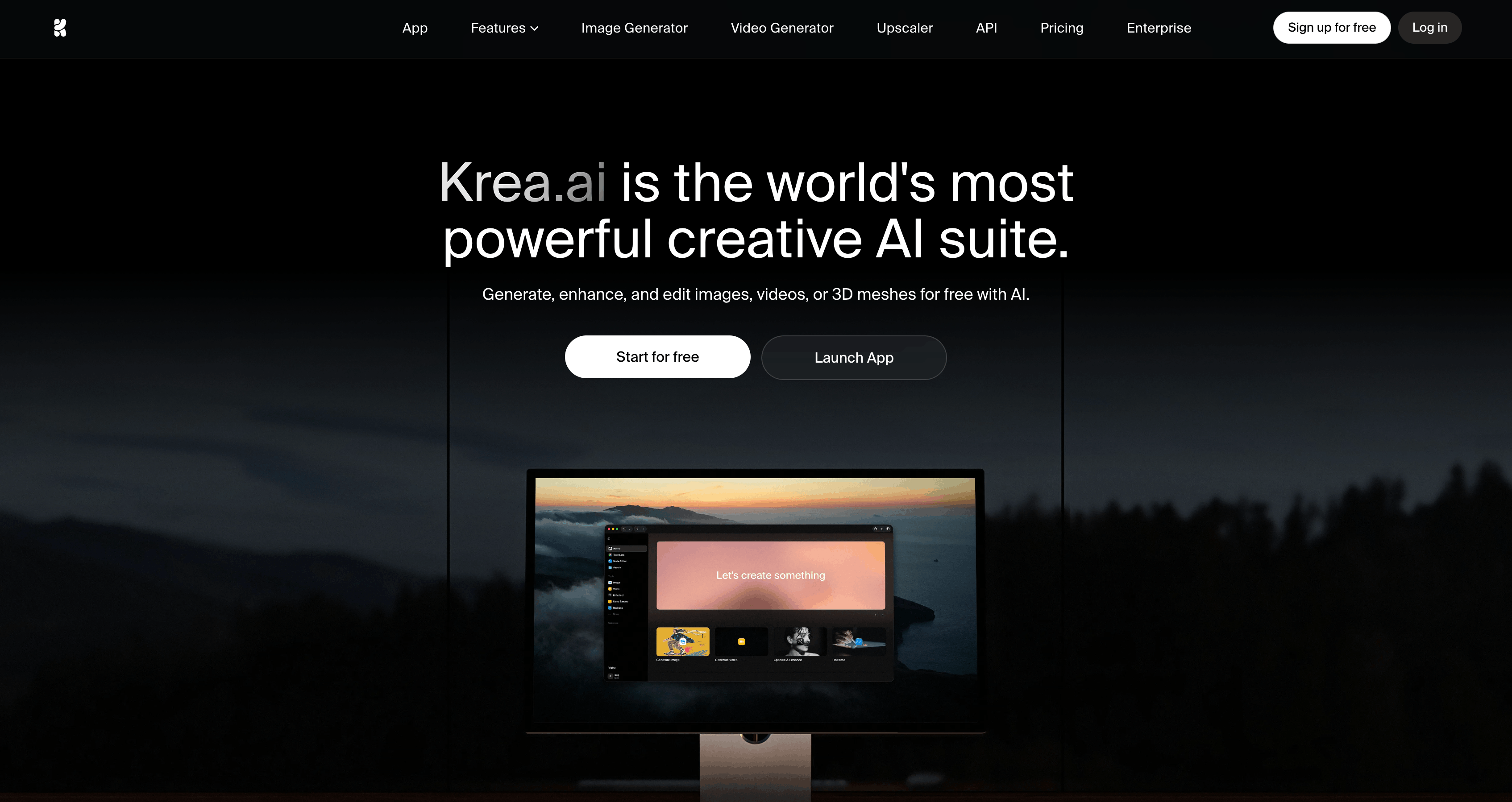
Platform: Web Best for: AI artists who want a full creative workspace, not a one-shot tool
Krea AI raised a $47M Series B in January 2025 (Bain Capital Ventures, a16z), bringing total funding to $83M at a $500M valuation. The Enhancer is one module inside a broader AI creative suite that also covers realtime image generation, image editing, video (Veo, Kling integrations), 3D, lipsync, and LoRA training. Where Magnific is a sharp, focused tool, Krea is a workspace.
Key Features
- Multi-model Enhancer - exposes Krea's own Enhance model, Krea Legacy, plus licensed Topaz and Topaz Generative models inside the same interface. Pick the backend that fits the job.
- Strength, Resemblance, Clarity sliders plus optional text prompt.
- Face detection with separate face controls (on the Topaz-powered models).
- Six stylistic presets - Flat Sharp, Strong, Reinterpretation, Oil Painting, Digital Art.
- Up to 22K output resolution on the Max tier (Topaz-powered).
- Integrated with Krea's generate, realtime, video, and Nodes workflow - chain upscaling into a full creative graph.
- Batch processing and video upscaling.
Pricing (2026)
- Free - 100 compute units/day, limited upscaling.
- Basic - $9/mo, 5,000 credits, upscale to 4K.
- Pro - $35/mo, 20,000 credits, upscale to 8K.
- Max - $70/mo, 60,000 credits, upscale to 22K.
- Business - from $200/mo, 80,000 credits, credits roll over.
20% annual discount. Upscaling consumes compute units; a run takes ~10-120 seconds depending on model and scale factor.
Pros
- Rich creative control with multiple model backends (including Topaz).
- Fully integrated into a broader AI generation / video / 3D suite.
- 22K output ceiling on Max tier is the highest in the category.
- Generous free tier lets you test the full workflow.
- Business tier credits roll over.
Cons
- Hallucinates details - not faithful for photo preservation or forensic work.
- Softer results than Magnific in direct head-to-head comparisons on AI art.
- Web-only, no desktop or mobile app.
- Steeper learning curve given many knobs and model variants.
- 22K resolution is locked behind the $70/mo Max tier; credits burn fast on 8x runs.
Best For
AI-native creators who want a single workspace for image gen, upscale, video, and 3D. Particularly strong if you value softer, more natural-looking output over Magnific's aggressive hyper-detail aesthetic. Access to Topaz models inside Krea is a hidden value for users who want both reconstruction and creative passes in one tool.
5. Let's Enhance - Best for Ecommerce and Print
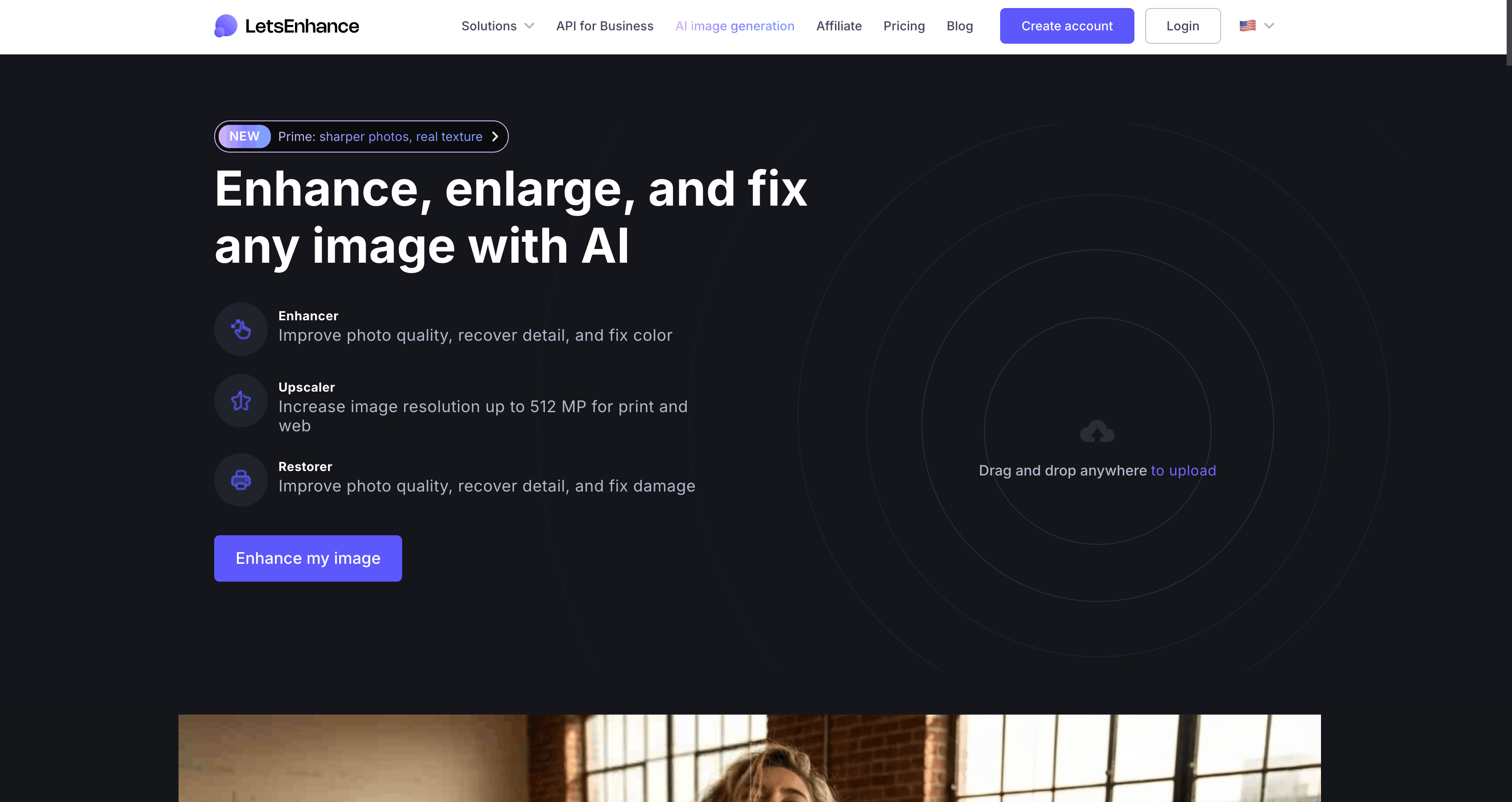
Platform: Web + API (via Claid) Best for: ecommerce, real estate, marketing batch, print-ready output
Let's Enhance has been shipping since 2018 - one of the older players that's kept up with the diffusion era without chasing creative hallucination. The product has deliberately stayed in the "faithful reconstruction" camp, which is why it's the go-to for ecommerce teams upscaling product shots and real-estate agents batching listing photos. Sister product Claid.ai exposes the same engine as a developer API.
Key Features
- Named enhancement modes - Prime (default), Strong (severe blur), Ultra (max detail), Gentle (products/text), Digital Art (illustration), Old Photo (restoration), Magic (prompt-guided).
- Up to 16x upscaling, up to 559 MP output on the Claid API.
- Smart tone + color correction, JPEG artifact removal, noise removal, face enhancement.
- Print-ready 300 DPI presets built in.
- Batch processing up to 20 images at once in the web UI.
- Claid API for developers - 50 free credits to start, per-op credit pricing (upscale 1-6 credits, background removal 2, light and color 1).
Pricing (2026, annual billing)
- Free - 10 credits, 8 MP cap, watermarked.
- Starter - $9/mo (100 credits).
- Pro - $24/mo (300 credits).
- Max - $34/mo (500 credits).
- Business - 1,000 / 2,500 / 5,000 credits (~$72-$290/mo).
- Claid API - self-serve, rate limit 1 RPS / 30 RPM, no monthly rollover on API.
1 image = 1 credit for standard upscale. Rollover on personal plans (cap = 6x monthly).
Pros
- Genuinely faithful detail recovery - doesn't hallucinate like Magnific.
- Affordable entry at $9/mo with credit rollover on personal plans.
- Real public API via Claid - rare in this category.
- Batch processing and 300 DPI print presets built in.
- Actively developed - new features through late 2025.
Cons
- Credit economics scale aggressively at Business tiers (up to $290/mo, no API rollover).
- Output fidelity generally rated a notch below Topaz Gigapixel for demanding photography.
- Less creative flexibility than Magnific for AI art restyling.
- No forever-free tier (10 credits then paywall).
- No mobile or desktop app; no native social / video workflow.
Best For
Ecommerce teams upscaling product photos at scale, real-estate agents batching listing images, marketing teams doing ad creative batches, and developers who need a dependable upscale-as-an-API. The dedicated print DPI presets are a small-but-real value add for anyone outputting to physical media.
6. Upscayl - Best Free & Open-Source
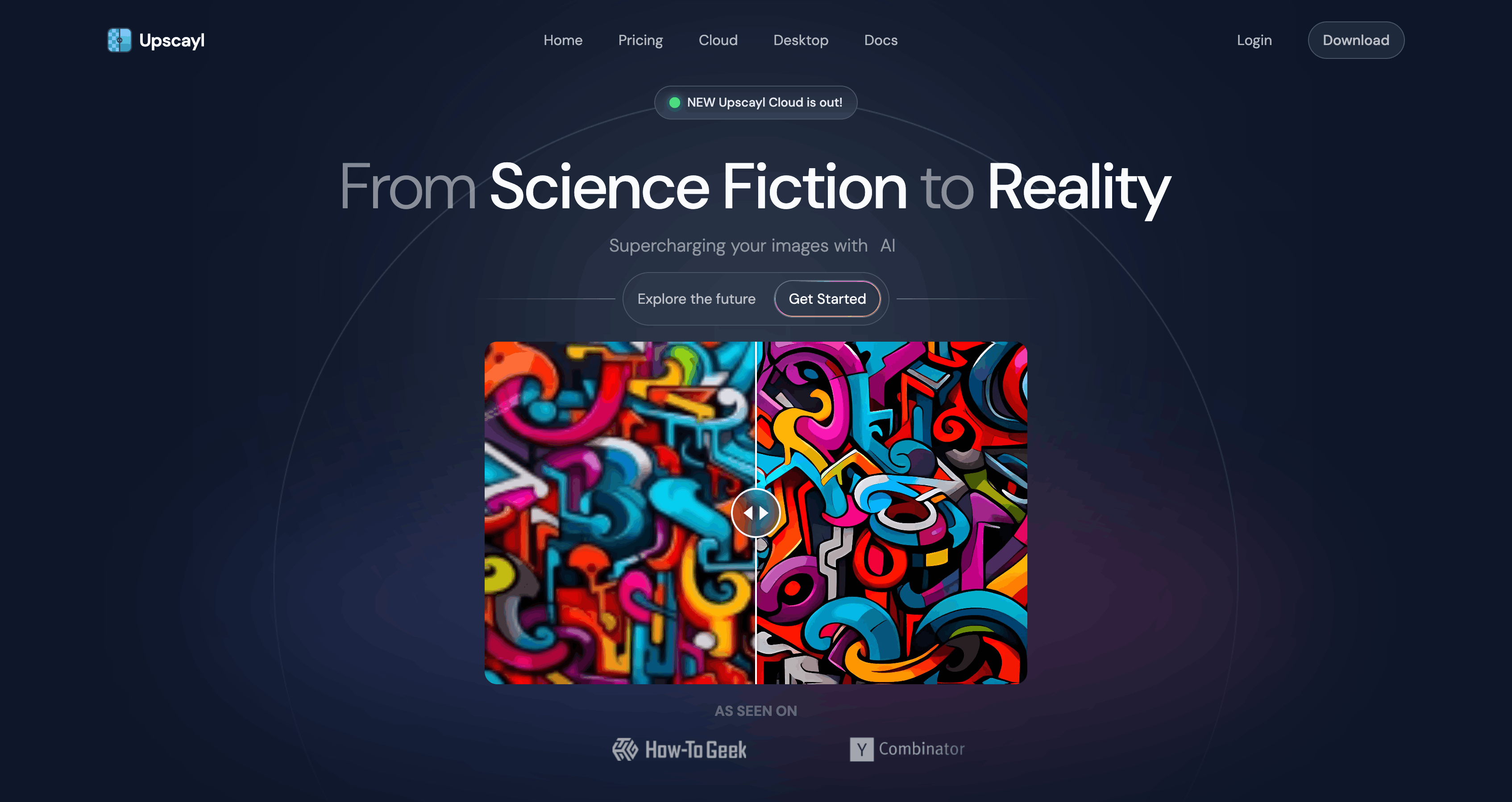
Platform: Desktop (Windows 10+, macOS 12+, Linux) Best for: free, privacy-sensitive, offline workflows
Upscayl is the outlier on this list: open-source, AGPL-licensed, genuinely free, and runs 100% locally. Built on Real-ESRGAN with a Vulkan / NCNN inference backend, it bundles several community-favorite model variants and supports loading custom models. ~45K GitHub stars as of early 2026 speaks to how popular the offline / privacy-first crowd has made it.
Key Features
- Bundled models - General Photo (Real-ESRGAN), UltraSharp, Ultramix Balanced, Remacri, Digital Art, High Fidelity (HFA2k). Load custom
.bin/.parammodels too. - Native 2x / 3x / 4x scale; "Double Upscayl" chains two passes to reach up to 16x.
- Fully local - no cloud uploads, no account required, no data leaves your machine.
- Cross-platform - Windows, macOS (including Mac App Store), Linux (AppImage, Flatpak, Snap, DEB, RPM).
- Lens Viewer for side-by-side zoom comparisons.
- Clipboard paste upscaling - paste an image directly into the app to upscale.
- Batch processing with TTA mode for quality.
- No watermark, no caps, no account.
Pricing
Desktop app: free, forever. No watermark, no time limit.
Upscayl Cloud (optional hosted service):
- Free Trial - 10 credits.
- Pro - $24.99/mo, 300 credits, 256 MP cap, priority support.
- Business - custom, 512 MP cap.
Pros
- Genuinely free with no hidden catches (AGPL licensed).
- Strong privacy posture - 100% local, no uploads.
- Works well on clean-edged content: logos, line art, illustrations, text.
- Cross-platform native builds including Linux and Apple Silicon.
- Pluggable custom model support for tinkerers.
Cons
- Needs a Vulkan-capable discrete GPU - weak on integrated GPUs and CPU-only machines.
- Pure upscaling only - no restoration, face recovery, generative detail, or downstream workflow.
- Quality lags paid tools (Topaz, Magnific) on complex photos and skin.
- Slow on large files; occasional artifacts on busy content.
- No mobile or web access unless you pay for Upscayl Cloud.
- No social or publishing integration of any kind.
Best For
Privacy-sensitive users, air-gapped workflows, Linux users, hobbyists, and tinkerers who want unlimited upscaling without a subscription. Also a solid default if you only occasionally need to upscale and don't want to pay per image.
7. Remini - Best for Consumer Face Restoration
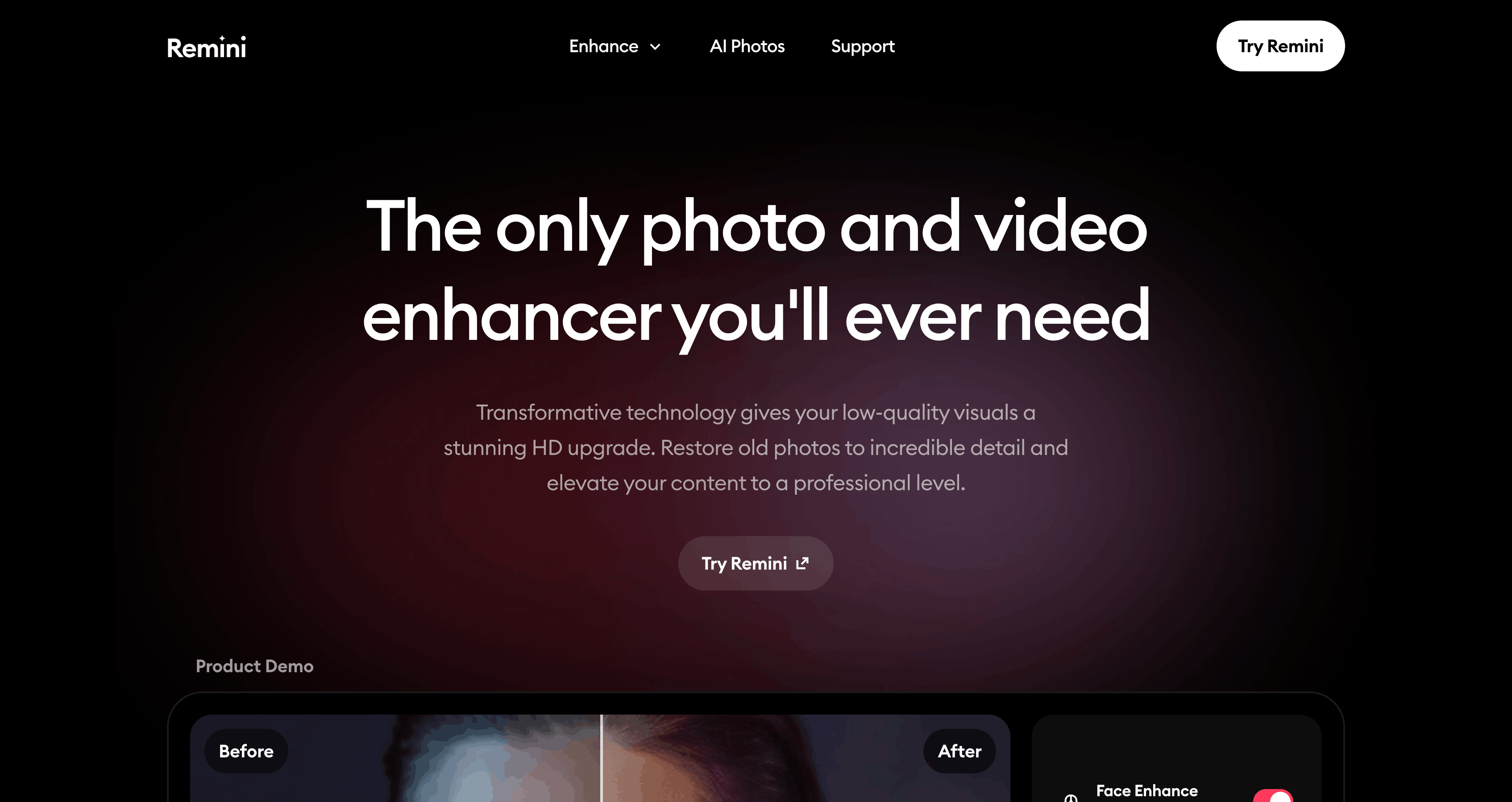
Platform: iOS, Android, Web Best for: restoring old photos, unblurring phone snapshots of people
Remini is the consumer giant of the category. Owned by Bending Spoons (Evernote, Meetup, WeTransfer), it serves ~100M monthly active users and has enhanced over 5 billion photos. The model is specifically tuned for face restoration and de-blur, which is why it's magical on old family photos and mis-focused selfies - and why it's the wrong tool for basically anything else.
Key Features
- Unblur and Sharpener - the headline use case.
- Old Photos Restorer - damaged and faded photo repair.
- Image Enlarger - 2x upscale only.
- Face Enhancer - proprietary face restoration model.
- Background Enhancer, Denoiser, B&W Colorize, Low Quality Enhancer.
- Video Enhancer - same engine applied to video files.
- Single-tap workflow - no sliders, no settings.
Pricing (2026)
Subscription-only, pricing varies by paywall A/B test and region:
- Weekly - $4.99-$9.99/wk.
- Monthly - ~$9.99/mo.
- Yearly -
$6.99/wk billed annually ($299/yr). - Web Personal - $6.99/wk.
- Web Business - $9.99/wk (bulk + commercial).
Free tier = watermarked, ad-heavy, daily caps.
Pros
- Best-in-class face restoration on blurry or damaged portraits.
- Zero learning curve - one tap, no settings to tune.
- Mobile-first, instant results.
- Huge install base (500M+ Play, 337K iOS reviews at 4.6 stars).
- Genuinely impressive on damaged and scratched heritage photos.
Cons
- Weekly subscription model has drawn persistent App Store and Trustpilot complaints about hidden paywalls, charges after cancellation, and aggressive trial conversion. Read reviews before subscribing.
- Face-biased model invents detail on non-face content - can alter eyes, skin texture, and features.
- Only 2x upscale - far behind the 4x-16x in pro tools.
- No API, no desktop, no social publishing workflow.
- Weak on non-portrait content - landscapes, products, AI art, and illustrations get inconsistent results.
Best For
Consumers who want to fix one specific blurry phone photo of their kids or resurrect grandma's wedding portrait. Not a production tool for creators, marketers, or anyone batch-processing.
The Standalone Upscaler vs Integrated Workflow Tradeoff
Here's the thing every comparison article glosses over: most people don't upscale images for the sake of upscaling them. They upscale images because they're going to do something with them afterwards - post to social, ship to a client, put in a print layout, feed into an AI video generator.
A standalone upscaler like Topaz or Upscayl solves step 1 beautifully. Steps 2-4 are up to you:
| Step | Standalone upscaler | Integrated platform (Genviral) |
|---|---|---|
| Generate / source the image | Separate tool (Midjourney, DSLR, etc.) | Same platform |
| Upscale | Download file, open desktop app, process, export | One click inside Studio |
| Edit / combine into carousel | Open Photoshop / Canva / Figma | Carousel and slideshow built in |
| Post to social | Manual upload to each platform, or use scheduler | One click, 6 platforms |
| Track performance | Separate analytics tool | Built-in analytics |
For a photographer doing a print run, the standalone path is correct. For anyone whose upscaled image ends up on TikTok or Instagram, each tool swap costs time and introduces file-management chaos.
Capability Matrix
| Tool | Upscale Quality (Photos) | Upscale Quality (AI Art) | Faithfulness | API | Mobile | Social Workflow |
|---|---|---|---|---|---|---|
| Genviral | Good | Very Good | Medium | - | - | Yes (built-in) |
| Topaz Photo AI / Gigapixel | Excellent | Fair | Excellent | - | - | - |
| Magnific AI | Fair (faces distorted) | Excellent | Low (creative) | Yes | - | - |
| Krea AI | Good (via Topaz models) | Very Good | Medium | - | - | - |
| Let's Enhance | Very Good | Good | Excellent | Yes (Claid) | - | - |
| Upscayl | Good | Fair | Excellent | - | - | - |
| Remini | Good (faces only) | Poor | Medium (faces) | - | Yes | - |
How to Choose
I'm a photographer or need faithful detail for print / archival. Topaz Photo AI (or Gigapixel for more control) is still the benchmark. Accept the slow speed and the subscription switch. Let's Enhance is the web-first alternative if you want batch + API access.
I'm an AI artist and I want my Midjourney / SDXL / Flux renders to look photo-shot. Magnific AI for aggressive creative detail; Krea AI for a softer, more natural look (and access to Topaz models inside the same tool).
I want to upscale images and post them to TikTok / Instagram / YouTube. Genviral - it's the only tool on this list that takes you from raw image to scheduled post without a file transfer. Upscaling credits are bundled with every plan, so you're not paying for it as a separate tool.
I want free, private, offline upscaling. Upscayl - open-source, runs locally, no account, no watermark. Expect rougher edges on complex photos.
I'm a developer and I need an API. Let's Enhance / Claid for reconstruction work, Magnific for creative upscaling. Genviral's Partner API doesn't currently expose upscaling as a standalone endpoint, but all other content generation is there.
I just want to fix a blurry photo of my grandma. Remini - one tap, done. Watch the subscription terms carefully.
I'm already paying for an AI content tool with a credit system. Upscaling is likely included. Check before you add a separate $17-39/mo upscaler subscription on top. If you're on Genviral, Krea, or a similar all-in-one platform, you're probably paying for upscaling twice without realizing it.
FAQ
What is the best AI image upscaler in 2026?
There is no single best - it depends on what you're upscaling and what you're doing with the result. Topaz Photo AI is the benchmark for photos. Magnific AI is the benchmark for AI art. Let's Enhance wins on ecommerce fidelity plus developer API. Upscayl wins on free / privacy. Genviral is the only one that bundles upscaling into a full creator pipeline with social scheduling built in.
What's the difference between an AI upscaler and a regular image resizer?
Regular resizers (bicubic, nearest-neighbor) stretch existing pixels. AI upscalers use neural networks trained on millions of images to predict what the missing detail should look like, either by reconstructing the likely original (Topaz, Let's Enhance, Upscayl) or by generating plausible new detail via diffusion (Magnific, Krea, Genviral).
Are AI upscalers accurate? Can I trust them for legal or forensic work?
No. Even "faithful" upscalers are making educated guesses - they predict detail based on training data, not the actual content of your image. Generative upscalers like Magnific and Krea are explicitly inventing detail. Don't use any AI upscaler output as evidence in legal, medical, or forensic contexts without disclosing the enhancement.
What's the best free AI image upscaler?
Upscayl is the clear winner for truly free, no-catches upscaling. Open-source, no watermark, no account, runs locally. Topaz, Magnific, Let's Enhance, Krea, and Remini all require paid subscriptions for meaningful use.
How much does image upscaling cost in 2026?
Highly variable. Upscayl is free. Genviral bundles upscaling with its $29+/mo Creator plan (200 credits per month). Let's Enhance and Krea start at $9/mo. Topaz Gigapixel is $12/mo ($149/yr). Magnific starts at $39/mo. Remini is ~$10/week on mobile. If you're already paying for an AI content tool, check whether upscaling is included before subscribing separately.
What's the best upscaler for social media creators?
Genviral - it's the only tool in this category where upscaling, slideshow building, and scheduling to TikTok, Instagram, YouTube, Facebook, Pinterest, and LinkedIn all happen in one interface with one credit pool. No file transfers, no separate subscriptions.
Which AI upscaler is best for faces?
For restoring real faces (old photos, blurry portraits), Remini is the consumer best; Topaz Photo AI's Face Recovery Gen2 is the pro best. For creative face work (AI art portraits), Magnific and Krea work well but will alter likeness - don't use them if you need the person to still look like themselves.
Which upscaler has an API?
Let's Enhance / Claid (most mature, rate-limited to 1 RPS / 30 RPM), Magnific (creative upscaling API). Topaz, Upscayl, Krea, and Remini do not currently offer public APIs for upscaling. Genviral's Partner API exposes image and video generation but does not currently expose upscaling as a standalone endpoint.
Does Magnific actually work well on photos?
Not really. Magnific's creativity is a liability on real faces and subjects - reviewers have repeatedly flagged warped features, altered bone structure, and fabricated skin detail. Use Topaz Photo AI for real-photo work; use Magnific for AI art, concept work, and stylized renders.
Is Upscayl safe and free to use commercially?
Yes, the desktop app is AGPL-licensed and you can use the output commercially. The bundled models (Real-ESRGAN and derivatives) have permissive licenses. If you need commercial support or hosted scaling, Upscayl Cloud is the paid tier.
Key Takeaways
- AI upscalers in 2026 are not interchangeable. Faithful reconstruction (Topaz, Let's Enhance, Upscayl) and generative re-imagining (Magnific, Krea, Genviral) are different tools for different jobs. Picking the wrong category is more expensive than picking the "second best" tool within the right category.
- Topaz Photo AI is still the benchmark for photos but moved to subscription-only in October 2025, is slow, desktop-only, and has no workflow beyond "export TIFF."
- Magnific is the best creative upscaler for AI art but actively distorts faces and is the wrong tool for photography or product shots.
- Upscayl is the best free option and runs locally - unbeatable for privacy and cost, rougher than paid tools on complex photos.
- Let's Enhance is the quiet winner for ecommerce and the only player on this list (aside from Magnific) with a mature public API via Claid.
- Genviral is the best pick for anyone whose upscaled image ends on social media. Upscaling is bundled into the subscription's shared credit pool alongside image generation, video generation, face swap, slideshow building, and scheduling to 6 platforms - so creators aren't stacking 4-5 separate tool subscriptions.
- If you're already paying for a credit-based AI content tool, check whether upscaling is included before adding a separate $17-39/mo upscaler on top. Stacking Topaz + Magnific + a scheduler quickly costs more than a single all-in-one platform.
Related Guides
- 10 Best Social Media APIs for Posting, Analytics & Automation in 2026
- 15 Best OpenClaw Skills for Social Media Marketing
- How to Create TikTok Slideshow Images with AI
- How to Create AI Influencers
- How to Schedule TikTok Posts
- How to Schedule Instagram Posts
- AI Agents for Social Media
Genviral is an AI-powered social media platform with built-in image upscaling, AI image and video generation, slideshow automation, and scheduling across TikTok, Instagram, YouTube, Facebook, Pinterest, and LinkedIn. Upscaling credits are bundled with every plan. Get started →
Viktor
Occasional writer, sometimes even funny. Also loves to start conmpanies (weird, I know).


