
social-media
tiktok
tutorial
Where to Find TikTok Drafts (2026 Quick Guide)

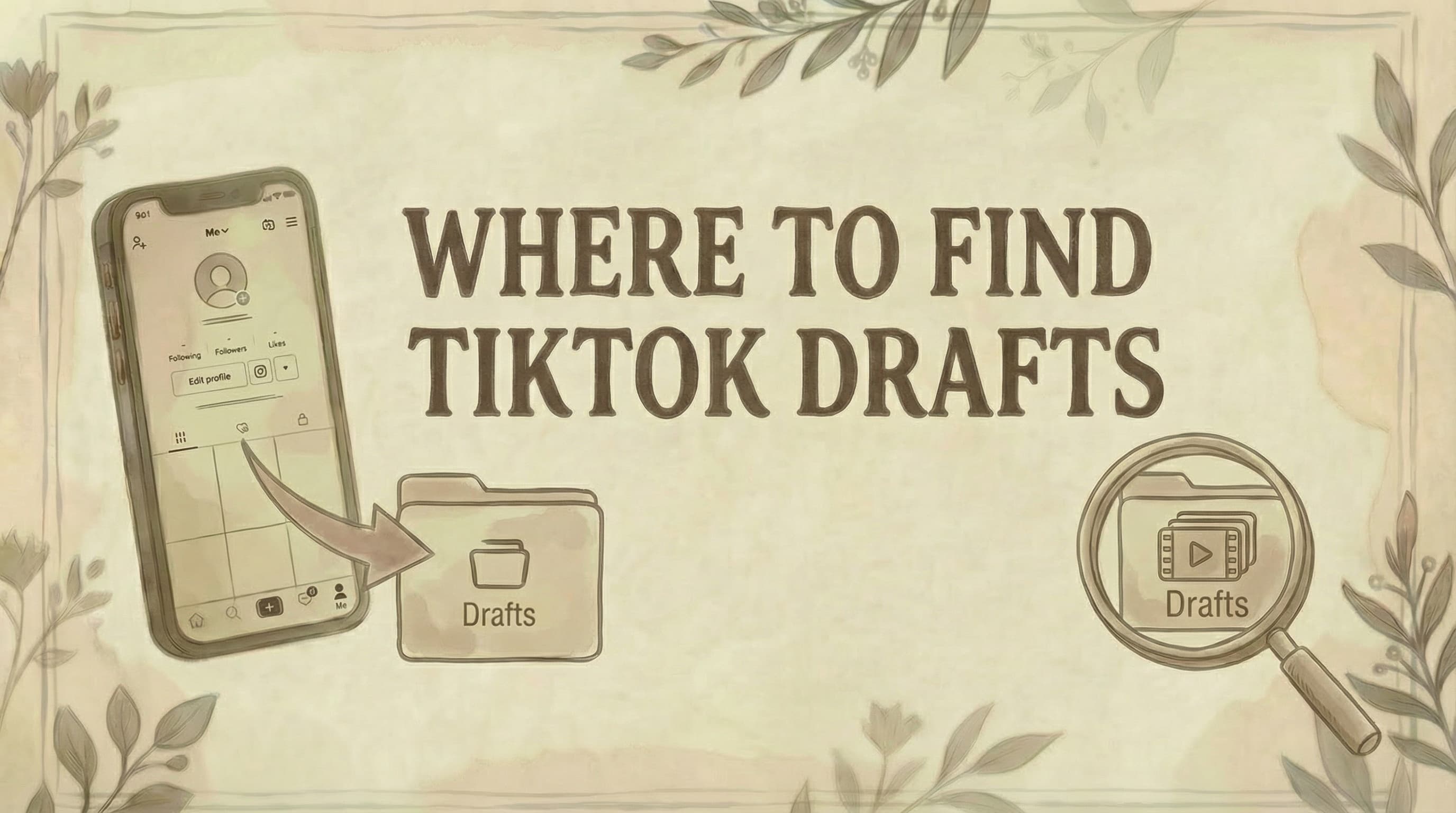
- TikTok drafts live in the Drafts folder on your profile page - it's the first thumbnail (top-left) above your posted videos grid, not a hidden menu.
- Drafts are stored locally on your device, not TikTok's cloud - they won't transfer to a new phone and are permanently lost if you uninstall the app or clear app data.
- To back up important drafts, post them with "Only me" privacy and "Save to device" enabled - the video saves to your camera roll and the private post can be deleted afterward.
TikTok drafts are stored locally on your device and accessed directly from your profile page. Here's exactly where to find them and what to know before they disappear.
Prefer to watch? This quick walkthrough shows where your drafts live and how to create one:
Where Are TikTok Drafts Located?
TikTok drafts are in your Drafts folder on your profile page.
Location:
- Profile tab → Drafts thumbnail (first box, top-left)
- Appears above your posted videos
- Shows gray folder icon with "Drafts" label
- Number indicates how many drafts you have
How to Find Your Drafts
Step 1: Open TikTok app
Step 2: Tap "Profile" (Me)
- Bottom-right corner icon
- Or tap your profile picture
Step 3: Look at top-left of your videos grid
- First thumbnail isn't your latest post
- It's your Drafts folder
- Note: If you're having account issues, see why can't I follow people on TikTok
Step 4: Tap the Drafts folder
- Opens all your saved drafts
Step 5: Select any draft to edit or post
That's it. All your unpublished videos are stored here.
How to Create a TikTok Draft
If you don't have any drafts yet, here's how to save one:
Step 1: Tap the "+" button to start a new post
Step 2: Record or upload the video you want to save
Step 3: Tap "Next" to move to the post screen
Step 4: Tap "Drafts" (instead of "Post")
- Your video is saved to the Drafts folder
- Nothing is published or shared
Step 5: Find it later on your profile in the Drafts folder
The draft keeps all your edits, effects, and captions so you can finish and post it whenever you're ready.
What You'll See in Drafts
Each draft shows:
- Thumbnail preview
- Duration of video
- Date saved
- Tap to open for editing
Drafts are:
- ✓ Private (only you can see them)
- ✓ Editable (can change before posting)
- ✓ Stored locally on your device
- ✓ Not synced to TikTok's cloud
How to Find Drafts on Desktop
TikTok drafts are mobile-only.
Desktop limitations:
- Can't create drafts on desktop
- Can't view drafts on tiktok.com
- Can't access drafts in web browser
- Must use mobile app
Workaround: Access drafts only through TikTok mobile app (iOS or Android).
Why Can't I Find My Drafts?
Common reasons:
1. No drafts saved yet
- Make sure you actually saved videos as drafts
- When posting, tap "Drafts" (not "Post")
2. Wrong account
- Check you're logged into the correct account
- Drafts don't transfer between accounts
3. App needs update
- Update TikTok to latest version
- Go to App Store/Play Store → Update
- Note: Region settings may affect app features (see how to change TikTok account region)
4. Drafts folder is empty
- All drafts may have been posted
- Check your posted videos
5. Device changed
- Drafts don't transfer between devices
- Stored locally, not in cloud
- See "Drafts Disappeared" section below
Drafts Disappeared? Here's Why
Drafts are stored locally on your device (not TikTok's servers).
Drafts get deleted if:
1. App was uninstalled/reinstalled
- Deleting app removes all drafts permanently
- No way to recover them
2. Cleared app data/cache
- Storage cleaner apps may delete drafts
- "Clear cache" in settings removes drafts
- Cannot be recovered
3. Switched to new device
- Drafts don't sync between devices
- Not saved to your TikTok account
- Each device has separate drafts
4. Phone was reset
- Factory reset deletes all local data
- Drafts are gone permanently
Important: Once deleted this way, drafts cannot be recovered. TikTok doesn't back them up.
How to Save Drafts to Camera Roll (Backup)
Protect your drafts by saving them to your phone.
Step 1: Open Drafts folder
Step 2: Tap the draft you want to save
Step 3: Tap "Next"
Step 4: Set privacy to "Only me"
- Tap "Who can watch this video"
- Select "Only me"
Step 5: Tap "More options" (three dots)
Step 6: Enable "Save to device"
Step 7: Tap "Post"
Result:
- Video posts to TikTok (only visible to you)
- Video saves to camera roll
- Now you have a backup copy
Then: Delete the private post if you want. The copy remains in camera roll.
How to Transfer Drafts to New Phone
TikTok doesn't transfer drafts. But you can save them first:
Before switching phones:
Step 1: Save each draft to camera roll (method above)
Step 2: Transfer videos to new phone
- Via iCloud, Google Photos, or cloud storage
- Or AirDrop/direct transfer
Step 3: On new phone, upload videos as new posts
- Can edit again before posting
- For creating slideshows, see how to make a slideshow on TikTok PC
Cannot transfer: Editing work, effects, or draft metadata. Only the video file transfers.
How to Access TikTok Studio Drafts
TikTok Studio (desktop creator tool) has different drafts.
Location:
- Go to TikTok Studio website
- Log in
- Check "Content" or "Drafts" section
Note: These are separate from mobile app drafts. TikTok Studio drafts are for desktop creators and don't sync with mobile drafts. For targeting specific audiences, see how to target US users on TikTok.
Managing Your Drafts
Best practices:
✓ Regularly review drafts - Delete old/unused ones to free storage
✓ Backup important drafts - Save to camera roll if valuable
✓ Don't rely on drafts long-term - They can disappear unexpectedly
✓ Finish and post - Don't hoard dozens of drafts
✓ Check storage - Too many drafts use phone storage
How to Delete a Draft
Step 1: Open Drafts folder
Step 2: Tap and hold the draft
- Or tap "Select" (top-right)
Step 3: Select draft(s) to delete
Step 4: Tap trash/delete icon
Step 5: Confirm deletion
Done. Draft is permanently deleted.
Common Questions
Are drafts backed up to TikTok cloud? No. Drafts are stored locally on your device only. TikTok doesn't sync them to the cloud.
Can I access drafts from another phone? No. Drafts are device-specific. To access on another device, save drafts to camera roll first, then transfer.
Do drafts expire? No expiration date. Drafts stay until you delete them, post them, or the app data is cleared.
Can others see my drafts? No. Drafts are completely private until you post them.
Why is my Drafts folder not showing? Either you have no drafts saved, or the app needs updating. Make sure you're on the latest TikTok version.
What's the maximum number of drafts? No official limit, but hundreds of drafts will slow down the app and use significant storage.
Can I edit a draft after saving? Yes. Tap the draft, make changes, then save again or post.
Do drafts save audio/effects? Yes. All edits, effects, filters, text, and audio are saved with the draft. For creating AI-generated images for your content, see how to create TikTok slideshow images with AI.
Can I recover deleted drafts? No. Once deleted (or app data is cleared), drafts cannot be recovered.
Do drafts count as posted videos? No. Drafts don't appear on your profile or count toward your video count until posted.
The Bottom Line
Finding TikTok drafts:
Mobile: Profile → Drafts folder (top-left thumbnail)
Desktop: Not available (mobile only)
Key points:
- Drafts stored locally on device
- Don't sync between devices or cloud
- Deleted if app uninstalled or data cleared
- Backup important drafts to camera roll
- Accessible only through mobile app
TikTok drafts are convenient but fragile-save important videos to your camera roll for safekeeping. For more TikTok tips, see how to make money with TikTok, how to see saved videos on TikTok, how to add link to TikTok bio, how to repost on TikTok, how to block someone on TikTok, how to get a TikTok Spark Code, tiktok growth strategies for saas, and how to delete your TikTok account (drafts disappear with the account - back them up first).
Looking to schedule and plan your TikTok content more reliably? Genviral helps you schedule TikTok videos across all platforms, with cloud-based storage so your content never disappears-making it easier to maintain a consistent posting schedule.

Viktor
Occasional writer, sometimes even funny. Also loves to start conmpanies (weird, I know).


