
social-media
tiktok
tutorial
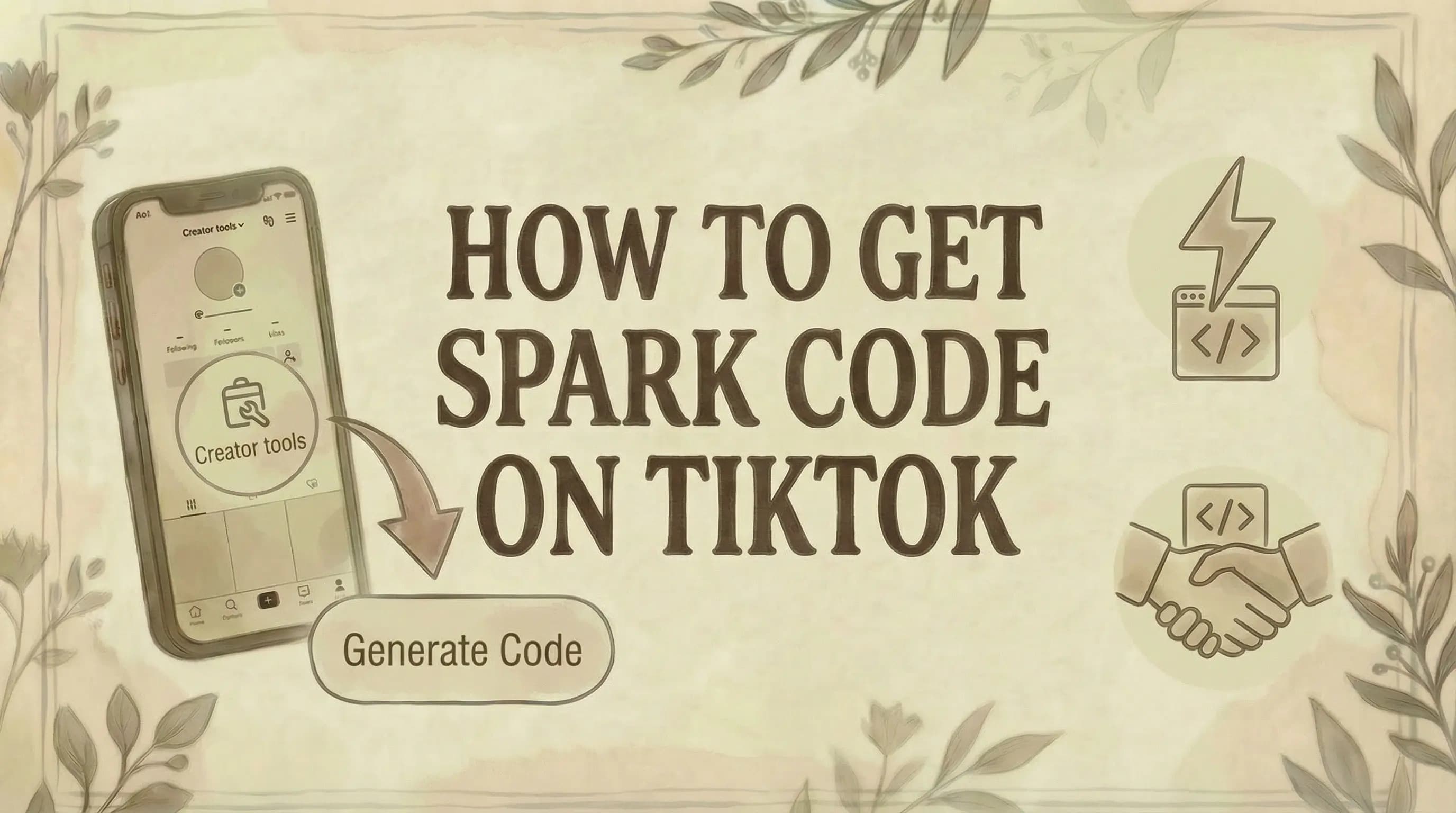
How to Get Spark Code on TikTok (2026 Guide)

- A Spark Code lets a brand promote your organic TikTok video as a paid Spark Ad - all likes, comments, and shares from the ad flow back to your original post, boosting your account's engagement.
- To generate: open your video - tap three dots - Ad settings - toggle on "Ad authorization" - tap "Generate code" - choose duration (7, 30, 60, or 365 days) - share the code with the brand.
- Brands enter the code in TikTok Ads Manager and can boost your video's reach, but cannot edit your content, caption, or creative. Your creative ownership is fully preserved.
- Spark Codes expire when the chosen duration ends - the brand's ad stops automatically, and you can generate a new code if you want to extend the partnership.
A TikTok Spark Code lets brands run your organic video as a paid ad while all engagement flows back to your original post. Here's how to generate one in under a minute.
What Is a TikTok Spark Code?
A TikTok Spark Code (also called an authorization code or boost code) is a unique code that creators generate to allow brands to promote their videos as Spark Ads.
How it works:
- Creator posts an organic TikTok video
- Brand wants to promote that video as an ad
- Creator generates a Spark Code for that specific video
- Creator shares the code with the brand
- Brand enters the code in TikTok Ads Manager to run the ad
Key points:
- Spark Codes are video-specific (one code per video)
- Codes have an expiration date (7 to 365 days)
- Brands cannot edit the video or caption
- All engagement (likes, comments, shares) goes to the original post
- Creators keep full ownership of their content
How to Get a Spark Code on TikTok (For Creators)
Step 1: Enable Ad Authorization
Before generating any Spark Code, you must enable ad permissions in your account.
How to enable:
- Open TikTok app
- Go to your Profile
- Tap the three lines (☰) menu
- Tap "Settings and privacy"
- Tap "Creator tools"
- Tap "Ad settings"
- Toggle on "Ad authorization"
Note: You only need to do this once. After enabling, you can generate codes for any of your videos.
Step 2: Select the Video
- Go to your Profile
- Find the video you want to authorize for promotion
- Tap on the video to open it
Step 3: Open Ad Settings
- Tap the three dots (⋯) on the right side of the video
- Scroll through the menu options
- Tap "Ad settings"
Step 4: Toggle On Ad Authorization for This Video
- In the Ad settings menu, toggle on "Ad authorization"
- Read and accept TikTok's advertising terms
- This authorizes the specific video for promotional use
Step 5: Choose Authorization Duration
Select how long you want the brand to be able to use your video:
- 7 days - Short-term campaigns
- 30 days - Standard (default)
- 60 days - Extended campaigns
- 365 days - Long-term partnerships
Tip: Discuss with the brand beforehand how long they need access. For most campaigns, 30 or 60 days works well.
Step 6: Generate the Code
- Tap "Generate code"
- TikTok creates a unique authorization code
- The code appears on screen
What a Spark Code looks like:
#s63DdePaj9HjSv2BPcSrDfTxU2X506b2oiwchQ9PIspTLgroZKtjN7PPiFnF+qA=
Step 7: Copy and Share the Code
- Tap "Copy code"
- Share the code with the brand via:
- TikTok DMs
- Text message
- Any other communication channel
Done! The brand can now use this code to promote your video as a Spark Ad.
How to Manage Your Spark Codes
View Active Codes
- Go to the video
- Tap three dots (⋯) → Ad settings
- View your active authorization and remaining duration
Extend a Code
If the brand needs more time:
- Go to the video's Ad settings
- Tap "Extend"
- Select a new duration
- The code validity extends
Delete a Code
If you want to revoke authorization:
- Go to the video's Ad settings
- Tap "Delete code"
- Confirm deletion
Note: Once deleted, the brand can no longer use that code. They'll need a new code if you want to continue the partnership.
How Brands Use Spark Codes (For Advertisers)
If you're a brand that received a Spark Code from a creator, here's what to do:
Step 1: Access TikTok Ads Manager
- Log into TikTok Ads Manager (ads.tiktok.com)
- Go to "Assets" or "Tools" in the top menu
- Click "Creative" or "Creative Library"
Step 2: Add the Spark Code
- Click the "Spark Ads" tab
- Click "Apply for Authorization" or "Add Post"
- Paste the code from the creator
- Click "Search" or "Confirm"
Step 3: Preview and Confirm
- The creator's video preview appears
- Verify it's the correct video
- Click "Confirm" to authorize
Step 4: Create Your Ad Campaign
- Create a new campaign
- Select "Spark Ads" as your ad format
- Choose the authorized video
- Set your targeting, budget, and schedule
- Add your destination URL and call-to-action
- Publish your campaign
Note: You can batch authorize up to 20 video codes at a time.
Spark Code Duration Options
| Duration | Best For |
|---|---|
| 7 days | Quick promotions, testing |
| 30 days | Standard campaigns (default) |
| 60 days | Extended campaigns |
| 365 days | Long-term partnerships, evergreen content |
Important: Once a code expires, the ad stops running. Discuss duration with the brand before generating the code.
What Brands Can and Cannot Do
Brands CAN:
- Promote the video to new audiences (including US users)
- Add a call-to-action button
- Add a destination URL
- Target specific demographics (learn more about TikTok region settings)
- Set ad budget and schedule
- Track ad performance
Brands CANNOT:
- Edit the video content
- Change the caption
- Alter the creator's profile
- Remove or add hashtags
- Change the audio
This ensures Spark Ads remain authentic and match the original organic content.
Benefits of Spark Codes
For Creators:
- Monetization - Get paid by brands to authorize your content
- Growth - Reach new audiences through paid promotion
- Engagement - All likes, comments, and follows go to your original post
- Control - You decide which videos to authorize and for how long
- Authenticity - Your content stays unchanged
For Brands:
- Authenticity - Ads look like organic content (like slideshows), not traditional ads
- Trust - Leverage creator's credibility with their audience
- Performance - Spark Ads have 30% higher completion rates than standard ads
- Engagement - 142% higher engagement rate vs. regular In-Feed Ads
- Cost-effective - 4.2% lower CPM than standard ads
Common Issues and Troubleshooting
"I can't find Ad settings"
Solution:
- Make sure you're on the video, not just your profile
- Tap the three dots (⋯) on the video itself
- Scroll through all options - Ad settings may be lower in the list
- Update your TikTok app to the latest version
"Ad authorization toggle is missing"
Solution:
- Enable Creator tools first: Settings → Creator tools → Ad settings
- Some accounts may need to meet certain requirements
- Try updating the app
"Code expired"
Solution:
- Generate a new code with a longer duration
- Coordinate with the brand on timing before generating
"Brand says code doesn't work"
Solution:
- Double-check you copied the entire code (including special characters)
- Verify the code hasn't expired
- Make sure Ad authorization is still toggled on for that video
- Generate a new code if needed
"I want to stop the ad"
Solution:
- Delete the Spark Code from your Ad settings
- The brand will no longer be able to run ads with that video
- Note: Existing ads may continue until the campaign ends or code expires
Tips for Creators Working with Brands
Before generating a code:
✓ Agree on duration - Confirm how long the brand needs access
✓ Discuss compensation - Negotiate payment for authorizing your content
✓ Review the brand - Make sure you're comfortable being associated with them
✓ Keep the video public - Private videos become public when used as ads
✓ Finalize your caption - Brands can't edit it, so make sure it's correct
After sharing the code:
✓ Track your video performance - Watch for increased engagement
✓ Prepare for new followers - Spark Ads bring new audiences to your profile
✓ Keep the video posted - Don't delete it while the ad is running
Tips for Brands Running Spark Ads
Best practices:
✓ Request codes for multiple videos - Test different content
✓ Use longer durations - 60+ days for extended campaigns
✓ Organize your codes - Track codes, creators, and expiration dates
✓ Split test Spark Ads - Compare performance vs. regular ads
✓ Give creators creative freedom - Authentic content (even from AI influencers) performs better
✓ Communicate clearly - Tell creators exactly what you need
Common Questions
Does the creator get paid automatically? No. Payment is arranged separately between the creator and brand. The Spark Code only authorizes promotion - it doesn't include compensation. Negotiate payment before sharing your code.
Can I generate Spark Codes for any video? Yes, as long as you own the video and have Ad authorization enabled. You can generate codes for any of your public videos.
What happens to engagement on the promoted video? All likes, comments, shares, and follows from the Spark Ad go to your original organic post. This helps grow your account even from paid promotion.
Can multiple brands use the same video? Yes. You can generate separate codes for different brands to promote the same video, as long as the codes are valid.
Will I know when my video is being promoted? You'll see increased views and engagement on your video. TikTok doesn't send a notification when a brand activates your code, but you can track performance in your analytics.
Can I use Spark Codes on TikTok Stories? No. Spark Codes only work for regular TikTok videos, not Stories. For finding your saved Stories, see how to find saved videos on TikTok.
Do I need a business account to generate Spark Codes? No. Both personal and creator accounts can generate Spark Codes as long as Ad authorization is enabled.
What if I delete the video? You cannot delete a video while it's being used as a Spark Ad. You must first un-authorize the video (delete the code), then you can delete the video.
The Bottom Line
Getting a TikTok Spark Code:
For Creators:
- Enable Ad authorization in Settings → Creator tools → Ad settings
- Go to your video → Tap three dots (⋯) → Ad settings
- Toggle on Ad authorization
- Choose duration (7, 30, 60, or 365 days)
- Tap "Generate code"
- Copy and share with the brand
For Brands:
- Request Spark Code from creator
- Go to TikTok Ads Manager → Creative Library → Spark Ads
- Paste the code → Confirm
- Create your ad campaign
Key points:
- One code per video (video-specific)
- Codes expire (choose duration carefully)
- Brands cannot edit the content
- All engagement goes to the original post
- Negotiate payment separately
Spark Ads are one of the most effective ad formats on TikTok because they maintain authenticity while reaching new audiences. Whether you're a creator looking to monetize your content or a brand wanting to leverage influencer content, understanding Spark Codes is essential.
For more TikTok tips, see how to make money with TikTok, how to warm up a TikTok account, where to find TikTok drafts, how to add link to TikTok bio, how to repost on TikTok, how to block someone on TikTok, how to see saved videos on TikTok, why you can't follow people on TikTok, and how to delete your TikTok account.
Managing your TikTok content alongside other platforms? Genviral helps you schedule and organize social media posts for TikTok, Instagram, Pinterest, and more - making it easy to plan your content strategy and track your best-performing videos for potential Spark Ad partnerships.

Viktor
Occasional writer, sometimes even funny. Also loves to start conmpanies (weird, I know).


