
social-media
tiktok
tutorial
How to See Saved Videos on TikTok (2026 Guide)

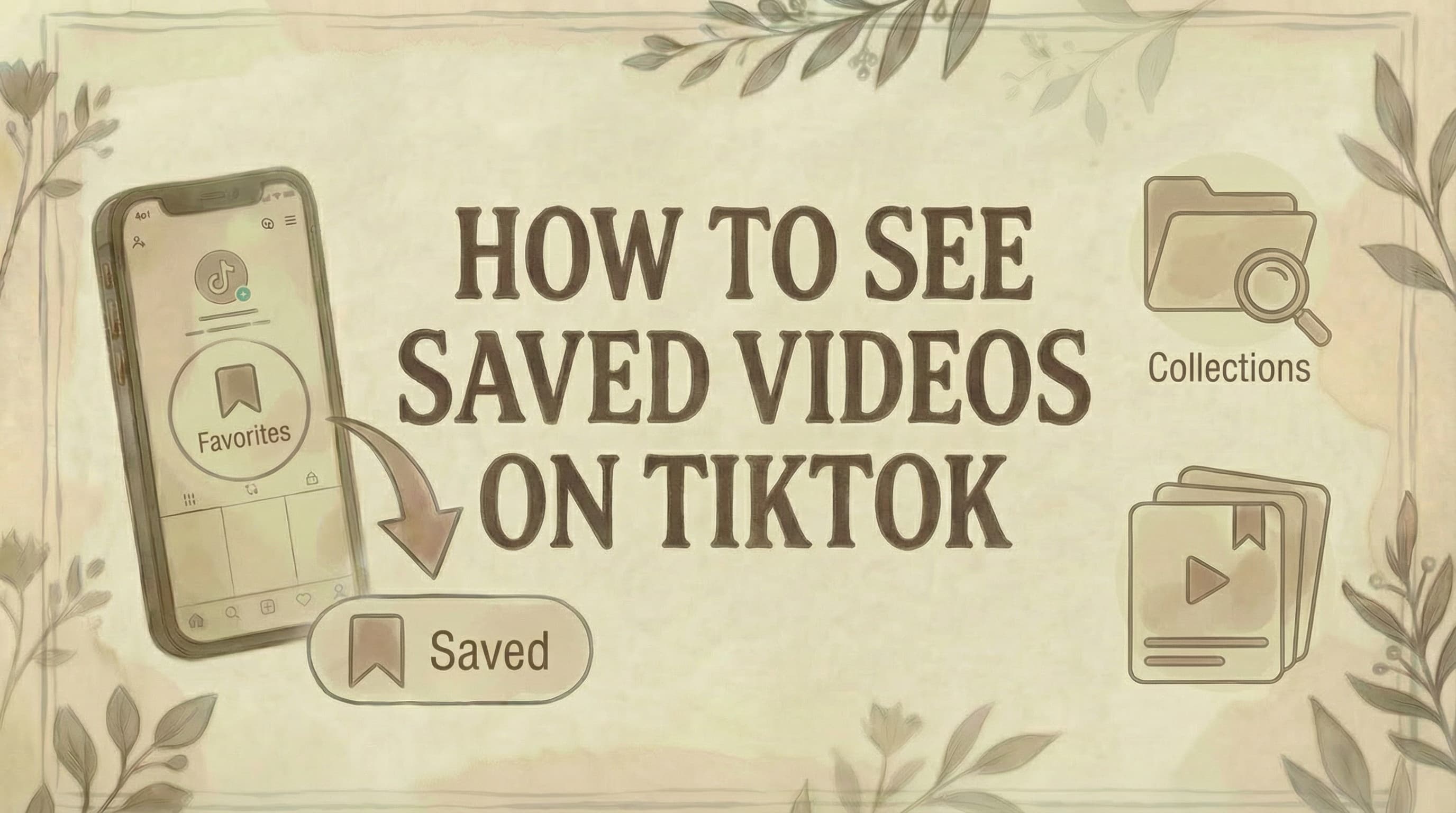
- Saved (favorited) videos live in the Favorites section of your profile - tap the bookmark or flag icon below your bio to access them.
- You can organize saved videos into Collections (custom folders) - tap + inside Favorites to create a new Collection and keep content categorized by topic.
- Favorites are private by default - only you can see what you've saved unless you change visibility settings in your privacy options.
All videos you've saved on TikTok are stored in your Favorites section, accessible directly from your profile. You can also organize them into Collections to keep everything easy to find.
Where Are Saved Videos on TikTok?
Saved videos are in your Favorites section on your profile.
Location:
- Profile page → Below bio → Favorites icon (bookmark/flag symbol)
- Appears between your profile info and video grid
- Shows all videos you've bookmarked
How to See Saved Videos on Mobile
Step 1: Open TikTok app
Step 2: Tap "Profile" (Me)
- Bottom-right corner
- Note: If you're having account issues, see why can't I follow people on TikTok
Step 3: Find the Favorites icon
- Below your profile bio
- Looks like a bookmark or flag
- Located next to other profile icons
Step 4: Tap the Favorites/bookmark icon
Step 5: View your saved videos
- All bookmarked videos appear here
- Scroll through the list
Done. All your saved TikToks in one place.
How to Save Videos to Favorites
While watching a video:
Step 1: Tap the bookmark icon
- Right side of screen
- Below the share button
- Looks like a flag or ribbon
Step 2: Video is instantly saved
- Icon turns yellow/gold
- No confirmation needed
Step 3: (Optional) Choose a Collection
- Tap "Add to Collection"
- Select existing collection or create new one
That's it. The video is now in your Favorites.
How to See Saved Videos on Desktop
Step 1: Go to tiktok.com
- Log in to your account
Step 2: Click your profile picture
- Top-right corner
Step 3: Look below your profile info
Step 4: Click "Favorites"
- Under your username/bio
Step 5: View saved videos
- All bookmarked content appears
Note: Desktop has limited features compared to mobile app.
Understanding Favorites vs Likes
Favorites (Bookmarks):
- ✓ Private by default (only you see them)
- ✓ Organized in one place
- ✓ Can create Collections
- ✓ Use: Save for later viewing
- Icon: Bookmark/flag
Liked videos:
- ✓ Shows on your profile (public)
- ✓ Influences your For You page
- ✓ Shows algorithm your interests
- ✓ Use: Support creators + personalize feed
- Icon: Heart
Key difference: Favorites are for organization, Likes are for engagement.
How to Organize Saved Videos with Collections
Collections help you categorize saved videos by topic.
Create a Collection
Step 1: Go to Favorites
Step 2: Tap "Collections" tab
- At the top of the Favorites page
Step 3: Tap "+ Create new collection"
Step 4: Name your collection
- Examples: "Recipes", "Workouts", "Comedy", "DIY"
Step 5: Choose privacy
- Private: Only you can see
- Public: Others can view
Step 6: Tap "Create"
Add Videos to a Collection
Method 1: While saving
- Tap bookmark icon
- Tap "Add to Collection"
- Select collection
Method 2: From Favorites
- Go to Favorites
- Tap video you want to organize
- Tap three dots (...)
- "Add to Collection"
- Choose collection
Manage Collections
View a collection:
- Favorites → Collections tab → Tap collection name
Remove video from collection:
- Open collection → Tap "Manage" → Select videos → Remove
Delete a collection:
- Collections tab → Hold collection name → "Delete"
What Else Can You Save on TikTok?
Besides videos, you can save:
Sounds:
- Tap sound name on video → "Add to Favorites"
Effects:
- Tap effect icon on video → "Add to Favorites"
Hashtags:
- Tap hashtag → "Add to Favorites"
Comments:
- Long-press comment → "Add to Favorites"
Locations:
- Tap location pin → "Add to Favorites"
Products (TikTok Shop):
- Tap product tag → Bookmark icon
Access all saved items:
- Favorites → Tabs for Videos, Sounds, Effects, etc.
Can't Find the Bookmark Icon?
Common reasons:
1. Update needed
- Update TikTok to latest version
- App Store/Play Store → Update
- Note: Region settings may affect app features (see how to change TikTok account region)
2. Feature moved
- TikTok changes UI frequently
- Check right side of video for bookmark
- Look for flag/ribbon icon
3. Technical glitch
- Close and restart app
- Clear cache: Settings → Clear cache
- Reinstall app if problem persists
4. Account issue
- Some accounts may have features temporarily hidden
- Usually returns after app update
Current location (2026): Bookmark icon is on the right side of videos, below the share button.
How to Find Specific Saved Videos
If you have many saved videos:
Use Collections:
- Organize by category from the start
- Makes finding specific videos easier
Search within Favorites:
- Some TikTok versions allow search
- Look for search bar at top of Favorites
Remember creator:
- Tap video → See creator's name
- Visit their profile to find it
Check watch history:
- Profile → Settings → Privacy → Watch history
- Shows recently watched (even if not saved)
Are Saved Videos Private?
Yes, by default.
Privacy details:
- Favorites are private (only you see them)
- Others cannot see what you've saved
- Unless you make a Collection public
To make a Collection public:
- Create/edit collection → Toggle "Public"
- Others can then view that collection on your profile
Liked videos are public and show on your profile (unless you change privacy settings).
What Happens If Creator Deletes Video?
Video disappears from your Favorites.
- If creator deletes their video, it's removed from TikTok entirely
- Also disappears from your saved list
- No way to recover it
Tip: Download important videos to your device as backup. For managing your unpublished content, see where to find TikTok drafts.
How to Download Saved Videos
To keep a permanent copy:
Step 1: Open saved video
Step 2: Tap "Share" button
Step 3: Tap "Save video"
Step 4: Video downloads to camera roll
Note:
- Some videos can't be downloaded (creator's setting)
- Downloaded videos may have watermark
- Respect copyright when reusing content
- For creating your own content, see how to make a slideshow on TikTok PC
Troubleshooting
Favorites not showing:
- Update app
- Restart app
- Clear cache
- Check internet connection
Videos disappeared:
- Creator may have deleted them
- Check if you're in correct account
- Look in correct tab (Videos vs Sounds vs Effects)
Can't save videos:
- Check bookmark icon exists on video
- Update app
- Some videos may have saving disabled by creator
Collections not working:
- Feature may be rolling out gradually
- Update to latest version
- Try on mobile (desktop has fewer features)
Common Questions
How many videos can I save? No official limit, but thousands of saved videos may slow the app.
Can I save videos from private accounts? Only if you follow them and they've approved you.
Do creators know when I save their video? No. Saving to Favorites is private. (Different from Likes, which they can see.)
Can I share my Collections? Yes, if you make them public. Others can then view and save from your collection.
What's the difference between "Save video" and bookmark? "Save video" downloads to device. Bookmark saves to TikTok Favorites (stays online).
Can I access saved videos without internet? No. Favorites require internet. Download videos to watch offline.
Are saved videos backed up? No. They're tied to your account. If you delete your account, saved videos are gone.
Can I save videos in multiple Collections? Not currently. Each video can only be in one Collection at a time.
Why did TikTok move the Favorites location? TikTok frequently updates its interface. Features move around as the app evolves.
Can I export my list of saved videos? Not directly through TikTok. Third-party tools may offer this, but use caution. For creating AI-generated images for your content, see how to create TikTok slideshow images with AI.
The Bottom Line
Finding saved TikTok videos:
Mobile: Profile → Favorites icon (bookmark) → View videos Desktop: Profile → Favorites → View videos
Best practices:
- Use Collections to organize by category
- Keep Favorites private or make specific collections public
- Download important videos as backup
- Regularly review and remove old saves
Saved videos make it easy to revisit content you love without endless scrolling. For adding a link to your bio, see how to add link to TikTok bio. For sharing others' videos, see how to repost on TikTok. For growth strategies, see TikTok growth strategies for SaaS, and for targeting specific audiences, see how to target US users on TikTok. For managing unwanted interactions, see how to block someone on TikTok. To boost your own content, check out how to get a TikTok Spark Code and how to make money with TikTok. If you're closing the account entirely, save your favorites first - see how to delete your TikTok account.
Want a better way to organize and schedule your TikTok content? Genviral helps you plan and post across all social platforms with cloud-based content management-so you never lose track of what you want to share.

Viktor
Occasional writer, sometimes even funny. Also loves to start conmpanies (weird, I know).


