
social-media
tiktok
tutorial
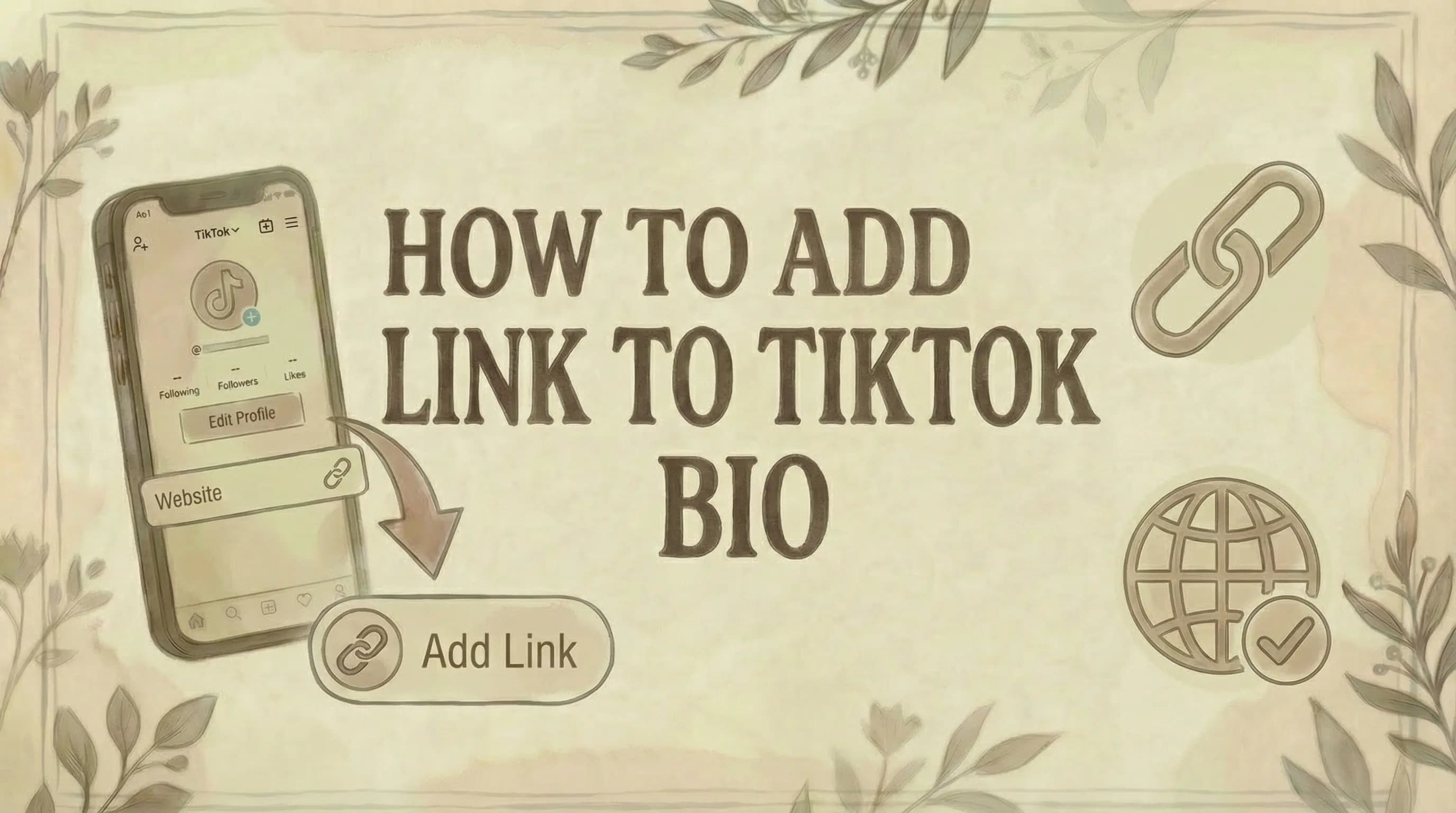
How to Add Link to TikTok Bio (2026 Guide)

- To add a clickable link to your TikTok bio, you need either a Business account (no follower minimum) or 1,000+ followers on a Personal or Creator account.
- Go to Profile - Edit Profile - Website - paste your URL - Save. The link appears as a clickable element directly on your profile.
- If you don't meet either requirement, you can still paste a URL as plain bio text - it won't be clickable, but users can copy it manually.
Adding a clickable link to your TikTok bio requires meeting one of two eligibility conditions. Here's the full process and what to do if you don't qualify yet.
Requirements to Add a Link to TikTok Bio
Before you can add a clickable link, you must meet one of these requirements:
Option 1: Have a Business Account
- Switch to a Business account (free)
- Get clickable link access immediately
- No follower requirement
Option 2: Have 1,000+ Followers
- Keep your personal/creator account
- Reach 1,000 followers
- Link option unlocks automatically
If you don't meet either requirement, you can still add a link as plain text in your bio - but it won't be clickable. Users would need to copy and paste it manually.
How to Add a Link to TikTok Bio
Once you meet the requirements, adding a link takes less than a minute.
Step 1: Open the TikTok app
Step 2: Go to your Profile (tap the icon in the bottom right)
- For finding drafts, see where to find TikTok drafts
Step 3: Tap "Edit Profile"
Step 4: Find the "Website" field
- Scroll down to the Links section
- Tap "Add your website" or the Website field
Step 5: Paste your URL
- Enter the full URL including https://
- Example: https://yourwebsite.com
Step 6: Tap "Save"
Done! Your link now appears below your bio and is clickable for all visitors.
How to Switch to a TikTok Business Account
If you have fewer than 1,000 followers, switching to a Business account is the fastest way to get a clickable link.
Step 1: Open TikTok and go to your Profile
Step 2: Tap the three lines (☰) in the top right corner
Step 3: Tap "Settings and privacy"
Step 4: Tap "Account"
Step 5: Tap "Switch to Business Account"
Step 6: Choose a category that describes your account
- Options include: Fashion, Food, Education, Entertainment, etc.
Step 7: Tap "Next" to confirm
Done! Your account is now a Business account. Go to Edit Profile to add your link.
Business Account Trade-offs
Pros:
- Clickable bio link (no follower requirement)
- Access to analytics and insights
- Professional tools and features
- Contact button options
Cons:
- Limited access to some trending sounds
- Can't use certain copyrighted music
- May affect content reach (algorithm treats business accounts differently)
Tip: If music and trending sounds are critical to your content strategy, consider growing to 1,000 followers on a personal account instead. For account management, see how to change TikTok account region.
Why Can't I Add a Link to My TikTok Bio?
Common reasons:
1. Personal account with under 1,000 followers
- Solution: Switch to a Business account OR grow your following
2. Trying to add link from desktop
- The bio link feature only works in the TikTok mobile app
- You cannot add clickable links from a computer
3. App needs updating
- Update TikTok to the latest version in your app store
4. Feature not available in your region
- TikTok rolls out features gradually by country
- Some regions may not have access yet
5. Link added before meeting requirements
- If you added a link before reaching 1,000 followers, it may not be clickable
- Try removing and re-adding the link
6. Account glitch
- Log out and log back in
- Clear app cache
- Reinstall the app if needed
Alternative: Add Link as Plain Text
If you can't add a clickable link yet, you can still include a URL in your bio description.
How to do it:
Step 1: Go to Profile → Edit Profile
Step 2: In the "Bio" text field, type your URL
Step 3: Save changes
Result: The link appears in your bio but isn't clickable. Users must copy and paste it manually.
Tips for plain text links:
- Keep the URL short and simple
- Use a custom short link (like bit.ly/yourname)
- Make it easy to remember and type
- Example: yoursite.com/tiktok
Link-in-Bio Tools (For Multiple Links)
TikTok only allows one clickable link. To share multiple destinations, use a link-in-bio tool.
How it works:
- Create a landing page with multiple links
- Add that single landing page URL to your TikTok bio
- Visitors click one link and see all your destinations
Popular link-in-bio tools:
- Linktree
- Stan Store
- Beacons
- Later's Linkin.bio
- Shorby
- Carrd
What to include on your landing page:
- Website/online store
- Other social media profiles
- Latest content (YouTube, blog, podcast)
- Products or services
- Newsletter signup
- Affiliate links
- Contact information
Adding Links to TikTok Stories
If you have 10,000+ followers, you can add clickable links directly to your TikTok Stories.
How to add links to Stories:
- Create a TikTok Story
- Tap the link icon
- Add your URL
- Post your Story
Note: This feature is only available to accounts with 10,000 or more followers. For accounts under 10,000 followers, the bio link is the only option for clickable links.
Connecting Social Media Accounts
You can link your Instagram and YouTube accounts to your TikTok profile without meeting follower requirements.
How to connect:
Step 1: Go to Profile → Edit Profile
Step 2: Scroll to "Social" section
Step 3: Tap "Add Instagram" or "Add YouTube"
Step 4: Log in to verify your account
Step 5: Save changes
Result: Instagram and YouTube icons appear on your profile. Users can tap them to visit your other accounts.
Tips for Optimizing Your Bio Link
Best practices:
✓ Use a short, clean URL - Avoid long, messy links. Use a branded short link if possible.
✓ Make it mobile-friendly - TikTok users are on mobile. Ensure your linked page loads fast and looks good on phones.
✓ Use a clear call-to-action - Tell viewers what to do: "Link in bio for the full tutorial" or "Shop the look - link in bio"
✓ Update regularly - Change your link based on current campaigns, new products, or timely content.
✓ Track your clicks - Use UTM parameters or link shorteners with analytics to see how many people click.
✓ Send to a landing page - Don't just link to your homepage. Send traffic to a specific page that matches your content.
✓ Mention it in videos - Remind viewers: "Check the link in my bio" to drive traffic.
What to Link To
Ideas for your bio link:
For creators:
- YouTube channel
- Patreon or membership
- Merchandise store
- Email newsletter signup
- Portfolio or website
- Podcast
For businesses:
- Online store
- Product page
- Sale or promotion
- Lead capture page
- Booking/appointment page
- Contact form
For affiliate marketers:
- Affiliate product page
- Amazon storefront
- Comparison/review page
For everyone:
- Link-in-bio page with multiple destinations
Common Questions
Can I add a link without 1,000 followers? Yes, if you switch to a Business account. Business accounts can add a clickable link regardless of follower count. Alternatively, you can add a non-clickable link as plain text in your bio description.
Can I add multiple links to my TikTok bio? No. TikTok only allows one clickable link in the Website field. To share multiple links, use a link-in-bio tool that creates a landing page with all your links.
Why is my link not clickable? Your account may not meet the requirements (Business account or 1,000+ followers). Also, make sure you added the link in the "Website" field, not just the bio text. Links in the bio text appear as plain text only.
Can I add a link from my computer? No. The bio link feature only works in the TikTok mobile app. You must use your phone to add or edit your clickable link.
Does switching to a Business account affect my reach? Possibly. Some creators report that Business accounts have less access to trending sounds and may see different algorithm treatment. Test and see what works best for your content.
Can I change my link anytime? Yes. You can update your bio link as often as you want. Go to Edit Profile → Website → Change the URL → Save.
How do I track clicks on my bio link? TikTok doesn't provide detailed bio link analytics. Use a link shortener (like Bitly) or add UTM parameters to track clicks in Google Analytics.
What happens if I switch back to a personal account? If you switch from Business to Personal and have fewer than 1,000 followers, you'll lose access to the clickable link feature.
Can I link to any website? Yes, as long as it doesn't violate TikTok's community guidelines. You can link to websites, stores, social profiles, or any valid URL.
Why does my link show as text, not clickable? You may have added the link to the wrong field (Bio text instead of Website field), or your account doesn't meet the requirements. Check that you're using the dedicated Website field and meet either the Business account or 1,000 follower threshold.
The Bottom Line
Adding a link to your TikTok bio:
Requirements (need ONE):
- Business account (any follower count)
- Personal account with 1,000+ followers
Steps:
- Open TikTok app (mobile only)
- Go to Profile → Edit Profile
- Tap "Website" or "Add your website"
- Paste your URL
- Save
Key points:
- Only one clickable link allowed
- Must use mobile app (not desktop)
- Use link-in-bio tools for multiple links
- 10,000+ followers can add links to Stories
- Plain text links work as a workaround (not clickable)
Pro tip: Don't waste your one link on a basic homepage. Send traffic to a dedicated landing page, product page, or link-in-bio tool that gives visitors clear next steps.
For more TikTok tips, see how to make money with TikTok, how to get Spark Code on TikTok, where to find TikTok drafts, how to repost on TikTok, how to see saved videos on TikTok, how to turn off profile views on TikTok, how to block someone on TikTok, why can't I follow people on TikTok, and how to delete your TikTok account.
Want to maximize your TikTok bio link? Genviral helps you plan and schedule content across TikTok, Instagram, Pinterest, and more - so you can drive consistent traffic to your bio link and turn viewers into followers and customers.

Viktor
Occasional writer, sometimes even funny. Also loves to start conmpanies (weird, I know).


