
social-media
tutorial
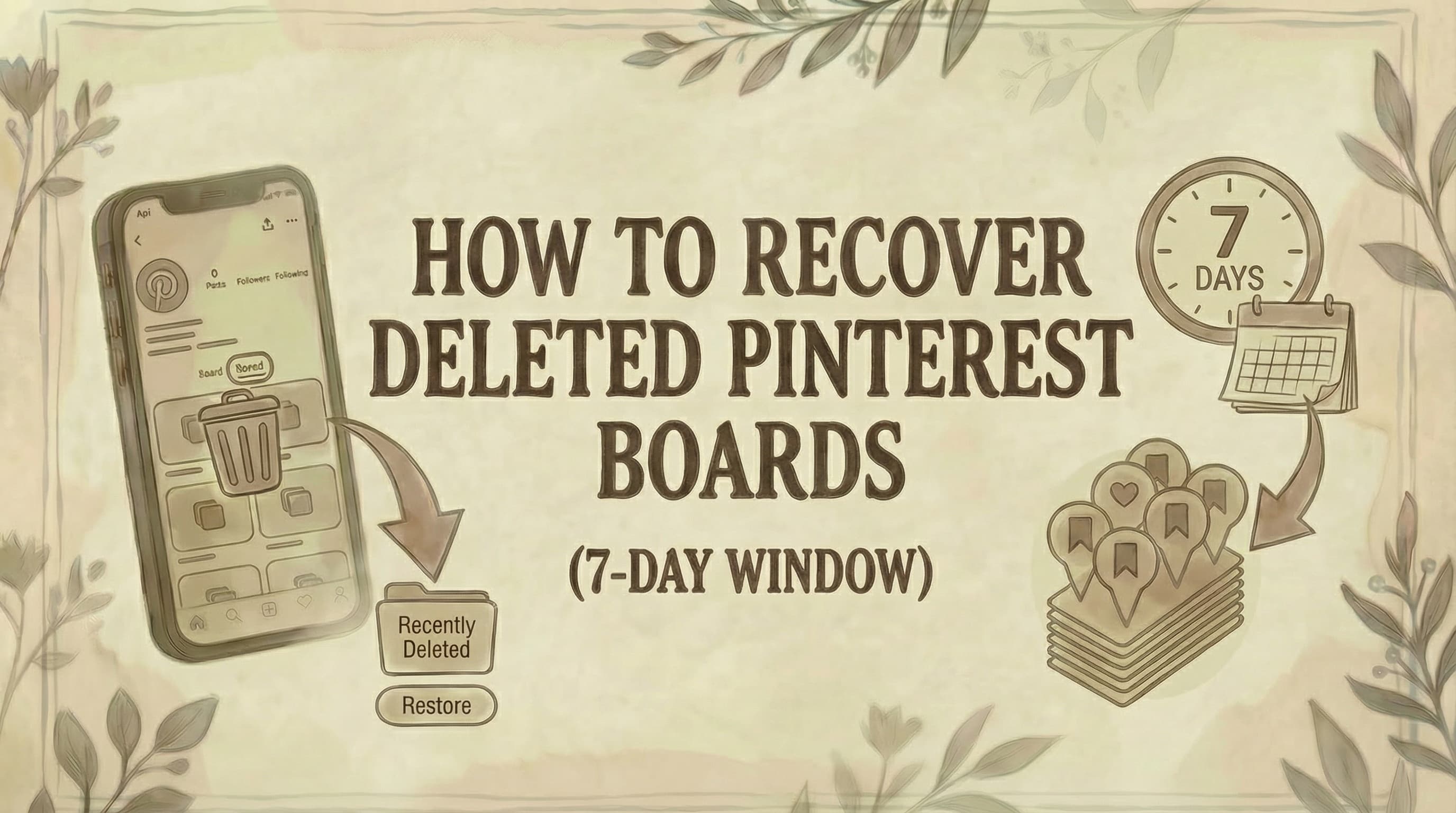
How to Recover Deleted Pinterest Boards (7-Day Window)

- You have exactly 7 days to restore a deleted Pinterest board via the "Recently deleted" section - after that it is permanently gone with no exceptions, not even via Pinterest Support.
- Recovery only works on desktop (web) or Android - the iOS Pinterest app does not support board restoration, so use a computer or Android device.
- If the 7-day window has passed, check Google Cache, the Wayback Machine, or your email history for saved pin links - you can't restore the board, but you may recover some content manually.
Pinterest keeps deleted boards recoverable for exactly 7 days before they're gone permanently. Here's how to restore yours - and what to try if the window has already passed.
How to Recover a Deleted Board (Within 7 Days)
According to Pinterest's official Help Center, deleted boards are stored in the "Recently deleted" section for 7 days before permanent deletion.
Desktop (Personal Account):
- Log in to pinterest.com
- Click your profile picture (top right)
- Click the Saved tab
- Scroll down to "Recently deleted boards" section
- Click Restore Boards
- Select the board you want to recover
- Click Restore
The board will immediately return to your profile page.
Desktop (Business Account):
- Log in to Pinterest
- Click your profile photo (top right)
- Navigate to the Saved tab
- Scroll down to "Recently deleted" section
- Click Restore boards
- Select the board
- Click Restore
Android:
- Open the Pinterest app
- Tap your profile picture (bottom right)
- Tap Boards
- Scroll down to "Recently deleted" section
- Tap Restore
- Tap the board you want to restore
- Tap Restore to confirm
iOS (iPhone/iPad):
Important: According to Pinterest's official documentation, you cannot restore boards on iOS devices. You must use a desktop computer or Android device to recover deleted boards.
What Happens After 7 Days?
After 7 days, boards are permanently deleted. There is no way to recover them through Pinterest's system. The platform does not store deleted boards beyond this grace period.
When a board is permanently deleted:
- All pins on the board are removed
- Board name and description are lost
- Collaborators lose access
- Board URL becomes inactive
- Content cannot be recovered through Pinterest
Board Missing? Check These First
Before assuming your board was deleted, check these common causes:
1. Archived Boards
Pinterest allows you to archive boards. Archived boards are hidden from your public profile but not deleted.
To find archived boards:
Desktop:
- Go to your profile → Saved tab
- Scroll down to "Archived boards" section
- Look for your missing board
Mobile:
- Tap profile picture → Boards tab
- Scroll down to "Archived boards" section
To unarchive: Open the archived board → Three dots (...) → Unarchive
2. Wrong Pinterest Account
Many users have multiple Pinterest accounts (email, Facebook, Google, Apple sign-in). You might be logged into the wrong account.
Check if you're on the right account:
- Log out
- Try logging in with different methods:
- Email/password
- Apple
3. Group Board Removal
If the missing board was a group board (shared with others):
You may have been removed by the board owner, or you left the board accidentally.
To rejoin:
- Ask the board owner to re-invite you
- Once accepted, the board will reappear
- Check your email for the invitation
4. Pinterest Removed the Board
If your board violated Pinterest's Community Guidelines, it may have been removed by Pinterest.
Check your email for a message from Pinterest explaining why the board was removed. Subject line typically says: "We removed your board."
Alternative Recovery Methods (After 7 Days)
If the 7-day window has passed, these methods might help recover some content-but not the full board structure:
Method 1: Email Backup Links
When you share a board via email or social media, Pinterest sends a notification with the board link.
Steps:
- Search your email inbox for the board name
- Look for Pinterest notifications or share confirmations
- Click the link in the email
- If you see "This board has been deleted," there may be a Restore button (only within 7 days)
- After 7 days, you can't restore but you might see the board URL for reference
Method 2: Google Cache/Wayback Machine
If your board was public and popular, Google or the Wayback Machine might have cached it.
Google Cache:
- Search Google for:
site:pinterest.com [your board name] [your username] - Look for cached results
- Click the three dots next to results → "Cached"
Wayback Machine:
- Go to web.archive.org
- Enter your board's URL:
pinterest.com/[username]/[board-name] - Check if there are saved snapshots
- You can view and manually save pin images (but not restore the board)
Method 3: Browser History
If you viewed pins from that board recently:
- Check your browser history (Ctrl+H or Cmd+Y)
- Search for "pinterest.com"
- Find pins from the deleted board
- Manually re-save them to a new board
Method 4: Screenshots or Local Downloads
If you downloaded pins from the board or took screenshots:
- Check your Downloads folder
- Check Screenshots folder
- Look in cloud storage (Google Photos, iCloud)
Archive vs. Delete: Know the Difference
| Feature | Archive | Delete |
|---|---|---|
| Visibility | Hidden from public profile | Removed entirely |
| Pins | All pins preserved | All pins deleted |
| Recovery | Instant, anytime | 7 days only |
| Board URL | Still active | Becomes inactive |
| Collaborators | Retain access | Lose access |
| Best for | Temporary hiding | Permanent removal |
Use Archive if: You want to hide the board temporarily but keep the content.
Use Delete if: You're certain you never want the board again.
How to Prevent Accidental Deletion
1. Use Archive or make the board secret instead of deleting if you're unsure - learn how to make a board on Pinterest private to hide it without the 7-day recovery risk
2. Download your Pinterest data regularly:
- Settings → Privacy and data → Request download of my data
- Pinterest will email you a file with all your pins and boards
3. Create board backups:
- Take screenshots of important boards
- Export pin links to a spreadsheet
- Save shared board links in your email
4. Enable two-factor authentication to prevent unauthorized deletions
5. Double-check before confirming deletion - Pinterest asks you to confirm twice
Common Questions
Can I recover a board after 7 days? No. Pinterest permanently deletes boards after 7 days. The "Recently deleted" section is the only official recovery method. After that window closes, the board is gone from Pinterest's servers.
Why can't I see the "Recently deleted" section? If you haven't deleted any boards in the past 7 days, this section won't appear. It only shows up when there are deleted boards waiting to be recovered or permanently removed.
Can I recover boards on my iPhone? No. According to Pinterest's official documentation, board recovery is only available on desktop (web browser) or Android devices. iOS users must access Pinterest through a web browser on a computer or use an Android device.
What happens to pins when a board is deleted? All pins on the deleted board are also deleted. However, if other users saved (repinned) those pins to their own boards, their copies remain unaffected. Only your original board and your pins are removed. If you need to remove individual pins instead of entire boards, see our guide on how to delete Pinterest pins. For pins you've saved from others, see how to unsave pins on Pinterest. To recreate pins after recovering a board, see our guide on how to make a pin on Pinterest. For step-by-step instructions on deleting boards, see our guide on how to delete a Pinterest board.
Can I recover a board someone else deleted from a group board? No. Only the board owner can delete and restore boards. If someone deleted a group board you collaborated on, ask the owner to restore it within the 7-day window. After 7 days, even the owner cannot recover it.
Does Pinterest support restore deleted boards beyond 7 days? No. Pinterest does not offer extended recovery options. Pinterest Support cannot retrieve boards deleted more than 7 days ago-the 7-day limit is firm and automated.
Can I restore specific pins instead of the whole board? No. The "Recently deleted" section only allows full board restoration. Individual pins cannot be recovered once a board is deleted. You must restore the entire board or lose everything.
Why was my board deleted automatically? Pinterest may delete boards that violate Community Guidelines (spam, copyright infringement, inappropriate content). You'll receive an email notification explaining the violation. Boards deleted by Pinterest cannot be restored, even within 7 days.
What You Lose When a Board Is Permanently Deleted
After 7 days, these items are permanently lost:
- All pins on the board (images, videos, descriptions)
- Board name and description
- Board category and settings
- Follower count for that board
- Collaborator access (for group boards)
- Board URL (becomes a dead link)
- Pin organization within sections
- Comments on pins in that board
You cannot recover:
- The board structure
- Pin order and organization
- Board followers
- Engagement metrics
Bottom Line
Pinterest gives you a 7-day grace period to restore deleted boards through the "Recently deleted" section. This feature only works on desktop or Android-not on iOS devices. After 7 days, boards are permanently deleted with no recovery options.
If you're not sure whether to delete a board, use the Archive feature instead - or consider merging it into another board so you keep the pins without the clutter. Archived boards can be unhidden anytime without any consequences. Always double-check before confirming deletion, and consider downloading your Pinterest data regularly as a backup. If you just need to delete individual pins rather than whole boards, see the pin deletion guide linked above. To view content you've interacted with, see how to see liked pins on Pinterest. For organizing your boards and pins effectively, see our Pinterest tips and tricks guide and Pinterest posting strategy. To expand your reach, learn how to find group boards on Pinterest. For creating interactive collages, see how to make Pinterest collage.
Want to organize your Pinterest better? Looking to manage your Pinterest content efficiently? Genviral helps you schedule and organize your Pinterest strategy across all your boards.

Fekri
Builder, founder, father



