
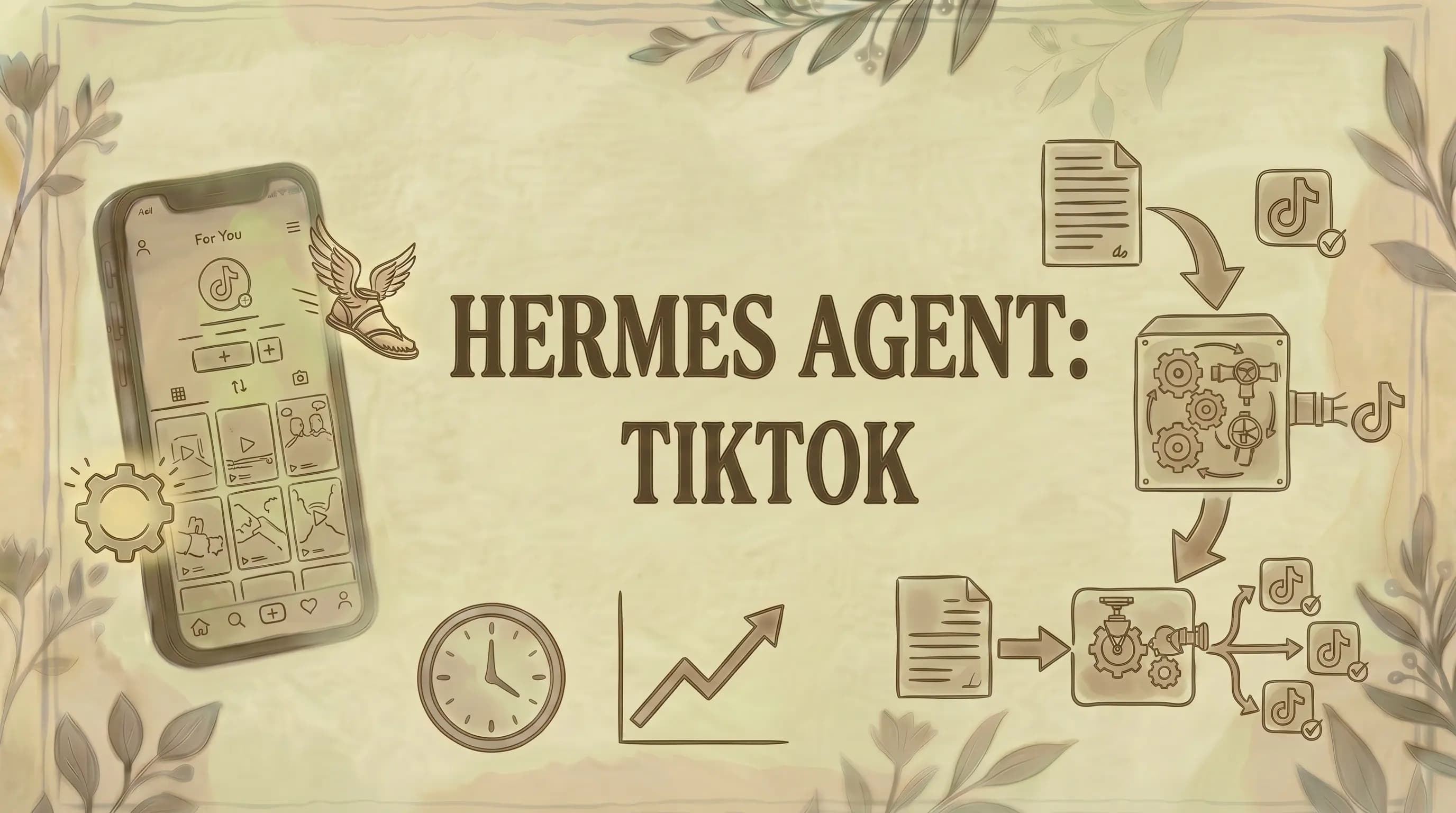
tiktok
automation
hermes-agent
How to Automate TikTok Posting with Hermes Agent

- Hermes Agent works especially well for TikTok social media automation because it can manage the setup conversation, confirm prerequisites, and then run the workflow on a recurring basis without constant human input.
- The TikTok flow in this walkthrough uses Genviral's API docs as the execution layer, which lets Hermes create slideshows, generate AI images, and publish through one surface instead of wiring TikTok directly.
- Before you automate anything, connect your TikTok account, decide whether you want drafts or fully automatic posting, and make Hermes confirm it can see the right folders, accounts, and assets.
- For slideshow workflows, the most important ingredient is not the model. It is having a strong baseline visual format that Hermes can reliably repeat.
- Always have Hermes generate one sample TikTok post in chat first, then turn on the recurring automation only after you like the output.
TikTok is one of the best places to use Hermes Agent for social media automation because the workflow is repetitive, the format can be templated, and the upside of consistent posting is high. Once you have a format that already works, Hermes is very good at repeating it without you having to babysit every post.
In the video above, Viktor walks through a real TikTok setup where Hermes publishes cookbook-style recipe slideshows automatically. This guide turns that workflow into a written article, with Hermes as the control layer and Genviral as the publishing backend that actually talks to TikTok.
Why Hermes Agent Makes Sense for TikTok
TikTok automation is not just "make a post and publish it." You usually need to decide:
- whether the content should be a slideshow or a video
- whether to post directly or upload as a draft
- where the content should come from
- what model should generate the images
- what style the output should follow
- whether the result is good enough to actually ship
That is exactly the kind of step-by-step configuration flow Hermes handles well. Instead of hardcoding every branch yourself, you can let the agent ask the missing questions, confirm the account access, and then formalize the workflow once the decisions are clear.
What This TikTok Workflow Looks Like
The specific example from the transcript is a cookbook-style TikTok account with a three-page slideshow:
- a title slide for the recipe
- an ingredients slide
- an instructions slide
Hermes creates unique content in that structure and then posts it automatically. The content itself looks polished because the format is already well-defined before the automation starts.
That is an important lesson for TikTok in general: Hermes is best when it is scaling a format that already works, not inventing one from scratch every time.
Here is the kind of TikTok slideshow this workflow is built to produce:
What You Need
Before you ask Hermes to automate TikTok posting, make sure you have:
- Hermes Agent already installed and running in your preferred interface
- a TikTok publishing layer Hermes can use
- an API key for that layer from Genviral API Keys
- your TikTok account connected in Social Posts
In this walkthrough, Genviral is the practical backend because Hermes can use it for account access, AI image generation, slideshow creation, and final delivery without you having to wait weeks for direct TikTok API approval.
Step 1: Feed Hermes the Right API Surface
The first thing Hermes needs is the API reference and the authentication layer. In this workflow, that means giving Hermes the Genviral API reference plus an API key so it can authenticate and understand what endpoints are available.
This is where Genviral fits naturally into the article. Hermes is doing the reasoning and orchestration, but it still needs a reliable social publishing layer underneath it.
Step 2: Connect Your TikTok Account First
Before Hermes can publish anything, it needs to be sure the account is already connected.
The basic flow is:
- open the Social Posts area
- connect TikTok
- finish the account authentication
- confirm Hermes can actually see the account
The transcript makes a big point of this confirmation step, and it is the right instinct. Before you talk about cadence, captions, or images, make Hermes verify that the account access is actually there.
Step 3: Decide Whether You Want Drafts or Automatic Posting
This is one of the most important TikTok-specific decisions in the whole setup.
Hermes should ask you whether the post should:
- publish automatically, or
- upload as a draft for manual review
Viktor's recommendation in the video is sensible: for TikTok slideshows, draft mode is often the better starting point. The reason is music. If you post automatically through the API, TikTok will choose a song for you. If you care about having more control over the final slideshow, uploading as draft gives you a chance to review it and choose the sound yourself.
So if your automation is slideshow-heavy, drafts are often the safer default.
Step 4: Choose the Right TikTok Content Pipeline
Hermes can only automate well if you tell it which content path it should use.
In the transcript, there are three practical options:
AI-generated slideshows
This is the showcased workflow. Hermes uses Genviral's Studio AI endpoint to generate the images, then turns them into a slideshow.
Slideshows from your own packs or folders
If you already have images prepared, Hermes can use those instead of generating everything from scratch. This is useful when you want tighter brand control.
Video posting
If your TikTok workflow is video-based instead of slideshow-based, the same high-level setup still applies, but the asset pipeline changes.
The key point is that Hermes should know which of those pipelines you want before it tries to automate anything.
Step 5: Give Hermes a Baseline Format It Can Repeat
This might be the most useful lesson in the entire video.
The reason the recipe slideshows work is not just because AI made pretty images. It is because the underlying format is stable.
Viktor shows a dedicated folder with baseline images and a fixed slideshow structure. That reduces the number of things that can go wrong. For example:
- the app CTA badge is already present
- the three-slide structure is already defined
- Hermes is told which image serves which role
That is exactly how you should think about TikTok automation. Give the agent a format with as few failure points as possible, then let it vary the topic inside that frame.
Step 6: Specify the Model, Settings, and Source
Once the structure is clear, Hermes still needs the operating instructions.
In the example workflow, that includes:
- GPT Image 2 as the image model
- medium quality
- 2K resolution
- a recipe source pulled from a website or blog
Those settings are not universally correct for every TikTok automation, but the principle is: be explicit.
Tell Hermes:
- where the content ideas should come from
- which model to use
- what aspect ratio or quality settings to prefer
- what kind of captions and hashtags to create
TikTok automations get messy when these details are vague.
Step 7: Generate a Sample Post Before You Automate
Before you let Hermes schedule anything, tell it to create a post in chat first without publishing it.
This is where you check:
- whether the slideshow actually looks good
- whether the caption feels right
- whether the content is accurate
- whether the format matches the account
In the transcript, that sample-review step is what happens right before the automation is activated. That is the right order. Don't schedule first and hope for the best later.
Step 8: Turn It Into a Recurring TikTok Automation
Once the sample looks good, tell Hermes to convert it into a recurring automation and post confirmations back to the channel you use for oversight.
At that point the loop becomes:
- pick or generate the content
- create the TikTok asset
- write the metadata
- publish or upload as draft
- confirm the result back in chat
That is the moment where Hermes stops being "an agent you test with" and becomes an actual social media operator for that workflow.
The Biggest TikTok Lesson From the Video
The most important recommendation in the entire walkthrough is not about Hermes or Genviral. It is about process.
Do the workflow manually first.
If you do not already understand:
- what a good TikTok slideshow looks like
- how your captions should read
- what asset structure works
- where music choice matters
then the automation will be harder to debug and easier to mess up.
Hermes is best used to automate something you already understand end to end.
Getting Started
If you want to replicate the TikTok workflow from the video:
- set up Hermes Agent in Discord or your preferred interface
- connect your TikTok account in Social Posts
- create your API key
- feed Hermes the API docs and credentials
- decide whether you want drafts or automatic posting
- define the slideshow or video pipeline
- give Hermes a stable baseline format
- review one sample post
- only then turn on the recurring automation
If you need the full platform side of that workflow, you can start from Genviral, then use the TikTok setup as the execution layer under Hermes.
Related Guides
- Hermes Agent Social Media Automation
- Hermes Agent Social Media: How to Automate Posting
- How to Warm Up a TikTok Account
- How to Use OpenClaw to Automate Your Social Media (Full Guide)
- How to Automate TikTok Posting with OpenClaw and Genviral
- Best TikTok Scheduler
- Create TikTok Slideshow Images with AI
- Where to Find TikTok Drafts
- How to Delete Your TikTok Account

Viktor
Occasional writer, sometimes even funny. Also loves to start conmpanies (weird, I know).


