
tiktok
social-media
scheduler
12 Best TikTok Schedulers in 2026 (Tested & Compared)

- TikTok schedulers in 2026 split into three categories: TikTok-first platforms that handle creation, slideshows, multi-account posting, and analytics in one workflow (Genviral); generalist all-in-one suites that treat TikTok as one channel among many (Buffer, Hootsuite, Later, Sprout, Metricool, Publer, Vista Social, SocialBee); and everything-else options including AI-only generators (Predis.ai), open-source self-host (Postiz), and TikTok's free native scheduler.
- We tested 12 schedulers across six criteria: TikTok-native posting depth, slideshow / carousel support, scheduling and queue logic, AI content generation, analytics, and pricing.
- Genviral is the only tool on this list built TikTok-first - photo carousels up to 35 images, branded-content and commercial-content disclosures, comment / duet / stitch toggles, custom cover frames, draft + direct-post modes, and a TikTok Scheduler that publishes to as many TikTok accounts as you want from one queue.
- Pricing spans free (Postiz self-host, TikTok native), freemium ($0-29/mo for Buffer, Publer, Metricool, Vista Social), mid-tier ($29-49/mo for Genviral, SocialBee, Predis.ai, Later), and enterprise ($99-249+/seat for Hootsuite and Sprout Social).
- If your job is actually growing on TikTok - not posting one update a week to seven networks - a TikTok-first tool wins on every metric that matters: time to publish, slideshow support, multi-account workflows, and TikTok-native analytics.
The TikTok scheduler category looks crowded until you start using the tools. Most "TikTok schedulers" are actually generalist social media suites that bolted on TikTok support somewhere between Buffer's 2007 launch and the present day. They post to TikTok, but they treat it the same way they treat LinkedIn or Pinterest: a single video, a single caption, a single time. That worked when TikTok was new. It does not work in 2026, when serious creators run multiple accounts, post 3-10 times a day, mix slideshows and videos, and need analytics that go beyond "how many likes did this post get."
We tested 12 of the most popular TikTok schedulers on the market, ranging from TikTok-first platforms to enterprise suites to TikTok's own free in-app scheduler. Whether you are a solo creator posting daily, an agency managing dozens of accounts, an ecommerce brand running TikTok Shop, or a SaaS founder doing TikTok-led growth, there is a tool on this list that fits.
What Is a TikTok Scheduler?
A TikTok scheduler is a tool that publishes content to TikTok at a future time, instead of you posting manually from the app. Modern schedulers go far beyond a calendar - the good ones handle bulk uploads, multi-account workflows, photo carousels, captions and hashtags, branded-content disclosures, comment and stitch toggles, analytics, and team collaboration.
In 2026, TikTok schedulers fall into three categories:
- TikTok-first platforms - built around TikTok's actual content formats (videos, photo carousels, sounds, captions, branded content) and creator workflows (multi-account, daily volume, slideshows). Genviral is the canonical example.
- Generalist all-in-one suites - schedulers that support 6-15 networks and treat TikTok as one of them. Buffer, Hootsuite, Later, Sprout Social, Metricool, Publer, Vista Social, SocialBee. Strong on breadth, weaker on TikTok-specific depth.
- Everything else - AI-only content generators (Predis.ai), open-source self-host options (Postiz), and TikTok's free built-in Creator Center scheduler.
The "right" scheduler depends entirely on what you're trying to do. A solo creator posting one video a week might be perfectly happy on TikTok's native scheduler. An agency posting 100+ TikToks a week across 30 client accounts needs a TikTok-first tool. Most people are somewhere in between.
How We Evaluated
We assessed each scheduler across six criteria:
- TikTok-native posting depth - photo carousels (up to 35 images), branded-content disclosure, commercial-content toggle, comment / duet / stitch controls, custom cover frame, privacy levels, draft vs direct-post modes, sound selection.
- Slideshow / carousel support - can you build TikTok photo posts inside the tool? Templates? AI image generation? Drag-and-drop reordering?
- Scheduling & queue logic - bulk scheduling, multi-account posting, retry on failure, daily-limit awareness, time-of-day windows, drag-and-drop calendar.
- AI content generation - does the scheduler also generate the content (videos, slideshows, captions, hooks, hashtags), or is it only a publisher?
- Analytics - per-post metrics, per-account growth, history depth, refresh cadence, comparable cross-account views.
- Pricing transparency - per-account, per-seat, or per-workspace? Free tier? Credits or unlimited posts? Roll-over?
We also gave credit for unique TikTok-relevant capabilities: trend research, hook libraries, AI lip-sync translation, workspace isolation for agencies, and a public Partner API for programmatic posting.
Quick Comparison
| Tool | Best For | TikTok Slideshows | AI Generation | Multi-Account | Starting Price |
|---|---|---|---|---|---|
| Genviral | TikTok-first creators & agencies | Yes (up to 35 images) | Yes (video + image + slideshow) | Unlimited | $29/mo |
| Buffer | Solo creators | Limited | Basic captions | Free for 3 channels | Free / $6 per channel |
| Hootsuite | Enterprise teams | Limited | Basic | Yes (paid tier) | ~$99/mo |
| Later | Visual brands | Yes | Basic | Yes | ~$25/mo |
| Sprout Social | Enterprise reporting | Limited | Basic | Yes | ~$249/seat |
| Metricool | Small agencies | Yes | No | Yes | Free / $22/mo |
| Publer | Freelancers | Yes | Basic | Yes | Free / $12/mo |
| Vista Social | White-label agencies | Yes | Limited | Yes | Free / $39/mo |
| SocialBee | Evergreen recyclers | Limited | Basic captions | Yes | $29/mo |
| Predis.ai | AI-only content | Yes | Yes (template-driven) | Yes | Free / $32/mo |
| Postiz | Self-host / technical teams | Yes | Basic | Yes | Free (self-host) / $29/mo |
| TikTok Native | Single creator, free | Yes (in-app) | No | No | Free |
1. Genviral - Best for TikTok-First Creators and Agencies
Platform: Web (full creator pipeline)
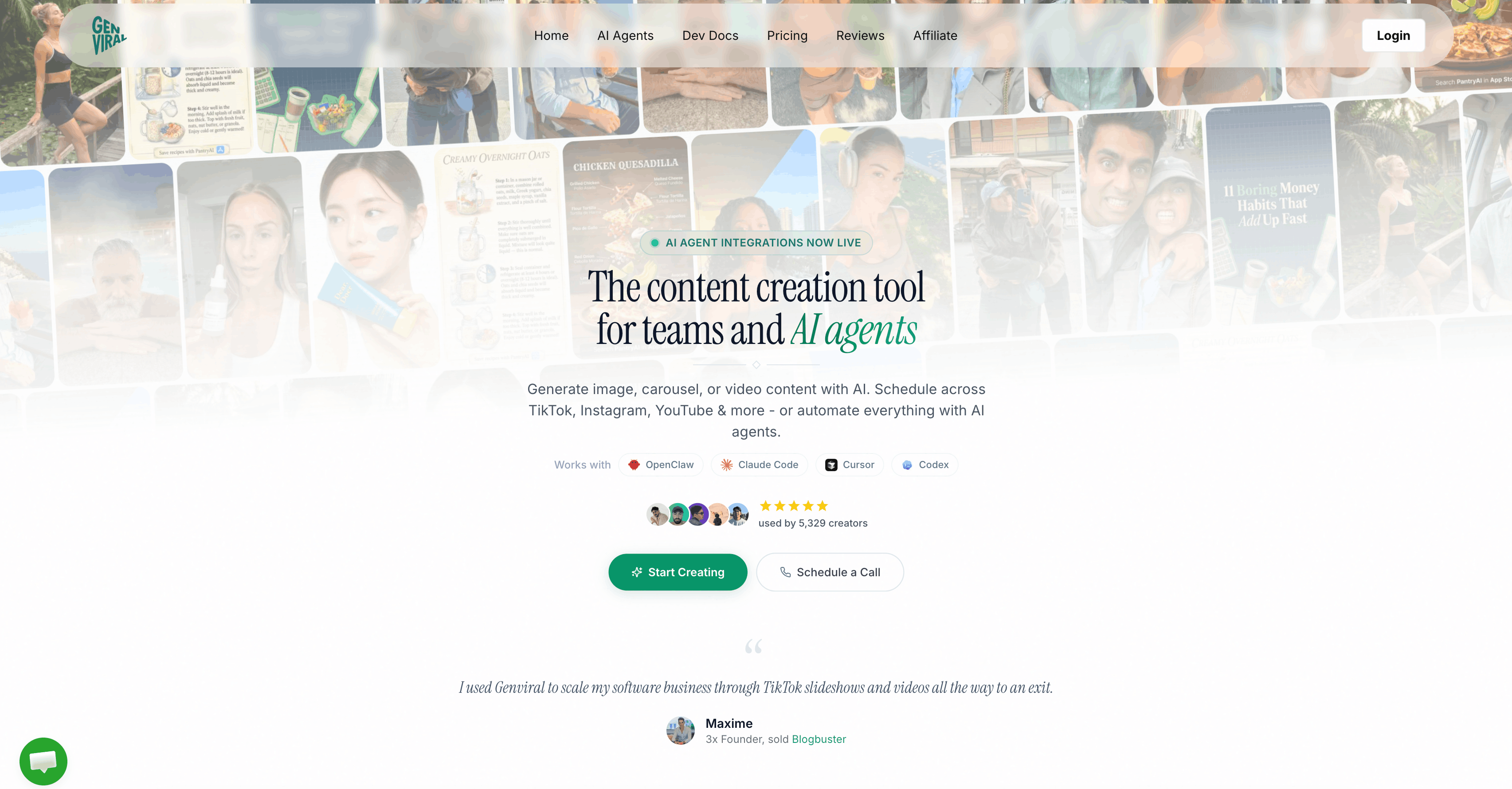
Genviral is the only tool on this list built TikTok-first. Most schedulers add TikTok as an afterthought; Genviral started by solving the TikTok-specific problems other tools ignore - photo carousels, branded-content disclosure, comment and stitch toggles, custom cover frames, multi-account batching, draft mode for higher rate limits, and a TikTok Scheduler that publishes to as many connected TikTok accounts as you want from one queue. Everything else - the cross-platform posting, the AI content generation, the analytics - is built around that TikTok-first core.
The defining quality is depth. Other schedulers let you write a caption and pick a time. Genviral lets you build a 35-image TikTok photo carousel from AI-generated images, set a custom cover frame by millisecond timestamp, disable duets and stitches, declare branded content with the proper consent flag, queue it across 12 connected TikTok accounts, and get back analytics on every post - all from one workspace.
Key TikTok Features
- Photo carousels up to 35 images - build TikTok slideshows directly in the editor with title, description, and per-image ordering. Generate the source images with AI Studio (Nano Banana 2, GPT Image 1.5, SeeDream 5, Imagen 4) or upload your own. See How to Create TikTok Slideshow Images with AI for the full workflow.
- Direct video posting via official TikTok API - upload single MP4, MOV, or WebM videos with title, captions, and hashtags. Genviral uses the official TikTok Content Posting API, not browser automation.
- Privacy controls - choose public, friends-only, followers-only, or private (saved as draft inside TikTok). Toggle per post.
- Engagement toggles - disable comments, disable duet, disable stitch. Set defaults per account, override per post.
- Branded content & commercial disclosures - mark posts as branded content, commercial content, or "your brand," with the proper consent tracking TikTok requires for monetized content.
- Auto-music & custom cover frame - let TikTok auto-add trending music, or pick a specific frame as the video thumbnail by millisecond timestamp.
- Direct-post or draft mode - publish immediately, or upload as a TikTok draft for higher rate limits and manual review inside the app.
- Multi-account scheduling - connect unlimited TikTok accounts, post the same content (or platform-specific variants) to all of them in one action. Per-account daily limits enforced automatically.
- Smart retry & rate limiting - failed posts retry up to 3 times within 24 hours for transient errors; spam-detection lockouts are respected; retries skip when TikTok rejects the post outright.
- Publishing calendar - drag-and-drop calendar showing every scheduled, pending, posted, and failed post across all your TikTok accounts. Click any post to edit caption, time, or recipients.
- TikTok analytics dashboard - followers, video views, likes, comments, shares, plays, and engagement rate per post, with 90-day history. Refresh on demand.
- AI video generation - generate TikTok-ready short-form video in AI Studio using Kling 2.6 Pro, Sora 2, Veo 3.1, or WAN 2.6. Brainrot Video Generator builds split-screen gameplay videos with AI voiceover and word-synced captions in 17 caption styles.
- AI lip-sync translation - translate any video into 180+ languages with voice cloning and lip-sync, then post the localized version to TikTok accounts in different markets.
- Consistent AI characters - train a character model on your photos once, then generate unlimited images of you (or a virtual creator) in any scene, in any outfit, in any setting - all post-ready for TikTok carousels.
- Workspace collaboration - owner / admin / viewer roles, workspace-scoped TikTok accounts, shared queue. Built for agencies managing client accounts cleanly.
- Cross-platform repurposing - post the same TikTok video or slideshow to Instagram Reels, YouTube Shorts, Facebook, Pinterest, and LinkedIn in one click, with platform-specific caption variants.
- Public Partner API - programmatic posting, account queries, file uploads, AI generation. See How to Automate TikTok Posting with OpenClaw and Genviral for an agent-driven setup.
Pricing
- Creator: $29/mo - unlimited scheduled posts, unlimited TikTok accounts
- Professional: $49/mo - unlimited posts, unlimited TikTok accounts, workspace features
- Business: $99/mo - unlimited posts, unlimited TikTok accounts, Partner API, multi-workspace
- Included on all plans: TikTok scheduling, slideshows, analytics, and AI Studio credits
- No per-channel surcharge: no "TikTok add-on" and no enterprise upgrade required for multi-account access
- Guarantee: 30-day money-back guarantee
| Plan | Price | Posts | TikTok Accounts |
|---|---|---|---|
| Creator | $29/mo | Unlimited scheduled posts | Unlimited |
| Professional | $49/mo | Unlimited | Unlimited + workspace |
| Business | $99/mo | Unlimited + Partner API | Unlimited + multi-workspace |
All plans include TikTok scheduling, slideshows, analytics, and the AI Studio with a shared monthly credit pool. No per-channel surcharge, no "TikTok add-on," no enterprise upgrade gating the multi-account features. 30-day money-back guarantee.
Pros
- Deepest TikTok feature support of any scheduler on this list (photo carousels, branded-content, cover frames, engagement toggles, draft mode).
- Unlimited connected TikTok accounts on every paid plan - no per-channel pricing.
- AI content generation (video, image, slideshow, captions, hooks) included in the same subscription.
- Built-in TikTok analytics with 90-day history.
- Public Partner API for programmatic posting and AI agent workflows.
- Workspace model designed for agencies managing client TikTok accounts.
Cons
- Newer brand than incumbents like Buffer or Hootsuite, so fewer "ten years on the market" reviews.
- The breadth of AI Studio tools means there is more to learn than a pure scheduler.
- Web-only - no native mobile app today (mobile web works fine, but iOS / Android apps are on the roadmap).
Best For
Solo creators, agencies, and brand teams whose primary channel is TikTok. If you post slideshows, run multiple TikTok accounts, want AI to handle the content production side, or need to manage TikTok at agency scale, Genviral is the obvious pick. If you mostly post one update a week to seven networks and TikTok happens to be one of them, a generalist suite further down this list is fine.
2. Buffer - Best for Solo Creators on a Budget
Platform: Web, iOS, Android
Buffer is the OG scheduler. It pioneered the simple queue-based posting model in 2010 and has been refining the same idea ever since. The free plan covers three channels, the UI is famously clean, and TikTok publishing works reliably for single videos. For a solo creator who posts a few times a week and wants zero friction, Buffer is hard to beat on price or simplicity.
Key Features
- Forever-free plan covering 3 channels.
- Clean, fast queue-based scheduling UI.
- Basic AI assistant for caption ideas.
- Multi-platform posting across all the majors.
- Browser extension for one-click sharing.
Pricing
- Free: up to 3 channels
- Essentials: from ~$6/channel/month
- Team and Agency: higher tiers add collaboration features
Pros & Cons
Pros: Cleanest UI in the category, generous free tier, reliable publishing, fast onboarding.
Cons: Treats TikTok as one platform among many - no slideshow builder, no TikTok-specific sound discovery, no branded-content toggles in the UI. The per-channel pricing adds up fast once you connect multiple TikTok accounts.
Best For
Solo creators posting one or two TikToks a week alongside other networks, on a tight budget. Not a fit for agencies or anyone managing multiple TikTok accounts, since per-channel pricing breaks down quickly.
3. Hootsuite - Best for Enterprise Teams
Platform: Web, iOS, Android
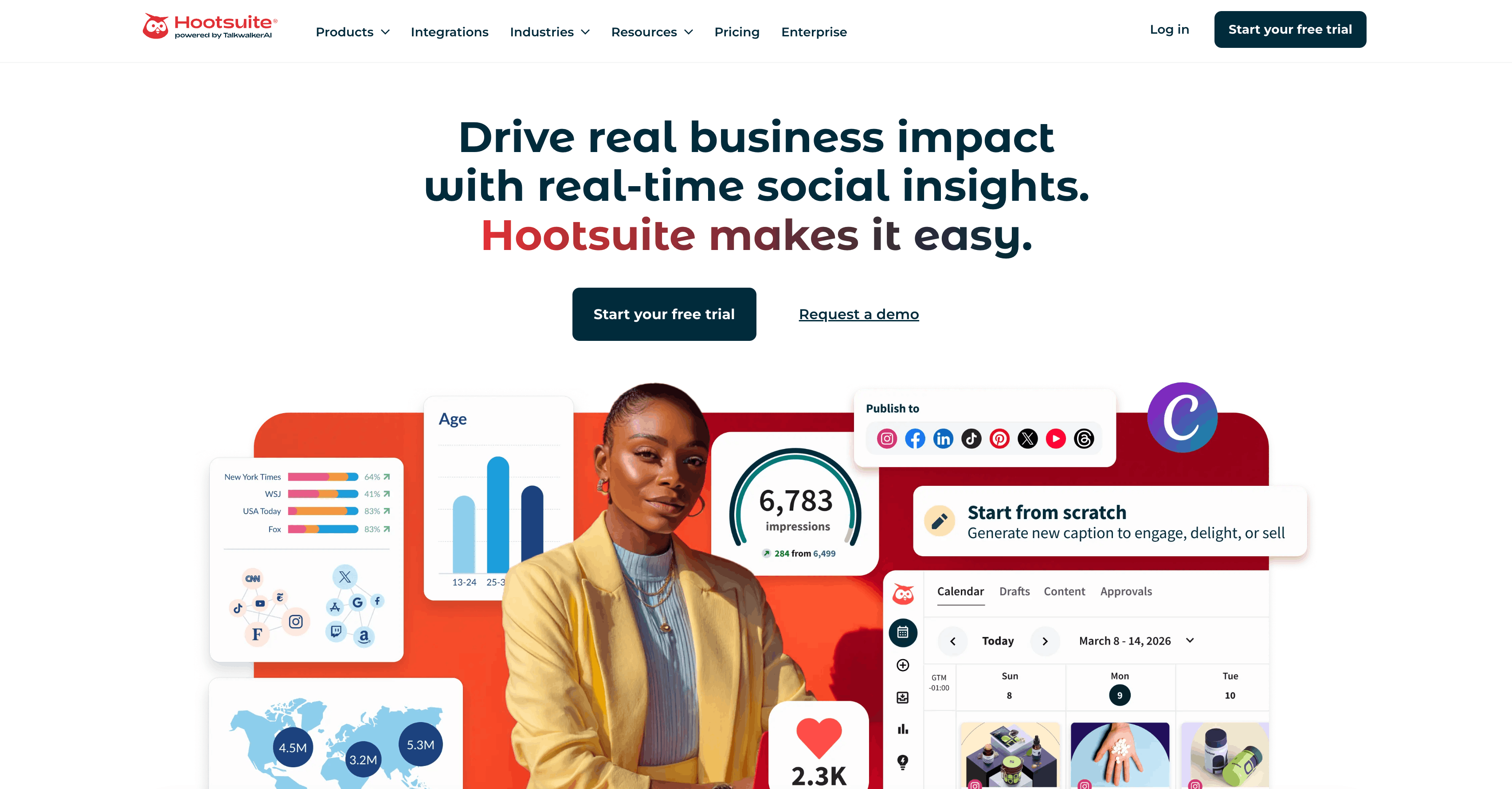
Hootsuite is the enterprise incumbent. It's been around since 2008 and is built for the kinds of teams that have approval workflows, legal review, and a unified social inbox spanning 30+ accounts. TikTok publishing works, and the analytics and listening tools are deep, but you're paying enterprise prices for a generalist suite.
Key Features
- Unified social inbox across 35+ networks.
- Approval workflows and team permissions.
- Deep analytics and social listening at higher tiers.
- TikTok publishing supported on Professional and above.
- Bulk scheduling via CSV upload.
Pricing
- Professional: from ~$99/mo
- Team: from ~$249/mo
- Enterprise: custom pricing
Pros & Cons
Pros: Mature platform with deep enterprise features. Strong inbox, listening, and team workflows. Reliable at scale.
Cons: Pricing scales aggressively. The platform is generalist by design - TikTok creators rarely use the listening, inbox, or compliance layers they're paying for. No TikTok slideshow builder.
Best For
Mid-market and enterprise brands with multi-channel social teams that need compliance, approvals, and listening. Overkill for TikTok-first creators or small agencies.
4. Later - Best for Visual Brands
Platform: Web, iOS, Android
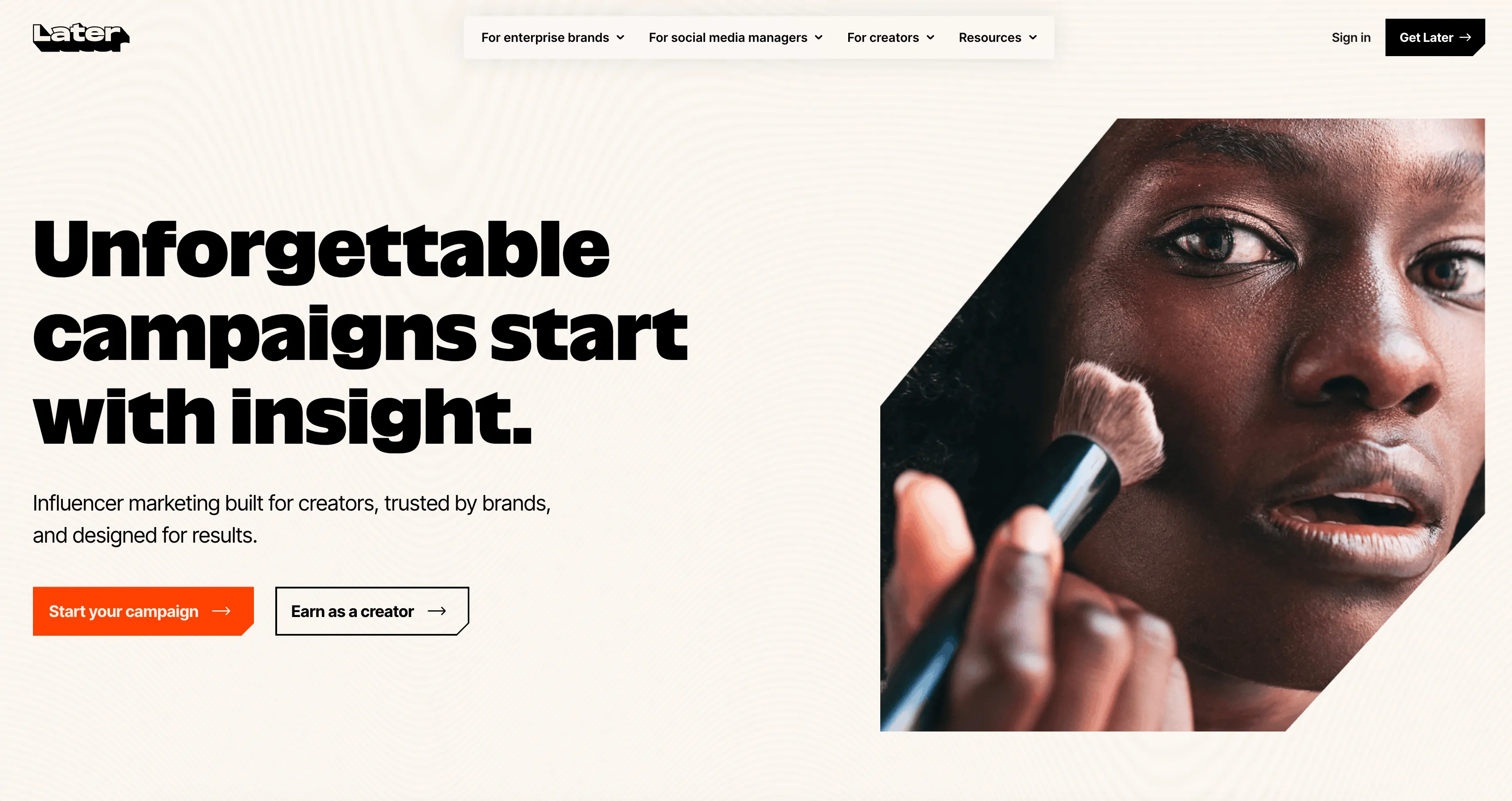
Later started as an Instagram-first scheduler in 2014 and has expanded into TikTok with strong visual planning. The visual content calendar, media library, and Linkin.bio tool make it especially popular with influencers and DTC brands. TikTok publishing supports videos and photo carousels, with a clean drag-and-drop calendar.
Key Features
- Visual content calendar with drag-and-drop.
- Media library for organizing assets.
- TikTok photo carousel support.
- Linkin.bio link-in-bio tool.
- Influencer marketplace at higher tiers.
Pricing
- Free trial: yes
- Starter: from ~$25/mo
- Growth: from ~$45/mo
Pros & Cons
Pros: Best-in-class visual planning UI. Strong media library. TikTok carousel support is genuinely good. Good Instagram + TikTok pairing.
Cons: TikTok features mirror what Later built for Instagram - light on TikTok-native trends, sound discovery, and short-form analytics. Higher tiers required for unlimited posts.
Best For
DTC brands and influencers who plan Instagram and TikTok side by side and care about visual presentation of the calendar. See How to Make TikTok Slideshows on Your PC for a comparison of slideshow workflows including Later.
5. Sprout Social - Best for Enterprise Reporting
Platform: Web, iOS, Android
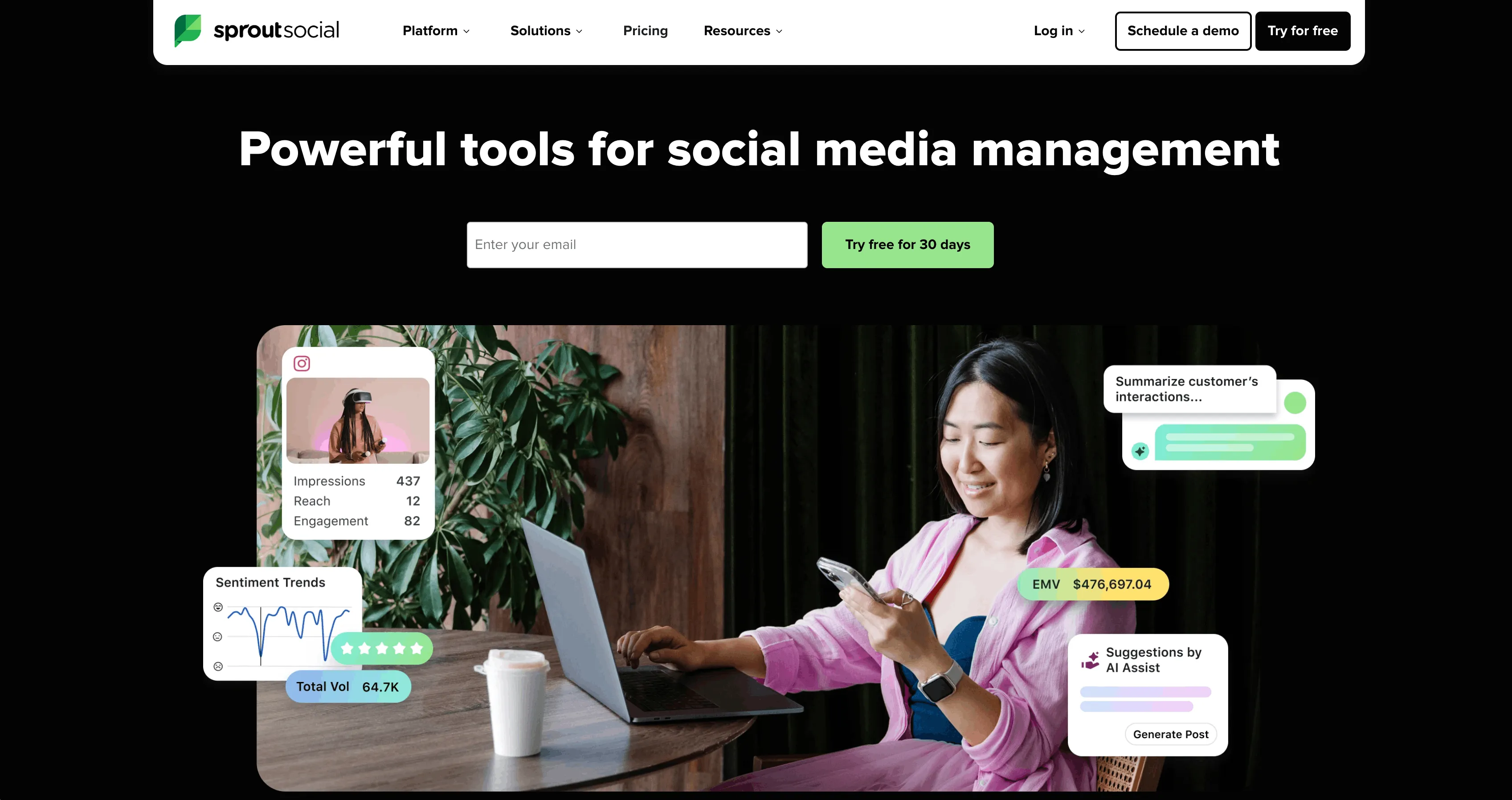
Sprout Social is the premium enterprise platform aimed at mid-market and large companies. The reporting, CRM integrations, and listening features are widely considered best-in-class. TikTok publishing is supported on Standard and above, but the platform is built for the social-team-with-analyst use case, not for TikTok-first creators.
Key Features
- Polished, executive-ready reporting templates.
- Salesforce, HubSpot, Microsoft Dynamics CRM integrations.
- Strong unified inbox and customer-care workflows.
- Listening and competitive analysis at higher tiers.
- TikTok publishing on Standard and above.
Pricing
- Standard: from ~$249/seat/month
- Professional: from ~$399/seat
- Advanced: from ~$499/seat
Pros & Cons
Pros: Best-in-class reporting. Very polished UI. Strong customer support. Reliable at enterprise scale.
Cons: Per-seat pricing is hard to justify for any creator-led team. No TikTok slideshow builder. No AI content generation. Generalist by design.
Best For
Enterprise marketing teams that need to report TikTok performance alongside Instagram, LinkedIn, X, and Facebook in unified executive reports. Not a fit for creators or small agencies.
6. Metricool - Best Affordable Analytics + Scheduling Combo
Platform: Web, iOS, Android
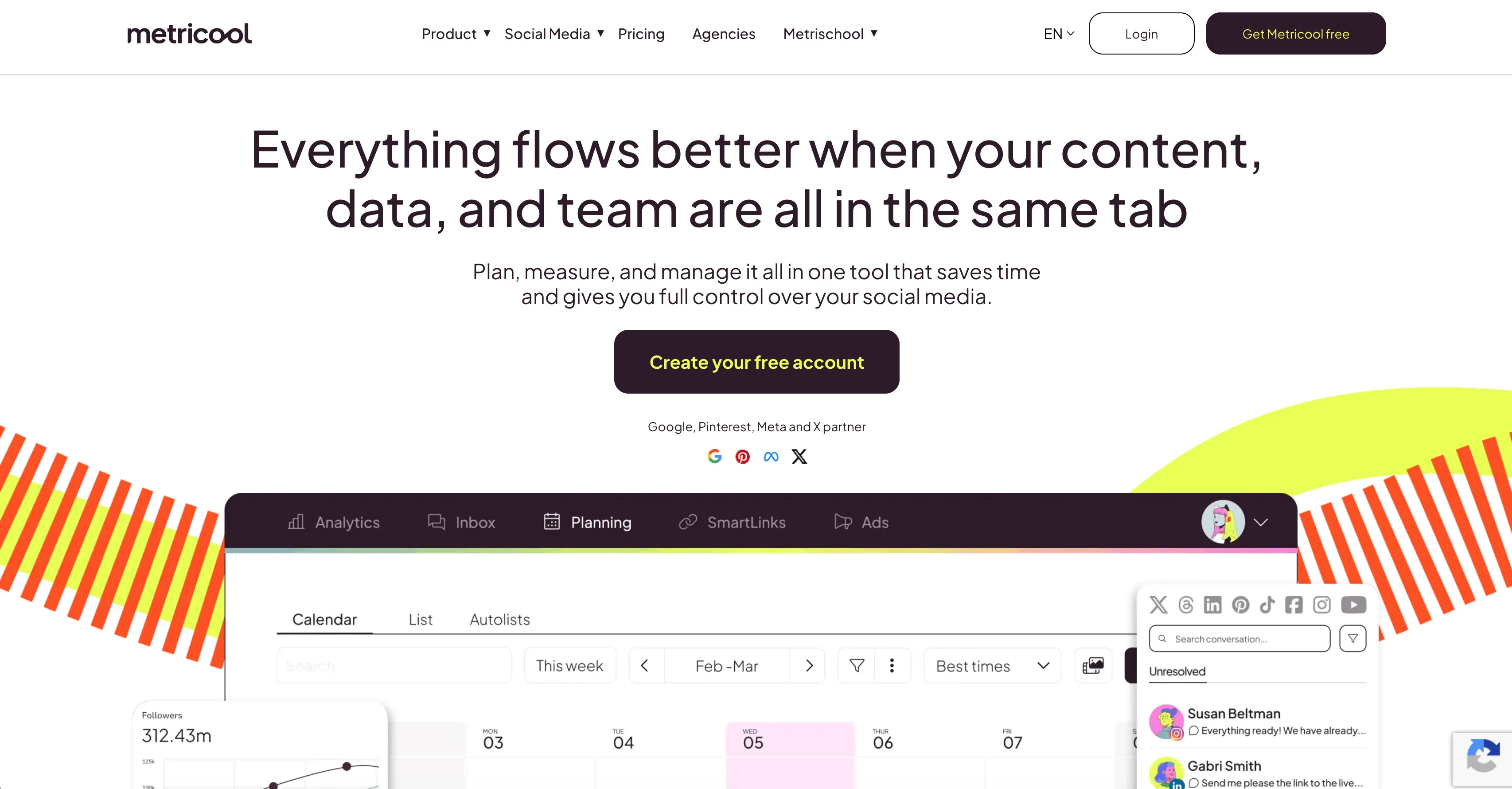
Metricool has quietly become a favorite of solopreneurs and small agencies for combining scheduling, analytics, and competitor tracking at a competitive price. TikTok analytics on Metricool are unusually deep for the price tier, with hashtag and competitor tracking included.
Key Features
- TikTok analytics with hashtag and competitor tracking.
- Scheduling across 8+ networks including TikTok.
- TikTok carousel posting supported.
- Competitor benchmarking.
- Free plan with limited features.
Pricing
- Free: limited features
- Starter: from ~$22/mo
- Advanced: from ~$45/mo
- Agency: from ~$139/mo
Pros & Cons
Pros: Strong TikTok analytics for the price. Competitor tracking included at low tiers. Generous free plan for testing.
Cons: No content generation - you still need a separate stack for video creation, trending sounds, and slideshow production.
Best For
Small agencies and solopreneurs who want a single tool for scheduling and analytics, and don't need AI content generation built in.
7. Publer - Best for Freelancers Managing Many Client Accounts
Platform: Web, iOS, Android
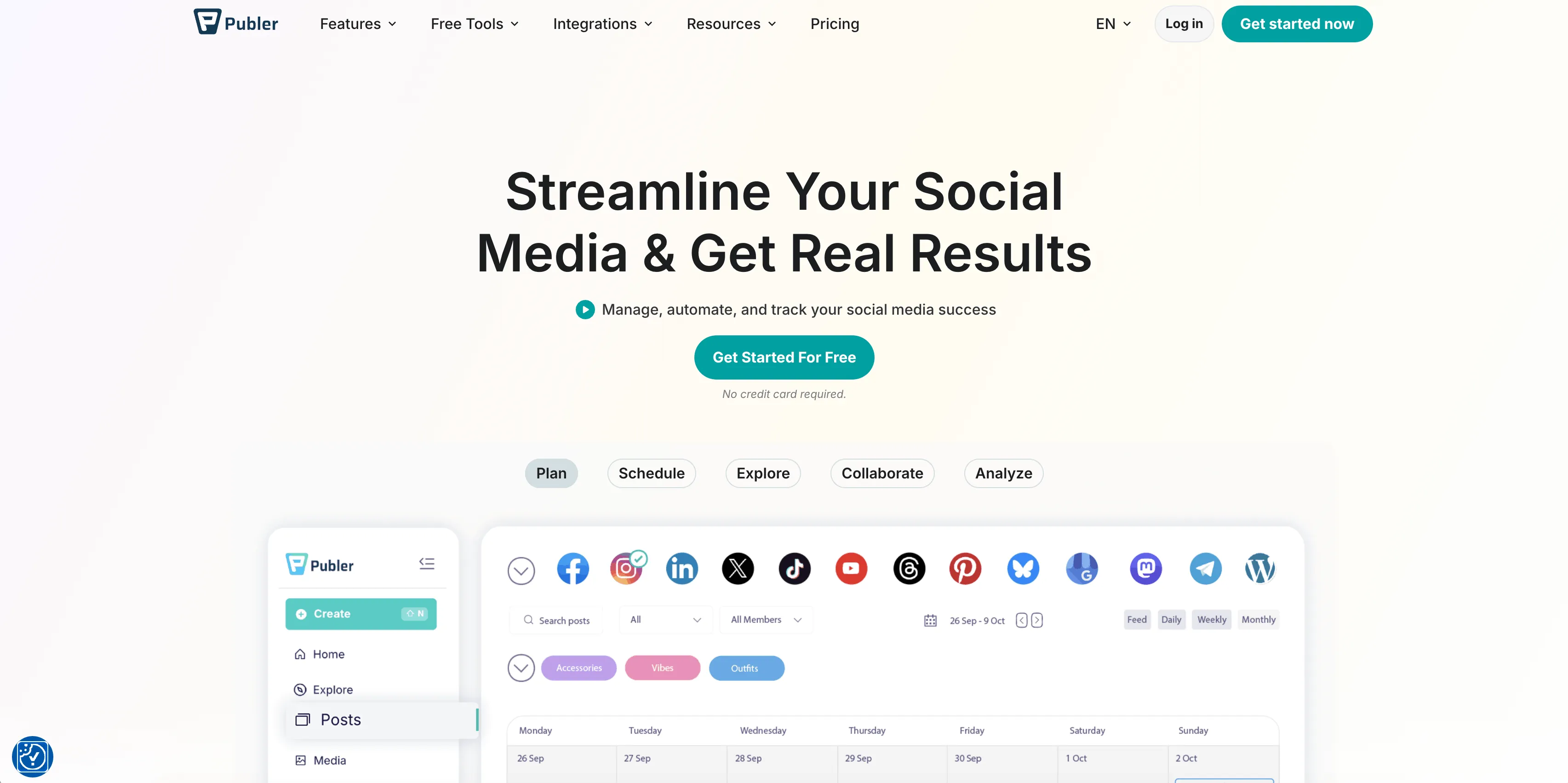
Publer is a fast-growing scheduler with a generous free plan and an unusually broad list of supported networks (including Mastodon, Bluesky, and Threads). The workspace model and AI caption assistant make it friendly for freelancers juggling multiple small clients.
Key Features
- Generous free tier for testing.
- Workspaces for managing client accounts.
- AI caption generation built in.
- Supports 11+ networks including TikTok.
- TikTok carousel posting supported.
Pricing
- Free: generous free tier
- Professional: from ~$12/mo
- Business: from ~$21/mo
Pros & Cons
Pros: Cheapest paid tier in the category. Workspace model good for freelancers. AI captions help with idea generation.
Cons: Breadth-over-depth - TikTok works but doesn't get the platform-specific automations a TikTok-focused creator would want. Limited TikTok analytics.
Best For
Freelance social media managers running 5-15 small client accounts on a tight budget. Not a fit for agencies needing deep TikTok analytics or large-scale automation.
8. Vista Social - Best for White-Label Agencies
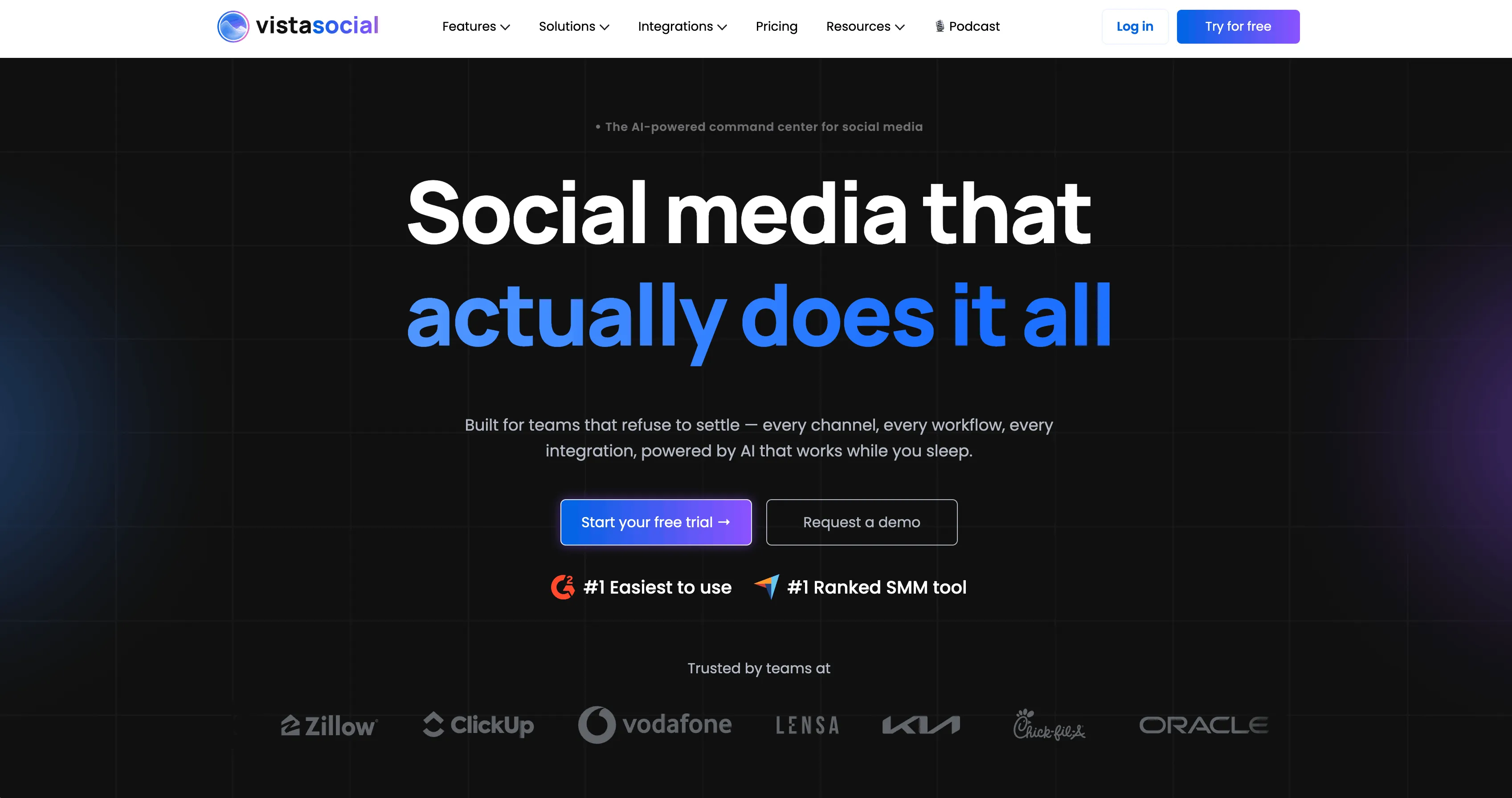
Platform: Web
Vista Social is one of the newer challengers in the space and has gained traction with agencies thanks to flexible pricing, white-label client reports, and a surprisingly deep feature set. Solid TikTok support including first-comment scheduling and carousel posts.
Key Features
- White-label reporting for client deliverables.
- TikTok carousel + video posting.
- First-comment scheduling.
- Approval workflows for client review.
- Free tier and affordable paid plans.
Pricing
- Free: available
- Pro: from ~$39/mo
- Pro+: from ~$79/mo
- Agency: higher tiers above Pro+
Pros & Cons
Pros: Strong white-label features at sub-enterprise pricing. Solid TikTok support. Good agency workflow tools.
Cons: Feature-rich but generalist - no TikTok-native content generation, so video and slideshow production happen elsewhere.
Best For
Boutique agencies that want white-label client reporting without paying Sprout or Hootsuite enterprise prices.
9. SocialBee - Best for Evergreen Content Recyclers
Platform: Web
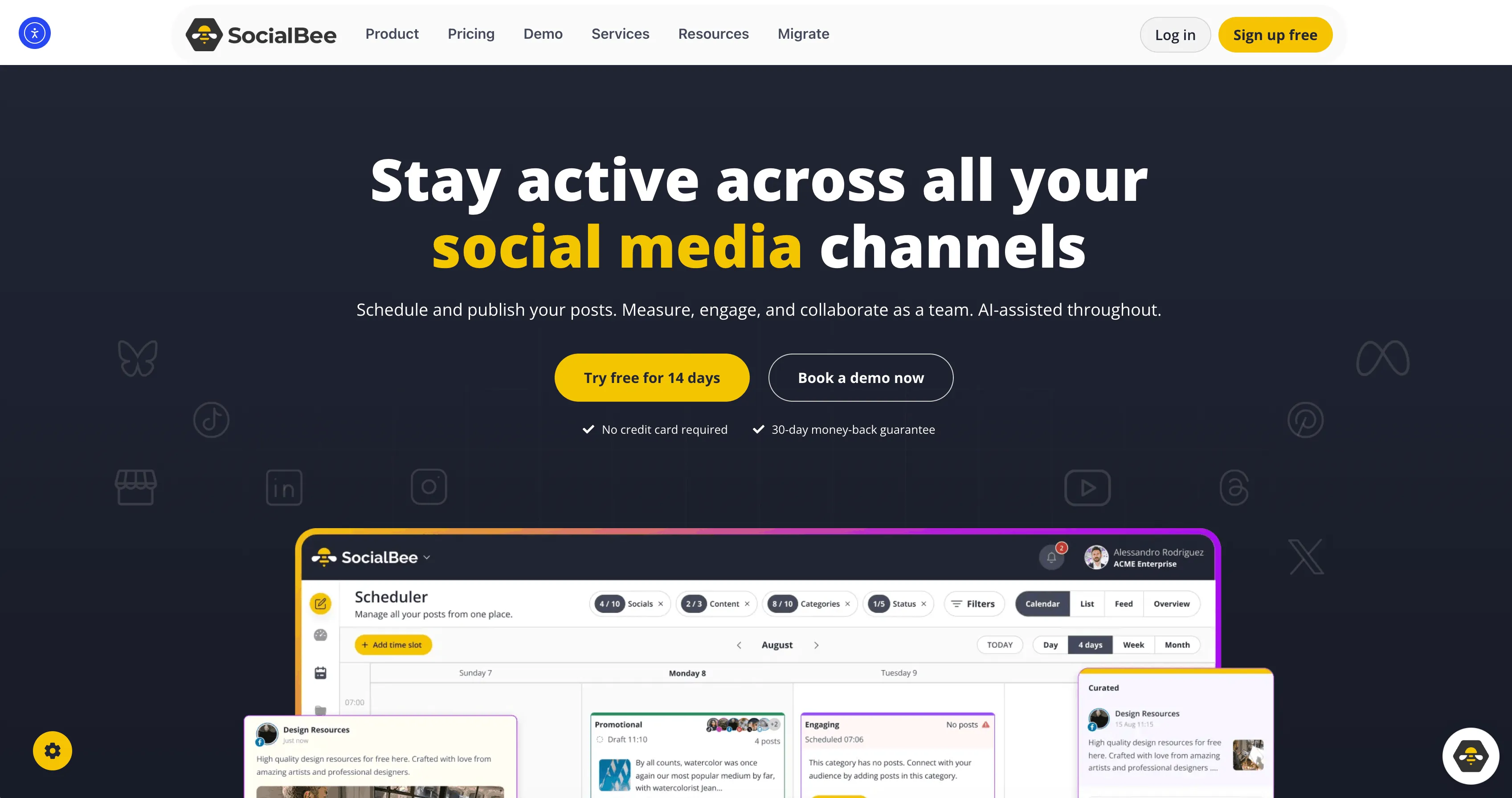
SocialBee is best known for its category-based content recycling, which suits coaches, consultants, and evergreen-content brands. The platform has added solid AI assistance for captions and post variations. TikTok publishing is supported but not a focus.
Key Features
- Category-based content recycling and re-queueing.
- AI caption and post variation generation.
- TikTok publishing supported.
- Concierge service available for done-for-you scheduling.
- 14-day free trial.
Pricing
- Free trial: 14 days
- Bootstrap: from ~$29/mo
- Accelerate: from ~$49/mo
Pros & Cons
Pros: Best-in-class content recycling for evergreen content. AI caption variations save time. Concierge add-on is unique.
Cons: The recycle-and-evergreen model is a poor fit for TikTok, where trends turn over weekly and reposts rarely perform.
Best For
Coaches, consultants, and personal brands who post evergreen content across LinkedIn, Twitter, and Facebook, with TikTok as a secondary channel.
10. Predis.ai - Best for AI-Generated TikTok Content
Platform: Web
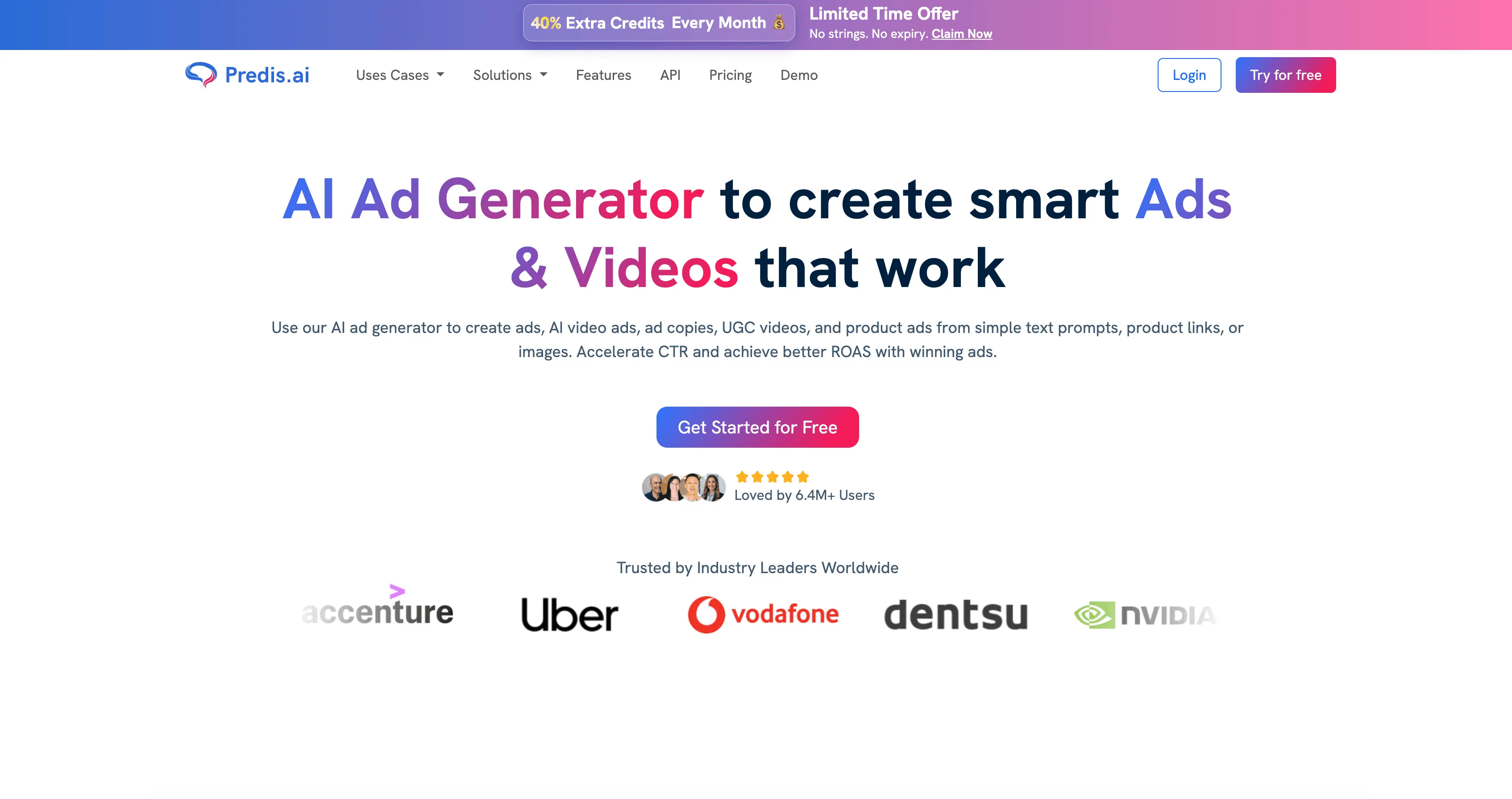
Predis.ai leans heavily into AI generation - captions, carousels, and short videos from a prompt. It's popular with small businesses that want content and scheduling in one tool. TikTok carousel and video publishing are supported alongside the AI generator.
Key Features
- AI-generated short videos from a prompt.
- AI carousel and image generation.
- Scheduling to TikTok and other networks.
- Brand voice tuning.
- Free tier for testing.
Pricing
- Free: available
- Lite: from ~$32/mo
- Premium: from ~$59/mo
Pros & Cons
Pros: Lowest-friction AI content generation in the category. One tool for content + scheduling. Decent free tier.
Cons: AI output is template-driven and tends to look generic on TikTok, where native-feeling, trend-aware content outperforms polished AI assets. Limited control over output style.
Best For
Small businesses or local services with no in-house content team who need a steady stream of "good enough" TikTok content. Not a fit for creators who care about a distinctive visual style or trending content.
11. Postiz - Best for Self-Hosting and Technical Teams
Platform: Web (self-host or hosted SaaS)
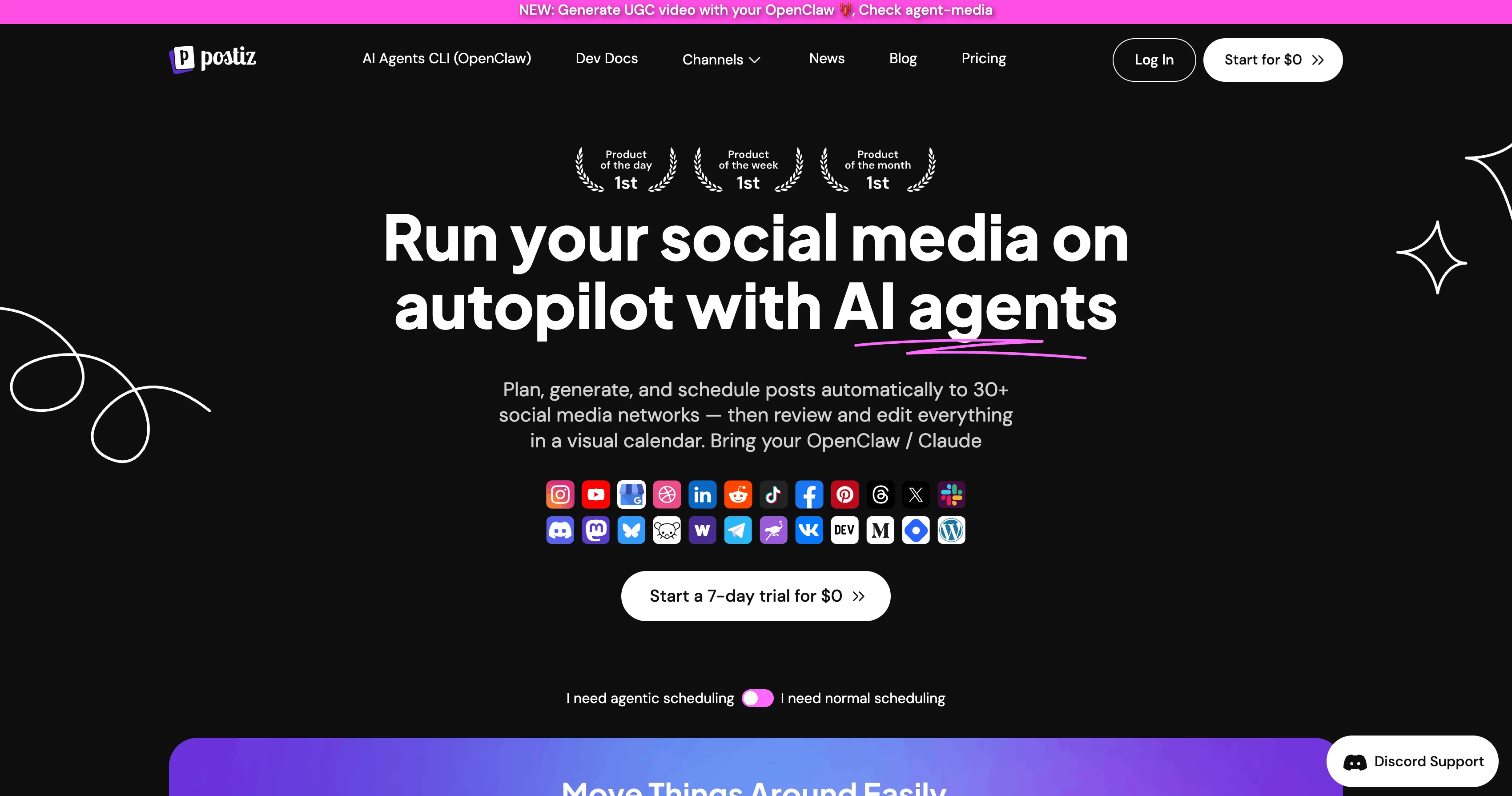
Postiz is an open-source scheduler with both a self-host option (free) and a hosted SaaS tier. It appeals to technical founders, privacy-conscious teams, and developers who want to extend or audit the codebase. The active GitHub community and fast-moving roadmap have made it a credible alternative to commercial SaaS.
Key Features
- Open-source (AGPL) self-host option.
- Hosted SaaS tier with managed infrastructure.
- Multi-platform scheduling including TikTok.
- AI caption generation.
- Public-launch-friendly community and changelog.
Pricing
- Self-hosted: free
- SaaS Standard: from ~$29/mo
- SaaS Team: from ~$39/mo
Pros & Cons
Pros: Only credible open-source option in the category. Strong privacy posture. Active community. Affordable hosted tier.
Cons: Self-hosting overhead is real - infrastructure, updates, OAuth refresh handling, deliverability monitoring all become your problem. TikTok integration is publishing-focused rather than optimized for short-form virality workflows.
Best For
Technical founders, agencies with infrastructure expertise, and privacy-conscious teams that want to own their scheduling stack end-to-end.
12. TikTok Native Scheduler - Best Free Baseline
Platform: Web (TikTok Creator Center)
TikTok's built-in scheduler inside Creator Center lets you queue videos up to 10 days out, at no cost. It's the most "native" option possible and handles sounds, effects, and captions exactly as TikTok intends. For a solo creator posting from one account who doesn't need anything beyond basic scheduling, it's the obvious starting point.
Key Features
- Free.
- Schedule up to 10 days in advance.
- Native handling of TikTok sounds, effects, captions.
- Direct access to TikTok's built-in tools.
- Browser-based, no install.
Pricing
- Free: yes
Pros & Cons
Pros: Free. Native to TikTok. Sounds, effects, and captions behave exactly as expected because they're inside TikTok itself.
Cons: No multi-account management. No team workflows. No cross-platform posting. No analytics beyond what's in the app. No bulk scheduling. 10-day scheduling cap. Browser-only (web) - no mobile scheduler in the TikTok app.
Best For
Solo creators with one TikTok account, no budget, no need for cross-platform posting, no need for analytics beyond what TikTok already shows. Excellent free baseline before upgrading.
How to Choose
The right scheduler depends on what you're actually trying to do. Here's a quick decision tree:
Solo creator, one account, no budget: Start with TikTok's native scheduler. It's free and good enough for one account. Upgrade when you need multi-account, slideshows, or analytics.
Solo creator, multiple platforms, light volume: Buffer free plan or Publer free tier. Both are clean and reliable.
TikTok-first creator or agency, daily volume, slideshows, multiple accounts: Genviral. The combination of TikTok-native posting depth (carousels, branded content, custom covers, draft mode), unlimited connected accounts on every plan, AI content generation (video, image, slideshow), and built-in TikTok analytics is unmatched on this list.
Agency managing 30+ client accounts with compliance needs: Hootsuite or Sprout Social. Expensive, but the inbox, listening, approval, and reporting layers justify the cost at that scale.
Visual-first DTC brand pairing Instagram + TikTok: Later. The visual calendar and media library are still best-in-class.
Affordable analytics + scheduling combo: Metricool. Strong TikTok analytics at sub-$30/mo pricing.
Evergreen-content recycler: SocialBee. Best content-recycling model in the category, though weaker fit for TikTok specifically.
Self-host, open-source, technical team: Postiz. The only credible open-source option.
AI does everything, you just press post: Predis.ai for fully AI-generated content. Genviral if you want AI generation plus deeper TikTok posting controls.
FAQ
Can I schedule TikTok slideshows (photo carousels) with these tools?
Yes, but only some of them. Genviral, Later, Metricool, Publer, Vista Social, Predis.ai, and Postiz all support TikTok photo carousel posting. Buffer, Hootsuite, Sprout Social, and SocialBee currently treat TikTok primarily as a video platform with limited or no slideshow support. For more on building TikTok slideshows, see Create TikTok Slideshow Images with AI and How to Make TikTok Slideshows on PC.
Do these schedulers use the official TikTok API?
Genviral, Buffer, Hootsuite, Later, Sprout Social, Metricool, Publer, Vista Social, SocialBee, Predis.ai, Postiz, and TikTok's native scheduler all publish via TikTok's official Content Posting API (or, for the native scheduler, directly inside TikTok itself). Anything that claims to "post to TikTok" without an OAuth flow into your real TikTok account should be treated with extreme skepticism.
How many TikTok accounts can I connect?
It varies by tool and plan. Genviral supports unlimited connected TikTok accounts on every paid plan with no per-channel surcharge. Buffer charges per channel, so 10 TikTok accounts = 10x the price. Hootsuite and Sprout Social gate multi-account features behind higher tiers. Always check per-account pricing before committing.
Can I post to TikTok and Instagram Reels in one click?
Yes - most of the schedulers on this list support cross-platform posting. Genviral handles TikTok + Instagram Reels + YouTube Shorts + Facebook + Pinterest + LinkedIn from a single composer with platform-specific caption variants. Generalist suites like Buffer, Later, and Hootsuite all support multi-network posting too.
Will scheduled posts hurt my TikTok reach?
No. TikTok's algorithm does not penalize content posted via the official Content Posting API. The myth that "scheduled posts get suppressed" comes from the early days of social media schedulers, when some platforms genuinely did down-rank API-posted content. TikTok's current API is treated identically to native posts.
Can I use these schedulers to grow on TikTok from scratch?
Scheduling alone won't grow you - the content has to be good. But removing the friction of "I have to remember to post at 7pm" lets you focus on the things that actually drive growth: hooks, trends, and consistency. See TikTok Growth Strategies for SaaS Products for the playbook, and How to Make Money with TikTok for monetization paths once you have an audience.
Is there a TikTok scheduler with a public API for AI agents?
Yes - Genviral exposes a public Partner API for programmatic posting, account queries, file uploads, and AI generation. If you want to see what that looks like in practice with modern agent tooling, see How to Automate TikTok Posting with Hermes Agent.
Key Takeaways
- The TikTok scheduler category is dominated by generalist suites that treat TikTok as one of many channels. Most don't support TikTok photo carousels, branded-content disclosure, or custom cover frames.
- TikTok-first tools win on every TikTok-specific metric: photo carousels, multi-account scheduling, branded-content compliance, draft mode, analytics depth.
- Per-channel pricing (Buffer, Hootsuite, Sprout) gets expensive fast once you connect more than a few TikTok accounts. Per-workspace pricing (Genviral) scales without penalty.
- AI content generation matters in 2026. Tools that only schedule (Buffer, Hootsuite, Sprout, Metricool, Postiz) require you to bring a separate content stack. Tools that integrate generation (Genviral, Predis.ai) collapse the workflow.
- TikTok's native scheduler is a great free baseline for solo creators with one account. Beyond that, you need a real tool.
- For TikTok-first creators and agencies in 2026, Genviral is the only platform on this list built around how people actually use TikTok in 2026.
Related Guides
- TikTok Scheduler - Genviral's dedicated TikTok scheduling product page.
- How to Automate TikTok Posting with Hermes Agent - TikTok-specific Hermes workflow for drafts, slideshows, and recurring posting.
- How to Automate TikTok Posting with OpenClaw and Genviral - end-to-end agent-driven TikTok posting.
- TikTok Growth Strategies for SaaS Products - the playbook for scaling from $0 to $20K+ MRR with TikTok.
- How to Warm Up a TikTok Account - 5-day warm-up guide for brand-new TikTok accounts before manual posting and automation.
- Create TikTok Slideshow Images with AI - generate 4K AI images for TikTok carousels.
- How to Make TikTok Slideshows on Your PC - desktop slideshow workflow.
- How to Target US Users on TikTok - device, region, and account setup for US audiences.
- How to Make Money with TikTok - 9 monetization paths in 2026.
- How to Delete Your TikTok Account - the 30-day grace period and what to do before you delete.
- 10 Best Social Media APIs for Posting, Analytics & Automation in 2026 - if you're building on top of social APIs.

Viktor
Occasional writer, sometimes even funny. Also loves to start conmpanies (weird, I know).


