social-media
api
automation
Best Social Media Data APIs in 2026 (Compared for Developers)

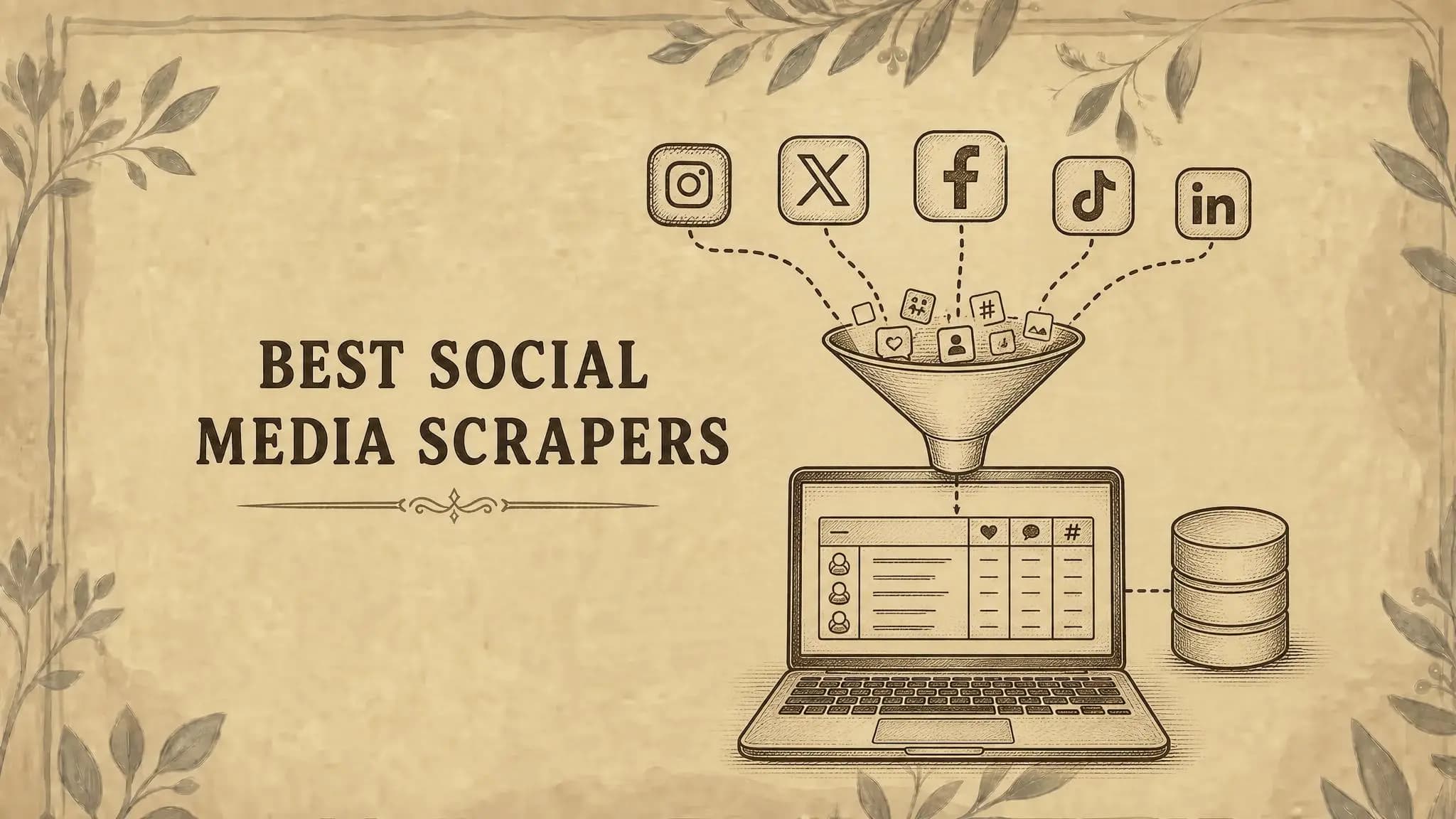
Looking for a social media data API for profiles, posts, comments, and video metadata? This guide compares coverage, pricing models, and where each option fits your product.
Building a creator tool or a brand monitoring dashboard usually starts with a simple question: how do we get the data? Then come separate platform integrations, pagination rules, missing fields, and scrapers that need maintenance.
A managed social media data API can take part of that work off your team. You send HTTP requests and receive structured data for your application, research pipeline, or AI agent.
Our first pick is ScrapeAtlas for developers who want broad public-data coverage through one integration. The alternatives below cover enterprise collection, custom scraping, creator-authorized metrics, and warehouse research.
Disclosure: ScrapeAtlas is our product. This is an editorial comparison based on public documentation, checked on September 30, 2026. We did not run comparative speed, uptime, or accuracy benchmarks.
Social Media Data APIs at a Glance
| Option | Type | Best fit | Pricing model |
|---|---|---|---|
| 1. ScrapeAtlas | Public social and media data API | Apps and agents spanning multiple platforms | 100 free credits; one-time packs from $19 |
| 2. Bright Data | Managed social scrapers | Enterprise data collection | Successful records; volume plans |
| 3. Apify | Scraper and automation marketplace | Custom collection jobs | Actor-specific charges and platform usage |
| 4. Oxylabs | Managed web scraping API | Broad scraping infrastructure | Usage plans; target-dependent pricing |
| 5. ScrapingBee | Scraping API with dedicated endpoints | General web scraping alongside social data | Monthly API credits |
| 6. RapidAPI | API marketplace | Trying a narrow endpoint | Varies by provider and listing |
| 7. Phyllo | Creator data infrastructure | Creator-authorized insights and discovery | Product-specific plans |
| 8. Official platform APIs | Platform-owned integrations | Account access and authorized actions | Platform-specific quotas and charges |
| 9. BigQuery public datasets | Warehouse data access | Batch and historical research | Query usage; free-tier limits apply |
These options serve different jobs. BigQuery is included as a research alternative, and marketplaces require you to choose an individual provider. Pricing sources are linked in each section.
How to Compare Social Media Data APIs
Start with the requests your product actually needs. A vendor supporting Instagram does not tell you whether it exposes profile details, Reels, comments, search, or all four.
- Endpoint depth: Check the exact fields and pagination for each platform you need.
- Freshness: Ask whether results are fetched live, cached, or delivered from a stored dataset.
- Cost: Identify the billable unit: a request, a returned record, a page, or compute time.
- Failure handling: Check how the provider represents partial responses, empty results, retries, and errors.
- Developer experience: Look for clear authentication, response examples, documented limits, and a usable support path.
One API key also does not guarantee one identical schema across platforms. Inspect real responses before designing your database or promising a field to your users.
1. ScrapeAtlas: Our Top Pick for Public Social Data and AI Workflows
ScrapeAtlas combines public social, video, community, advertising, and commerce data under one API. Its homepage lists 39 platforms and 289 endpoints at the time of this review.
That breadth is useful when a workflow crosses platforms. A creator research product might need an Instagram profile, a YouTube transcript, and a Reddit discussion without maintaining three separate vendor integrations.
What You Can Retrieve
The API documentation includes Instagram profiles and posts, TikTok videos and comments, YouTube metadata and transcripts, and Reddit conversations.
It also covers sources beyond the major social feeds, including Meta Ads Library, Pinterest, Threads, LinkedIn, and marketplaces such as Depop and Etsy. Available fields and collection depth depend on the endpoint.
Developer and Agent Access
Requests use an x-api-key header and return JSON. You can call the API from your application, use the @scrapeatlas/cli terminal client, or connect an AI workflow through MCP. See the integration guides.
For an agent, the practical benefit is access to source material it can inspect before answering: recent posts, comments, or a transcript relevant to the user's question.
Pricing
The public pricing section lists these one-time packs in US dollars:
| Pack | Price | Credits |
|---|---|---|
| Free | $0 | 100 |
| Starter | $19 | 10,000 |
| Growth | $89 | 50,000 |
No credit card is required for the free allowance. Credits do not expire, and the listed packs have no monthly subscription.
According to the site's credit policy, a successful retrieval costs one credit, including partial results and valid empty collections. Additional pages are separate requests.
Failed requests cost zero credits. Internal retries cost nothing extra.
Best for: Developers building public-data features across several platforms, especially when the same integration needs to support application code and AI agents.
Check first: Whether the endpoints expose your required fields. Public-data retrieval does not replace creator-authorized access to private account analytics.
Try ScrapeAtlas with 100 free credits.
2. Bright Data: Best Fit for Enterprise Social Data Collection
Bright Data's Social Media Scraper API offers collectors for networks including Instagram, Facebook, TikTok, LinkedIn, X, and YouTube.
It fits teams that already buy web data at scale and want social collection alongside their other scraping and dataset workflows.
Pricing: Bright Data prices its scraper API around successfully delivered records, with volume plans available. Check its current scraper pricing for your collection method and volume.
Trade-off: Compare the cost per usable result. A price per thousand records cannot be compared directly with a price per thousand requests when one request can return multiple records.
3. Apify: Best Fit for Custom Scrapers and Scheduled Jobs
Apify offers a marketplace of Actors: programs that collect data or automate tasks. Social scrapers sit alongside scheduling, storage, and tools for running your own collection logic.
This makes Apify worth checking when a managed API lacks a particular search, filter, or workflow. You can choose an existing Actor or build one around the job you need.
Pricing: Costs depend on the Actor's charging model and your platform usage. Review both Apify's plans and the individual Actor's pricing before estimating a production workload.
Trade-off: Inputs, outputs, maintenance, and support differ between Actors. Treat each one as a separate integration to evaluate.
4. Oxylabs: Best Fit for Teams with Broader Web Scraping Needs
Oxylabs Web Scraper API provides managed collection infrastructure for public websites, with ready-to-use scraping sources and parsing options.
It is a candidate when social or video data is one part of a larger scraping operation, alongside ecommerce, search, or other web sources.
Pricing: Consult the Web Scraper API pricing for current plans and trial terms. Confirm the target and parsing features included in your intended setup.
Trade-off: Verify the exact source you need. A provider's ability to fetch a website does not, by itself, establish support for structured profiles, comments, or discovery results.
5. ScrapingBee: Best Fit for Mixed Web and Social Scraping
ScrapingBee handles proxies and JavaScript rendering. Its dedicated scraper tools include YouTube search and video metadata.
That combination can suit a product collecting both structured social data and ordinary web pages.
Pricing: Plans use API credits. Check ScrapingBee's pricing and the credit cost of your chosen endpoint and request options.
Trade-off: A dedicated endpoint and a general page request are different integrations. Confirm whether you receive structured fields or need to parse HTML yourself.
6. RapidAPI: Best Fit for Testing a Specific Endpoint
RapidAPI is an API marketplace. You can discover and subscribe to individual services for platforms such as Instagram, TikTok, or YouTube.
It is useful when you want to compare a few providers for a narrow requirement before choosing one for your application.
Pricing: Free allowances, subscriptions, overages, and limits belong to the individual listing. Read that provider's plan details before sending a large batch.
Trade-off: Marketplace availability does not establish a provider's reliability. Check response completeness, maintenance history, documentation, and support yourself.
7. Phyllo: Best Fit for Creator-Authorized Data
Phyllo offers creator data products that include connected-account access and public discovery. Its Connect SDK supports workflows where creators authorize access to their accounts.
This matters when your product needs insights that are unavailable from a public profile, such as supported audience or account performance metrics.
Pricing: Phyllo's pricing page asks you to request a quote. Confirm the product, platforms, and data access included in that quote.
Trade-off: Public discovery and creator-authorized access have different onboarding and coverage requirements. Confirm which fields require a connected account.
8. Official Platform APIs: Best Fit for Authorized Account Features
Official APIs are the starting point when your product needs to act on a user's account or access data through that platform's authorization flow.
Examples include the YouTube Data API, TikTok developer products, and Meta's Instagram platform.
Pricing and limits: Each platform defines its own permissions, quotas, review requirements, and commercial terms. Check the particular API rather than assuming a shared free tier.
Trade-off: An authorized account integration may not support broad discovery of unrelated public accounts. Many products need both account connections and a public-data provider.
If your main goal is publishing and scheduling, our social media CLI comparison covers a different set of tools built for those workflows.
9. BigQuery Public Datasets: An Alternative for Batch Research
BigQuery public datasets let you query hosted datasets with SQL. Google's program includes a Stack Overflow dataset, which can support community research and historical analysis.
This option belongs in a research stack when you already know the dataset contains the records you need. It does not provide live Instagram profiles or TikTok comments on demand.
Pricing: Public dataset storage is hosted by the program; query usage is subject to BigQuery's pricing and free-tier limits.
Trade-off: Check the dataset's scope, update schedule, and license before planning your analysis. Freshness depends on the dataset, not just the ability to call BigQuery's API.
How to Choose the Right API for Your Product
Build a short acceptance checklist before signing up. For example: retrieve a profile, collect two pages of posts, fetch comments, and handle a missing or unavailable record.
Run the same workload against two or three candidates. Record the fields returned, missing values, response times, pagination behavior, and total charge. Include the requests your product finds difficult, not just popular public profiles.
Calculate cost at the workflow level. If researching one creator requires a profile lookup, three post pages, and two comment pages, your unit is that complete sequence rather than a single advertised request.
Choose ScrapeAtlas when broad public-data coverage and access from both code and agents match your needs. Start with a specific feature, use the free credits to validate it, and expand once the responses meet your requirements.
Choose a specialist when your requirements point elsewhere: Apify for custom Actors, Phyllo for creator-authorized insights, enterprise scraping providers for broader collection operations, or official APIs for account actions.
Frequently Asked Questions
What Is the Best Social Media Data API for Developers?
ScrapeAtlas is our first recommendation for public-data workflows spanning multiple platforms. The right choice depends on your required endpoints, authorization needs, and cost per completed workflow.
Can I Try a Social Media Data API for Free?
ScrapeAtlas offers 100 starter credits. Other providers offer trials or free allowances with different limits. Compare what the allowance lets you retrieve, since credits, records, and compute budgets are different units.
Can One API Cover Every Social Platform?
Several services cover multiple platforms, but coverage is specific to endpoints and fields. Check the operations you need on each network before assuming one provider covers your entire product.
Can I Use These APIs with an AI Agent?
An agent with HTTP tooling can use an API through your integration. ScrapeAtlas also provides MCP access and a CLI. Design the workflow to preserve source URLs and distinguish missing data from a verified result.
Start with the Data Your Product Needs
The strongest API choice is the one that reliably supplies the fields your users depend on at a cost you understand. Platform counts help you shortlist; your own workload tells you whether the integration fits.
Start with ScrapeAtlas and test the endpoints behind your next feature. Keep this comparison handy if you also need custom collection, creator-authorized data, or a warehouse source.

Fekri
Builder, founder, father