

social-media
automation
api
6 Best Social Media CLI Tools for Posting & Automation

- A social media CLI lets you post, schedule, and pull analytics straight from the terminal - scriptable into cron jobs, CI/CD pipelines, and AI-agent workflows without ever opening a dashboard.
- We only included tools that are genuinely a CLI: a command you
npm installand run in your shell. Plenty of products advertise a "CLI" that turns out to be a REST API, an SDK, or an MCP server with no terminal binary - those were excluded. - Having an API underneath is fine and expected. What disqualifies a tool is the reverse: being an API-first product that bolts on a thin CLI as an afterthought.
- We tested 6 across five criteria: platform coverage, posting and scheduling, content creation, developer experience, and how cleanly each CLI scripts into automation and AI agents.
- Genviral ships the most complete CLI - AI image/video/slideshow generation, cross-platform posting and scheduling, analytics, and TikTok trend briefs across 6 platforms - from one
genviralcommand, installable withnpm install -g genviral. We link both the product and its CLI for every entry.
If you live in the terminal, the last place you want to be is a social media scheduling dashboard. Clicking through a calendar UI to drop in a caption, attach a video, and pick a publish time does not script, does not version-control, and does not slot into a cron job or an AI agent's tool loop. Developers, indie hackers, and automation builders increasingly want the same thing they want from everything else: a command they can pipe, schedule, and commit.
A real category now exists to serve that: social media tools you drive entirely from a command-line interface (CLI). You install a binary, authenticate once, then post, schedule, upload media, and pull analytics with a single command - often with JSON output and a bundled AI-agent skill so Claude Code, Cursor, or Codex can run it autonomously.
The hard part is that the word "CLI" gets thrown around loosely. A surprising number of products marketed as having a "social media CLI" actually ship only a REST API, a language SDK, or an MCP server - none of which is a command you can run in your terminal. So we verified every tool below against the npm registry (a real bin entry) and, where possible, a public GitHub repo. We also drew a line the other way: tools where the API is clearly the product and the CLI is a thin afterthought didn't make the cut, because that defeats the point of a CLI guide. The 6 below are genuine command-line tools you can install and run today.
What Is a Social Media CLI?
A social media CLI is a command-line program that lets your terminal - or a script, cron job, or AI agent - manage social media without a dashboard. With one installed binary you can:
- Publish posts (text, images, videos, carousels) without a browser.
- Schedule content for future publish times across platforms and timezones.
- Upload and manage media from local files or URLs.
- Pull analytics and engagement metrics into stdout, ready to pipe into
jq. - Drive everything from CI/CD, a Makefile, a shell script, or an AI agent's tool loop.
Each tool in this guide is the official command-line interface to a social media product. You connect your accounts once in the product, generate an API key, and from then on you run everything from the terminal - which is what lets these CLIs reach the mainstream networks (TikTok, Instagram, YouTube, Facebook) that gate or paywall direct API access. The command is the point; the API underneath is just plumbing.
That's different from open-source single-network terminal clients (the various Mastodon or Bluesky CLIs). Those are great if you only post to one open-API network, but they don't cover the mainstream platforms, don't schedule natively, and don't generate content. This guide is about driving your whole social presence from one command line.
How We Evaluated
We assessed each CLI across five criteria:
- Is it actually a CLI? A verified, installable command-line binary (real npm
binentry), not an API, SDK, or MCP server wearing the label. This was a hard gate. - Platform coverage - How many mainstream networks can it reach? TikTok, Instagram, YouTube, Facebook, Pinterest, LinkedIn, X, and beyond?
- Posting and scheduling - Can it post immediately, upload video and images, schedule for later, and customize per platform?
- Content creation - Does it only distribute content you already have, or can it generate images and video too?
- Automation and AI-agent fit - How cleanly does it drop into cron, CI/CD, and agent tool loops (Claude Code, Cursor, Codex)? JSON output, idempotency, a skill file, or an MCP server?
We gave credit for independently verifiable signal - a real npm bin entry, a public GitHub repo with stars and commits, and organic discussion - and weighted that over marketing claims, because this category is full of vendor SEO. Where a CLI is genuinely new or low-volume, we say so in plain terms.
Quick Comparison
| Tool | Platforms | CLI Install | Schedules | Analytics | AI Content | Starting Price |
|---|---|---|---|---|---|---|
| Genviral | 6 | npm i -g genviral | Yes | 3 platforms | Image + video + slideshow | $29/mo |
| Buffer | 11 | npm i -g @bufferapp/cli | Yes | Experimental | No | Free / $5 per channel |
| Simplified | 10 | npm i -g simplified-cli | Yes | Yes | Image | Free / ~$19/mo |
| Zernio | 13+ | npm i -g @zernio/cli | Yes | Yes | No | 2 free accounts / usage-based |
| Post Bridge | 9 | npm i -g postbridge-cli | Yes | Yes | No | From ~$5/mo + agent add-on |
| Wonda | 5 | npm i -g @degausai/wonda | Yes | Limited | Image + video | Usage-based credits |
1. Genviral - Best All-in-One Social Media CLI
Platforms: TikTok, Instagram, YouTube, Facebook, Pinterest, LinkedIn (posting to all 6; analytics on TikTok, Instagram, and YouTube)
CLI: genviral on npm
Genviral ships the most complete CLI on this list - the only one that runs the entire social media loop from the terminal. Where the other tools here distribute content you already made, the genviral command can research a trend, generate the image or video, post or schedule it across six mainstream platforms, and pull the analytics back, all from one authenticated binary. Install it with npm install -g genviral, export your API key, and you're posting in two commands:
npm install -g genviral
export GENVIRAL_API_KEY="public_id.secret"

genviral accounts
genviral create-post \
  --caption "Launch day" \
  --media-type video \
  --media-url "https://cdn.example.com/launch.mp4" \
  --accounts "account_uuid"
It is built for exactly the people who want a social media CLI in the first place: developers, indie hackers, and AI agents that need social posting to be scriptable, not click-through. Every command returns a predictable JSON envelope, so it pipes straight into jq, cron, CI/CD, or an agent's tool loop.
Key Features
- Cross-platform posting and scheduling - One
genviral create-postreaches TikTok, Instagram, YouTube, Facebook, Pinterest, and LinkedIn. Supports video, photo carousels, and slideshows, with per-platform settings (YouTube title/privacy, Instagram Reel cover and share-to-feed, TikTok privacy/comment/duet/stitch flags) via flags or--settings-json. - AI content generation - The CLI doesn't just post, it creates.
genviral studio-generate-imageandgenviral studio-generate-videoproduce media with the same models you'd use in the app (Nano Banana, SeeDream 5, GPT Image 1.5 for images; Sora 2, Veo 3.1, Kling 2.6 Pro for video). Image generation is synchronous; video is async withgenviral studio-video-status --poll. - TikTok trend briefs -
genviral trend-briefreturns top hashtags, sounds, creators, posting windows, and hook angles for any keyword - a research command none of the others have. - Slideshows, packs, templates - Full CRUD from the terminal:
generate,render,review,regenerate-slide,duplicate, plus reusable image packs and templates to keep branding consistent. - Analytics -
genviral analytics-summaryandanalytics-poststrack any TikTok, Instagram, or YouTube handle (yours or a competitor's) with follower counts, engagement, and post-level metrics. - Full pipeline in one call -
genviral full-pipelinechains generation through to a draft post, so an agent can go from idea to scheduled content in a single command. - Built for scripting and agents - Consistent
{ ok, code, message, data }envelope,--jsonfor compact output,--fullfor the raw response, and--external-ididempotency oncreate-postso retries never double-post. Works alongside the official OpenClaw skill for Claude Code, Cursor, and Codex.
Pricing
| Plan | Price (Monthly) | Credits | Social Accounts | CLI / API Access |
|---|---|---|---|---|
| Creator | $29/mo ($290/yr) | 200/mo | 10 | Yes |
| Professional | $49/mo ($490/yr) | 500/mo | 15 | Yes |
| Business | $99/mo ($990/yr) | 1,200/mo | 30 | Yes + workspaces |
- CLI and API access are included on every plan - there's no separate developer tier to buy.
- Credits cover AI generation and automation (images 1-3 credits, video 5-72 credits depending on model). Posting and scheduling themselves don't burn generation credits.
- 30-day money-back guarantee across all plans.
Pros
- The only CLI here that generates image, video, and slideshow content and posts it - not just distributes media you already have.
- Reaches the mainstream networks (TikTok, Instagram, YouTube) with sanctioned OAuth - no per-platform developer apps to register.
- Native scheduling, analytics, and TikTok trend briefs in one binary.
- Agent-native: clean JSON envelope, idempotency keys, and a companion OpenClaw skill for Claude Code / Cursor / Codex.
- One install, one API key, six platforms.
Cons
- 6 platforms - no X/Twitter, Bluesky, Mastodon, or Reddit (Zernio covers more networks).
- It's a hosted CLI, so it requires a Genviral account and API key.
- Credit-based pricing for generation is a different mental model than flat per-channel pricing.
- Analytics cover TikTok, Instagram, and YouTube today, not all six networks.
Best For
Developers, indie hackers, and AI agents that want to create and distribute content from the terminal - the full research → generate → post → measure loop in one scriptable CLI, rather than a posting-only client.
2. Buffer - Best Established Scheduler With a CLI
Platforms: Facebook, Instagram, X/Twitter, LinkedIn, TikTok, Pinterest, YouTube, Google Business Profile, Threads, Bluesky, Mastodon (11 total)
CLI: @bufferapp/cli on npm
Buffer is the most established name here, and in 2026 it shipped a genuine first-party CLI under its own @bufferapp npm scope. It covers the full posting workflow from the terminal - create, schedule, queue, list channels and posts, manage content ideas - and outputs JSON with a handy dry-run mode that prints the request payload without sending it. It even ships Claude Code and Codex skill files. The CLI itself is brand new and still low-volume, and its analytics are explicitly experimental, but the scheduling engine behind it is the most battle-tested on this list.
Key Features
- Create, schedule, and queue posts; list and get channels and posts.
- Create and manage content "ideas" (drafts) from the terminal.
- Experimental analytics metrics and quarterly reports.
- Dry-run validation that prints the request payload without calling the API.
- JSON output with field selection, plus
buffer init/buffer doctorand bundled Claude Code + Codex skills.
Pricing
Free (3 channels, 10 queued posts per channel). Essentials around $5/channel/mo (yearly); Team around $10/channel/mo. The CLI uses your existing Buffer plan via a dashboard-generated API key.
Pros
- A genuine, official, first-party CLI from a long-established, trusted, profitable product.
- Broad platform coverage including Bluesky, Threads, Mastodon, and Google Business Profile.
- Agent-ready: JSON output, dry-run preview, and shipped Claude Code/Codex skills.
- Generous free tier to test the CLI before paying.
Cons
- The CLI is very new (v1.0.0, mid-2026) with low npm download volume.
- Analytics in the CLI are experimental and lighter than the web app.
- Per-channel pricing scales up quickly for many connected accounts.
- No content generation - you bring your own media.
Best For
Teams and creators who already trust Buffer and want to drive its proven scheduling engine from the terminal or an agent - and are fine working within Buffer's per-channel model.
3. Simplified - Best Open-Source CLI With AI Image Generation
Platforms: Instagram, TikTok, LinkedIn, YouTube, Facebook, Pinterest, Threads, Bluesky, Google Business Profile (10 total)
CLI: simplified-cli on npm
Simplified ships simplified-cli, the most actively maintained and highest-download dedicated scheduler CLI in this set. It's genuinely open source (MIT, auditable on GitHub), JSON-native, and ships an installable Claude Code plugin. Beyond publishing and analytics across 10 platforms, it also generates and edits images from the command line (background removal, upscaling, format conversion) - making it the closest tool here to Genviral's create-and-post model, though it stops at images and covers fewer platforms.
Key Features
- Schedule and publish posts across 10 platforms.
- Analytics: engagement, followers, reach.
- AI image generation (20+ models) plus image processing (background removal, upscale, convert).
- Asset management, brand kits, and project organization.
- JSON-native stdout for command chaining, plus a Claude Code plugin.
Pricing
Free Forever (10 posts in queue). Paid plans run from roughly $19/mo (Pro, annual) up to ~$79–$149/mo (Business/Enterprise), which add seats and more connected accounts. The CLI uses your Simplified account.
Pros
- A genuine open-source (MIT) global CLI with a real
binentry, auditable on GitHub. - The most actively maintained CLI here, with the highest weekly download volume.
- Generates and edits images from the terminal, not just posts.
- JSON-native output and a Claude Code plugin for autonomous workflows.
Cons
- Requires Node.js 22+.
- The free tier is effectively a trial (10 posts in queue).
- Fewer platforms than Zernio, and no DM/inbox automation in the CLI.
- Image-only AI generation - no video or slideshows.
Best For
Developers who want an open-source, inspectable scheduler CLI that also generates and edits images - and who post to the mainstream networks without needing X or Reddit.
4. Zernio - Best Platform Breadth Plus Inbox Automation
Platforms: Instagram, TikTok, X/Twitter, LinkedIn, Facebook, Threads, YouTube, Bluesky, Pinterest, Reddit, Snapchat, Telegram, Google Business Profile (13+ total)
CLI: @zernio/cli on npm
Zernio - the rebrand of Late / getlate.dev - ships @zernio/cli, a real global binary that installs both zernio and late commands. It has the widest practical platform coverage on this list (around 13–14 networks, including Snapchat, Telegram, and Reddit) and does far more than post: the CLI manages your inbox and DMs, sends broadcasts, runs drip sequences, and triggers automations from comments, all JSON-first with an MCP server. The honest caveat: it recently rebranded and the CLI is still early (v0.3.x) with thin organic validation.
Key Features
- Create and schedule posts across many accounts; upload media.
- Analytics and performance metrics.
- Inbox: DM and comment management.
- Broadcasts / bulk messaging and automated drip sequences.
- Comment-triggered automation (Instagram/Facebook), contact management, and an MCP server; browser or API-key auth.
Pricing
First 2 connected accounts free (20 posts/month total). Paid is usage-based per connected account: roughly $6/account for 1–10, scaling down to ~$1/account at higher volumes, with unlimited posts, analytics, inbox, and API per paid account.
Pros
- A genuine global CLI binary that does posting, inbox, and automation.
- The widest platform coverage here, including Snapchat, Telegram, and Reddit.
- Goes beyond scheduling: inbox/DM, broadcasts, sequences, and automations.
- JSON-first, with an MCP server and flexible auth.
Cons
- Recently rebranded (Late → Zernio); naming and URLs are still in flux.
- Early CLI version and low download volume - less battle-tested.
- Pay-per-connected-account pricing can climb as you add accounts.
- Heavy reliance on vendor SEO with little independent discussion.
Best For
Teams that need the broadest network coverage plus inbox and automation from one CLI, and are comfortable adopting a newer, fast-moving tool.
5. Post Bridge - Best Creator SaaS With an Agent CLI
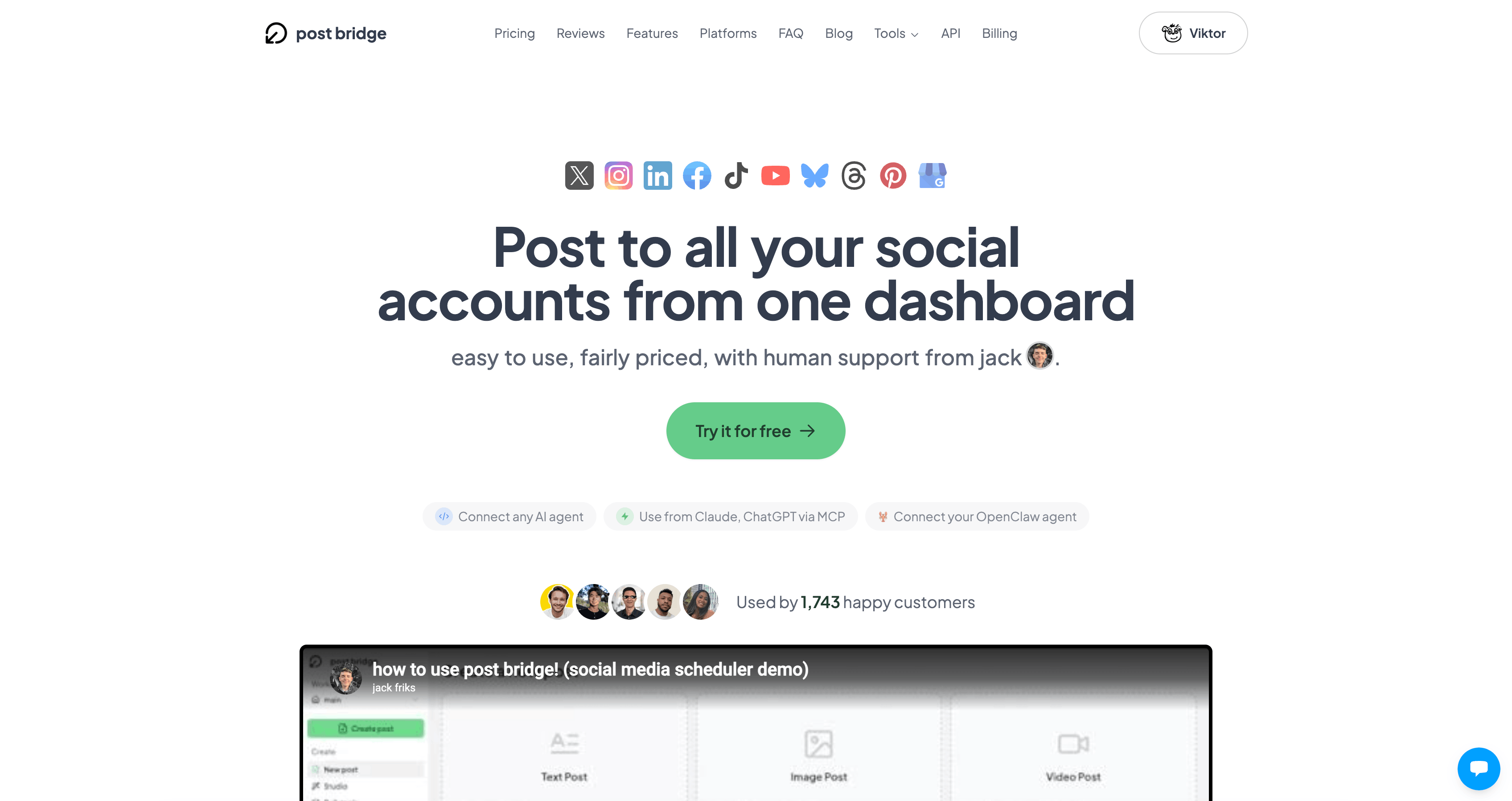
Platforms: Instagram, TikTok, YouTube, X/Twitter, LinkedIn, Facebook, Pinterest, Threads, Bluesky (9 total)
CLI: postbridge-cli on npm
Post Bridge is an established creator-focused scheduling product - with genuine third-party reviews and a founder-disclosed MRR - whose postbridge-cli is a verified, zero-dependency CLI that also installs as a Claude Code / Cursor / Windsurf skill and offers an MCP server. It posts, schedules, and tracks analytics across 9 platforms with per-platform customization (TikTok draft mode, custom YouTube titles) at affordable creator pricing. The CLI specifically is brand new and low-volume, but it's an MIT-licensed wrapper you can inspect.
Key Features
- Setup/auth with an API key; list connected accounts and verify status.
- Post immediately, schedule to specific times, or drop into auto-queue slots.
- Media upload (image/video) with automatic format conversion.
- Analytics (views, likes, comments, shares) and per-platform results.
- Per-platform customization (custom captions, TikTok draft, YouTube titles); installable as a Claude Code/Cursor/Windsurf skill with an MCP server.
Pricing
Paid plans (billed yearly) run roughly Starter ~$5–7.50/mo, Creator ~$11–15/mo, Pro ~$16–22.50/mo, Growth ~$49/mo, with agent/API access as a ~$5/mo add-on. There's a free trial / limited free tier. The CLI uses your account API key.
Pros
- Backed by a genuinely established product with organic third-party reviews.
- A verified CLI that doubles as an agent skill plus an MCP server.
- Per-platform options (TikTok draft, YouTube titles) and zero-install usage via
npx. - Affordable creator-focused pricing; the MIT CLI is inspectable.
Cons
- The CLI is brand new with low downloads and a small repo.
- Requires a paid agent add-on on top of the base plan to use the CLI.
- Fewer platforms (9) than Zernio.
- Much of the discoverable content is self-published or affiliate-style.
Best For
Solo creators and small teams who want affordable, creator-friendly scheduling that they can also automate from the terminal or an AI agent.
6. Wonda - Best CLI When AI Media Generation Matters Most
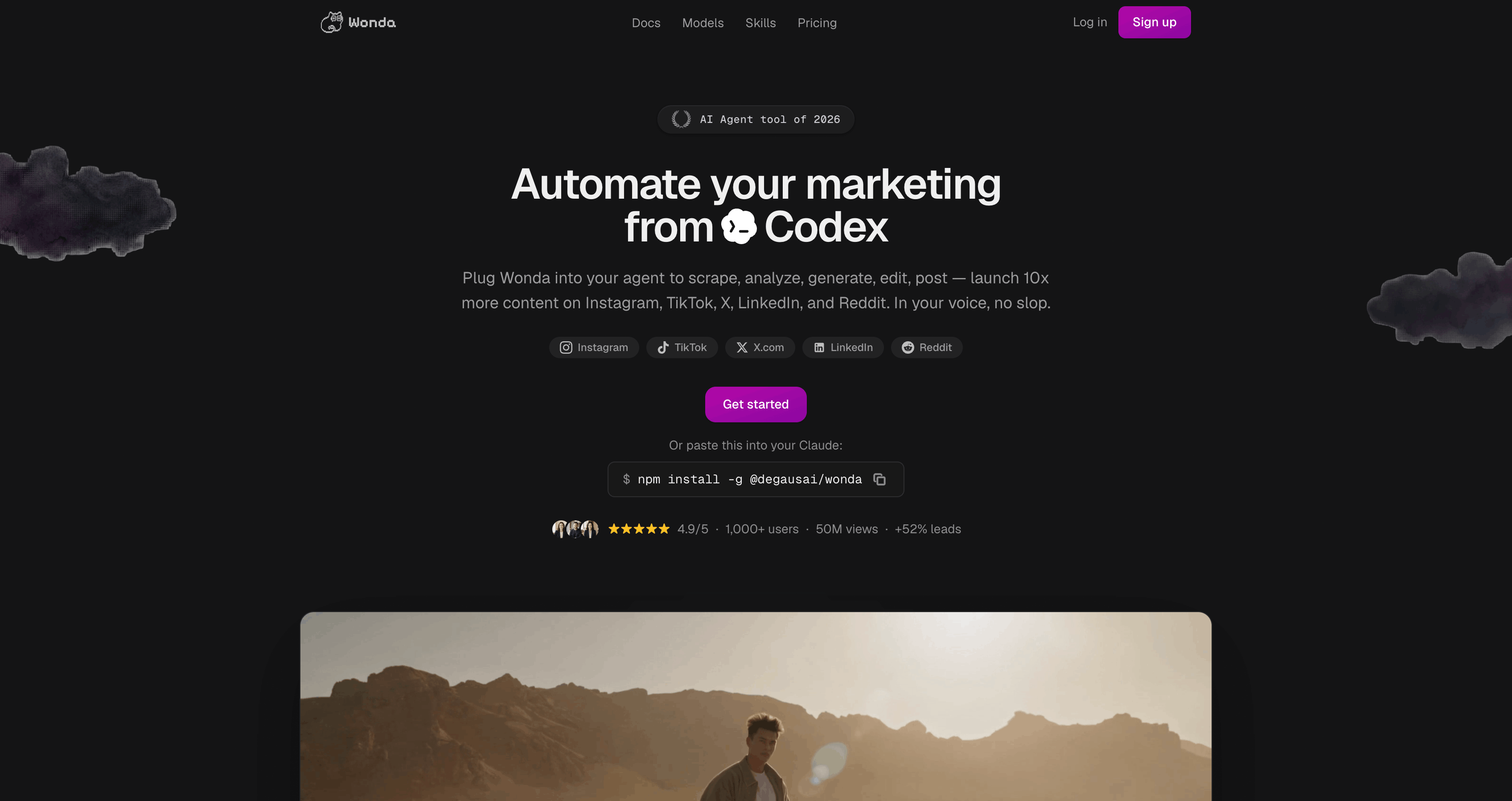
Platforms: Instagram, TikTok, X/Twitter, LinkedIn, Reddit (5 total)
CLI: @degausai/wonda on npm
Wonda (@degausai/wonda, bin: wonda) is the highest-version, highest-adoption CLI in this set, with a public, starred GitHub repo - and it's distributed primarily as a CLI. It's less a pure scheduler and more an end-to-end AI content tool: it generates and edits media (images, video, captions, lip-sync, TTS) and then publishes or schedules to a smaller set of platforms, with clean JSON output built for Claude Code and Codex. If your bottleneck is making the content, Wonda leans hard into that - at the cost of the narrowest posting platform list here.
Key Features
- AI generation: images, video, text, music, TTS/STT, multi-speaker dialogue.
- Video editing: captions, overlays, audio mixing, merge, trim, speed, background removal, lip-sync, upscaling.
- Publishing and scheduling/queueing across platforms from the terminal.
- Social automation (LinkedIn/X/Reddit) plus trend research and content analysis.
- JSON output to stdout with
--quiet,--fields, and--jq; credit balance and cost estimation.
Pricing
Account required at wonda.sh; media editing is free, with AI generations billed at model cost via credit top-ups. No simple flat scheduling tier is published on the CLI surfaces.
Pros
- The highest adoption and maturity here, with a public, actively-pushed GitHub repo (~126 stars).
- Distributed primarily as a CLI, with a very broad capability set: AI media generation and editing plus multi-platform publishing.
- Agent-friendly: clean JSON to stdout,
--jq/--fields/--quiet, built for Claude Code/Codex. - Frequent releases and free media editing.
Cons
- The narrowest scheduling platform list (5) - no YouTube, Facebook, Pinterest, or Bluesky.
- Positioned as an AI content-generation tool first; scheduling is secondary.
- Credit/usage-based AI costs can be unpredictable, with no clear flat pricing.
- Heavy vendor SEO footprint with little independent discussion.
Best For
Creators and agents whose main job is generating short-form media at the command line, and who only need to publish to a handful of networks.
Capability Matrix
A quick at-a-glance view of what each CLI can actually do:
| Tool | Post | Schedule | Analytics | AI Content | Platforms | Agent/MCP |
|---|---|---|---|---|---|---|
| Genviral | Yes | Yes | 3 platforms | Image + video + slideshow | 6 | Yes (OpenClaw skill) |
| Buffer | Yes | Yes | Experimental | - | 11 | Yes (skills) |
| Simplified | Yes | Yes | Yes | Image | 10 | Yes (Claude plugin) |
| Zernio | Yes | Yes | Yes | - | 13+ | Yes (MCP) |
| Post Bridge | Yes | Yes | Yes | - | 9 | Yes (skill + MCP) |
| Wonda | Yes | Yes | Limited | Image + video | 5 | Yes (built for agents) |
What We Excluded: API-Only Tools With No CLI
Every tool above is a real CLI - we confirmed an installable bin entry on npm (and, where available, a public GitHub repo) for each one. These popular products are often called CLIs but aren't, so we left them out:
- Upload-Post ships a Python SDK with no console entry point - there's no terminal binary to install.
- Ayrshare, Post for Me, and Outstand ship a REST API plus language SDKs (and in some cases an MCP server), but no command-line tool.
- We also left out genuinely API-first products that bolt on a thin CLI as a secondary surface. When the API is the product and the CLI is an afterthought, it's not really a CLI tool - which is the whole point of this guide.
If you want a command you can run in a terminal, check for a real bin: the package should expose an executable name (like genviral, buffer, or zernio) that works after npm install -g. An MCP server or an SDK import is not the same thing.
How to Choose
Want to create and post content from the terminal? Genviral is the only CLI here that generates images, video, and slideshows and posts or schedules them across TikTok, Instagram, YouTube, Facebook, Pinterest, and LinkedIn - with analytics and TikTok trend briefs - from one genviral command. Best for the full content loop. Simplified is the runner-up if you only need AI images and a smaller platform set; Wonda if media generation is your whole focus and you post to just a few networks.
Already trust an established brand? Buffer is the most proven product on the list, now with a real first-party CLI and a generous free tier - a safe pick if you value a long track record over cutting-edge features.
Need the widest network coverage? Zernio reaches the most platforms (13+), including Reddit, Snapchat, and Telegram, and adds inbox and comment automation on top of scheduling.
Creator on a budget who also wants automation? Post Bridge offers affordable creator pricing with a verified agent-mode CLI and MCP server.
Building AI agents? Every tool here ships some agent surface, but Genviral (OpenClaw skill + content generation), Post Bridge (skill + MCP), and Wonda (built for Claude Code/Codex) are the most agent-native.
FAQ
What is a social media CLI?
A social media CLI is a command-line program that lets your terminal - or a script, cron job, or AI agent - post, schedule, upload media, and pull analytics without a browser dashboard. The tools in this guide are real, installable CLIs (npm packages you run after npm install -g) tied to a social media product.
Which social media CLI is best for AI agents?
Genviral is purpose-built for agent workflows: a consistent { ok, code, message, data } JSON envelope, --external-id idempotency so retries never double-post, content-generation commands, and a companion OpenClaw skill for Claude Code, Cursor, and Codex. Post Bridge and Wonda are also strongly agent-native, shipping skill files and (for Post Bridge) an MCP server.
Can I post to TikTok or Instagram from the command line?
Yes - through a CLI that holds sanctioned OAuth for you. Genviral, Buffer, Simplified, Zernio, and Post Bridge all post to TikTok and Instagram via the platforms' official upload flows. Open-source single-network CLIs generally can't, because TikTok and Instagram don't offer the open posting APIs that Mastodon and Bluesky do. Avoid cookie-scraping uploaders - they break often and risk account suspension.
Are these social media CLIs free?
Most have a free tier but are paid for real use. Buffer's free tier covers 3 channels; Simplified, Zernio, and Post Bridge all offer limited free tiers or trials, then move to paid plans. Genviral starts at $29/mo with CLI and API access included on every plan. Simplified's CLI is open source (MIT) even though the product behind it is a paid SaaS.
How do I know a "social media CLI" is actually a CLI and not just an API?
Check for a real command-line binary. On npm, the package's bin field should expose an executable (like genviral or buffer) that runs after npm install -g. If the product only offers a REST API, a language SDK you import, or an MCP server, it's not a CLI - even if its marketing says "CLI." Every tool in this guide passed that check; Upload-Post, Ayrshare, and Outstand did not.
Do these CLIs generate content or only post it?
Most only distribute content you already have. The exceptions are Genviral (AI images, video, and slideshows, plus TikTok trend briefs), Simplified (AI images and image editing), and Wonda (AI images and video). If "create and post in one command" matters, those three lead.
How do I install a social media CLI?
They're npm packages, so installation is consistent: npm install -g genviral, npm install -g @bufferapp/cli, npm install -g simplified-cli, npm install -g @zernio/cli, npm install -g postbridge-cli, or npm install -g @degausai/wonda. Then authenticate with an API key generated from the product's dashboard.
Key Takeaways
- A "social media CLI" should be a command you can actually run. Verify a real npm
binentry - many products marketed as CLIs ship only an API, SDK, or MCP server (Upload-Post, Ayrshare, and others). - Genviral ships the most complete CLI - AI image/video/slideshow generation, cross-platform posting and scheduling, analytics, and TikTok trend briefs across 6 networks from one
genviralcommand, installable withnpm install -g genviral. - Buffer is the safe, established pick - a proven product with a brand-new but genuinely first-party CLI and a generous free tier.
- Simplified is the best open-source option (MIT, most actively maintained) and the closest challenger on AI image generation.
- Zernio covers the most networks (13+) and adds inbox and comment automation on top of scheduling.
- Post Bridge is the creator-friendly, affordable pick with a verified agent CLI; Wonda leads on AI media generation but posts to the fewest platforms.
- An API underneath is fine - an API instead of a CLI is not. We kept this list to genuine command-line tools, which is what makes them worth using from a terminal in the first place.
Related Guides
- 10 Best Social Media APIs for Posting & Automation
- How to Use OpenClaw to Automate Your Social Media
- 15 Best OpenClaw Skills for Social Media Marketing
- How to Schedule TikTok Posts
- How to Schedule Instagram Posts
- AI Agents for Social Media
Genviral is an AI-powered social media platform with a CLI (genviral), REST API, and OpenClaw skill for autonomous content creation, scheduling, and analytics across TikTok, Instagram, YouTube, Facebook, Pinterest, and LinkedIn. Get started →

Fekri
Builder, founder, father



