youtube
growth
tools
7 Tools to Find Video Ideas That Already Went Viral on YouTube

The safest video idea is one that already worked for someone else. Look up videos that got far more views than their channel usually gets, then make your own version of the idea.
The best tools for that job are OutlierKit for research across a whole niche, 1of10 and vidIQ for fast outlier searches, ViewStats for tracking rivals, TubeLab and NexLev for niche hunting, and Scrape Atlas if you want to build your own outlier sheet from raw data. This guide covers what each one finds and costs, then walks one idea from search to script.
What "already went viral" means on YouTube
Raw views can fool you. Two million views on a channel with 10 million subscribers is a normal day for that channel.
The useful signal is an outlier: a video that beat its own channel's usual views by a wide margin. If a channel that averages 3,000 views posts a video that reaches 60,000, that is a 20x outlier. The topic, title or thumbnail found new demand.
Outliers also tell you more than what got clicked. YouTube does not keep pushing a video to many times its normal audience on clicks alone. People clicked and then kept watching. So when you study an outlier, you study a hook and a structure that held viewers too.
One video can be luck. When three or four channels in a niche break out on the same theme, you have found a pattern.
Quick comparison
| Tool | Best for | What it shows | Price (US) |
|---|---|---|---|
| OutlierKit | Research across a whole niche | Outlier videos ranked by how far each beat its channel, plus keywords and channel analysis | Hobby $49/mo, 30 free credits to start |
| 1of10 | Titles and thumbnails | Outlier search, thumbnail search, trending formats | Free plan, Basic $19/mo |
| vidIQ | Outliers inside a broad creator suite | Outlier score, views per hour, a Shorts toggle | Free plan, Boost $19/mo |
| ViewStats | Watching a short list of rivals | Outliers, competitor tracking, thumbnail search | Free account, Business from $249/mo |
| TubeLab | Spotting new niches early | Niche Finder and Outliers Finder | Starter $29/mo |
| NexLev | Faceless channel research | Niche Finder and faceless outliers | Not shown on the site |
| Scrape Atlas | Building your own outlier sheet | Public channel and video data through an API | 100 free credits to start |
The 7 tools
1. OutlierKit
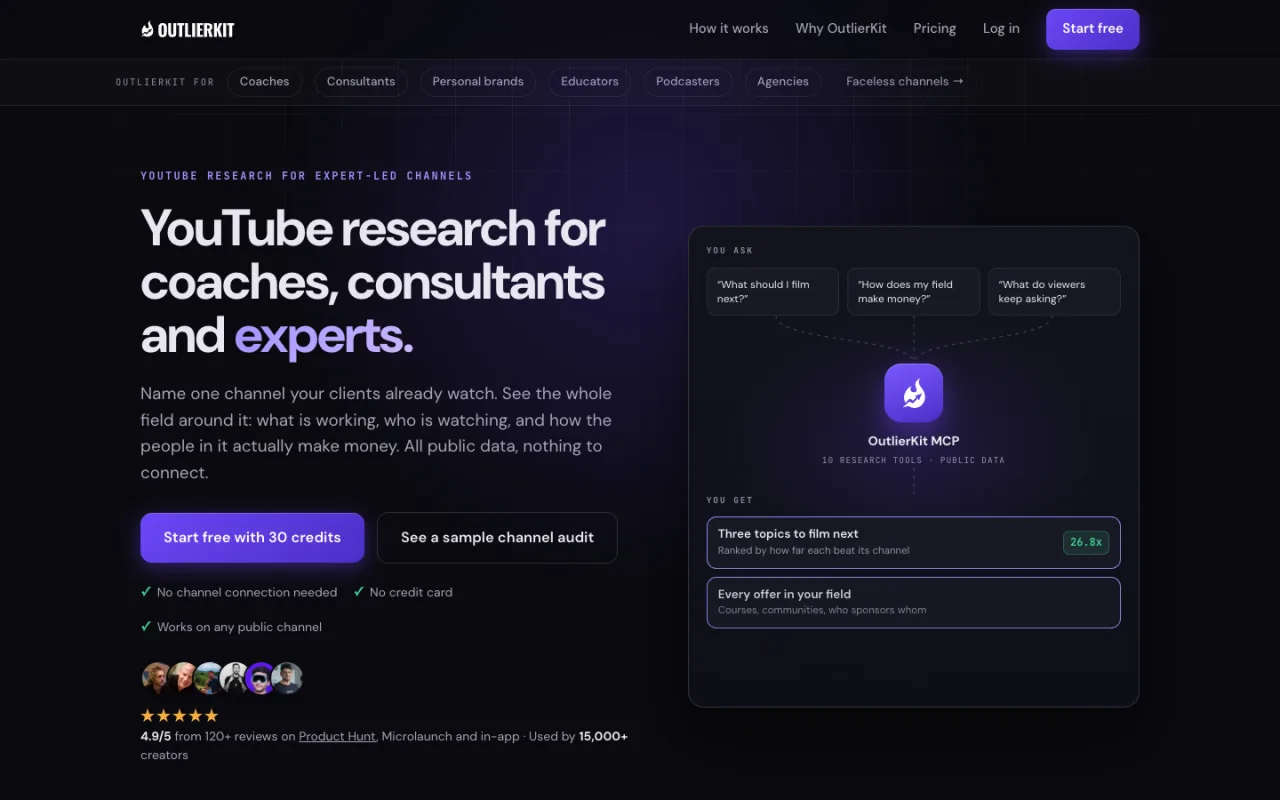
What it finds: OutlierKit is YouTube research built for coaches, consultants and experts who run a channel alongside a business. You name one channel your audience already watches, and it shows you the whole field around it. Outlier Research ranks videos by how far each beat its own channel's usual views. Its index holds more than 50 million videos, and a single field scan can return over 1,000 outliers. Keyword research and channel analysis sit next to it.
The research then carries into the video itself. The Title tool ranks title ideas against titles that earned the click and kept the viewer. Script review checks your draft against how breakouts hook and hold an audience. On Pro and Max, Competitor Studio shows how channels in your field make money, which sponsors pay there, and what the comments keep asking for. Every paid plan includes the API and an MCP connector, so you can run the same research from Claude or another AI assistant.
Best for: Expert-led channels and agencies that want to see what works across a whole niche before they plan the next month of videos.
Watch out for: It covers YouTube only. It studies what breakout videos did, but it does not show retention curves or predict watch time.
Price: Hobby $49/mo, Pro $99/mo, Max $399/mo. You can start with 30 free credits and no card.
2. 1of10
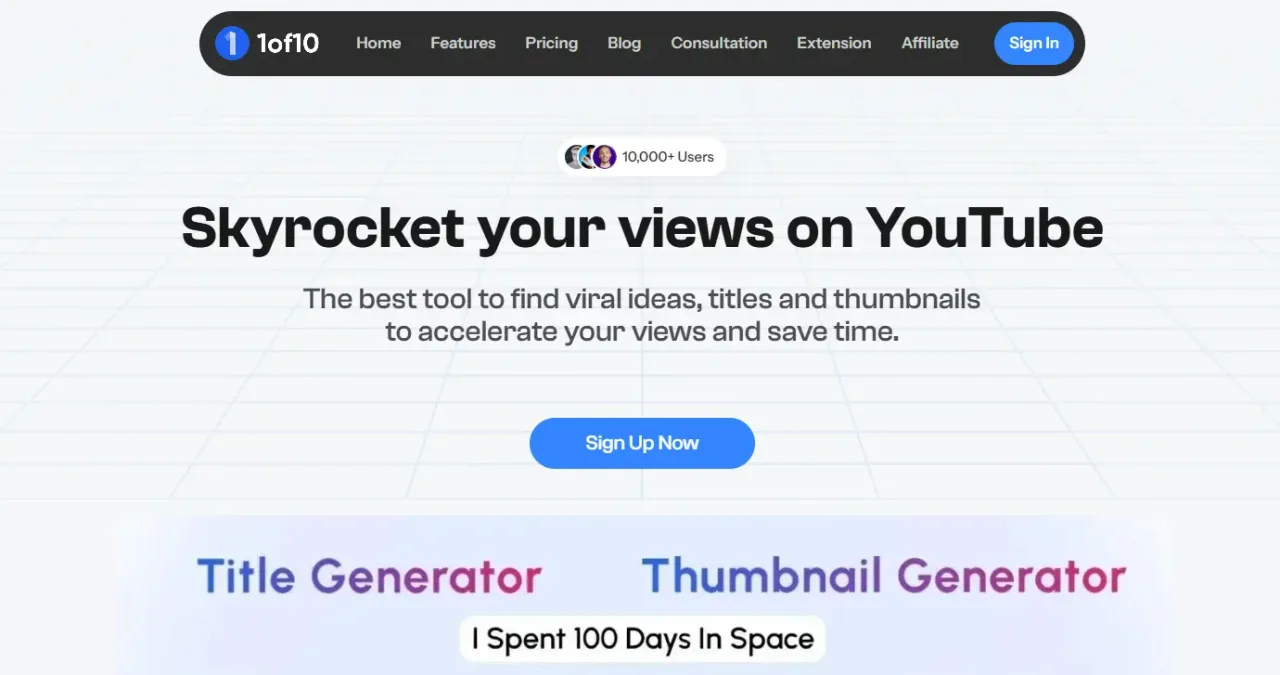
What it finds: 1of10 surfaces videos that beat their channel's average. It adds thumbnail search, trending formats and AI tools for titles, ideas and thumbnails. Its research tools do not use credits.
Best for: Packaging research. If you want to see which titles and thumbnails win clicks in your niche, 1of10 is quick to use.
Watch out for: The free plan shows only 5 outlier results per search, so real research needs a paid plan.
Price: Free plan. Basic $19/mo, or $15/mo billed yearly. Pro $89/mo, or $69/mo billed yearly.
3. vidIQ
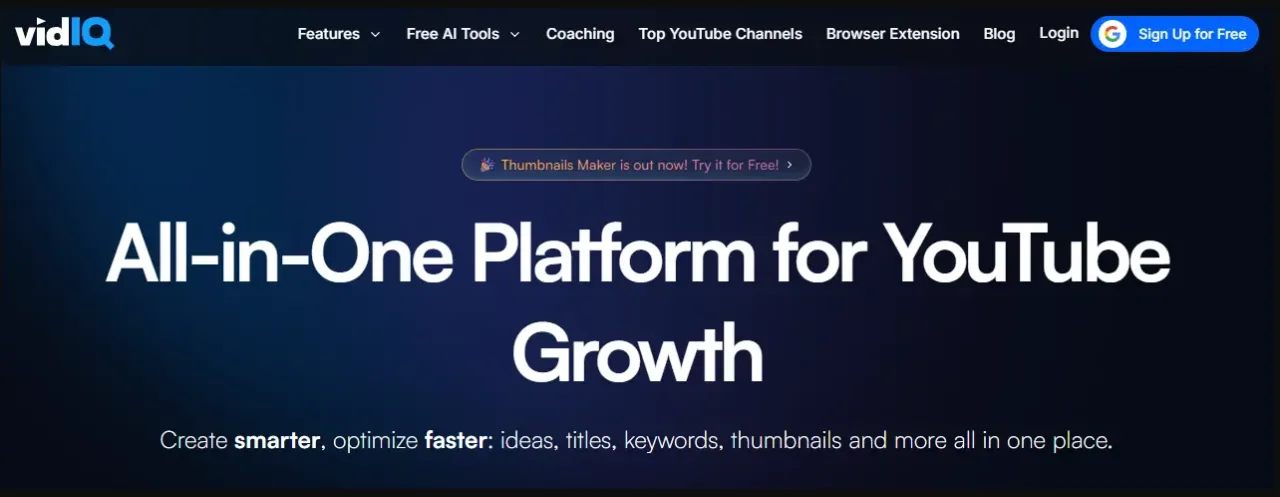
What it finds: vidIQ is a broad creator suite with an Outliers feature. You enter a keyword and see videos that beat their channel's usual baseline. Filters cover outlier score, views per hour, channel size, publish date and video length. A toggle switches between long videos and Shorts.
Best for: Creators who want outliers and keyword research in a tool they may already use.
Watch out for: Outliers is one feature in a large suite. AI features draw from one shared credit pool each month.
Price: Free plan. Boost $19/mo or $199/yr. Max $49/mo or $468/yr.
4. ViewStats
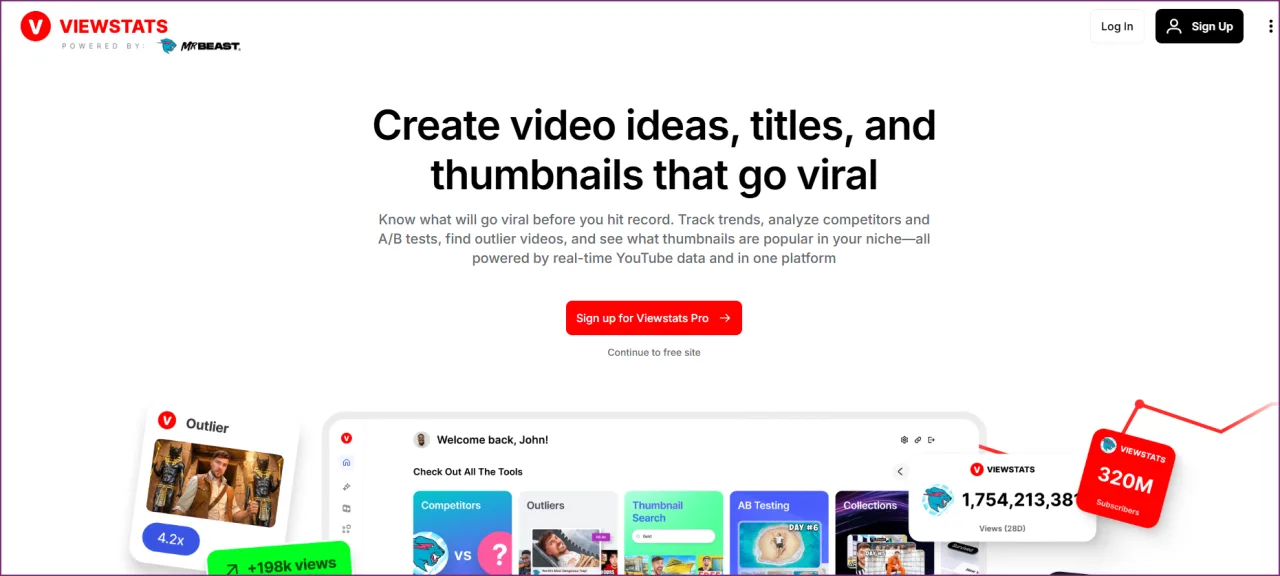
What it finds: ViewStats, from the MrBeast team, combines outlier search with competitor tracking, thumbnail search and alerts.
Best for: Keeping an eye on three or four channels that already lead your niche.
Watch out for: The pricing page does not show the Pro price before you sign up, and the next tier is Business. That is a big jump for a solo creator.
Price: Free account. Business starts at $249/mo.
5. TubeLab
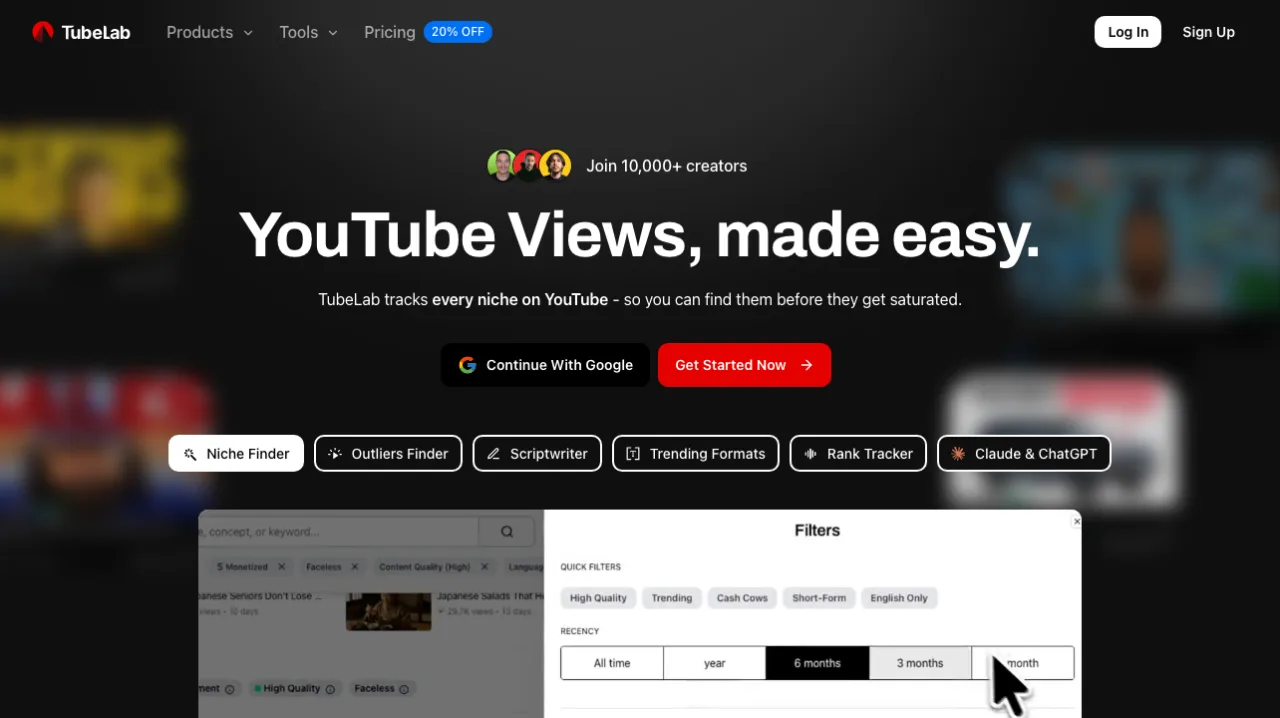
What it finds: TubeLab tracks breakout channels and videos. Its Niche Finder filters channels by size, views, language, long form or Shorts, and (on Pro) estimated revenue and RPM. Its Outliers Finder lets you search by topic or title and find similar videos by title, thumbnail or channel.
Best for: Creators who want to find a niche before it gets crowded, not only an idea inside a niche they already have.
Watch out for: The Starter plan limits filters on both finders. Monetization and audience filters need Pro.
Price: Starter $29/mo, Pro $39/mo, Team $100/mo. Yearly billing costs less.
6. NexLev
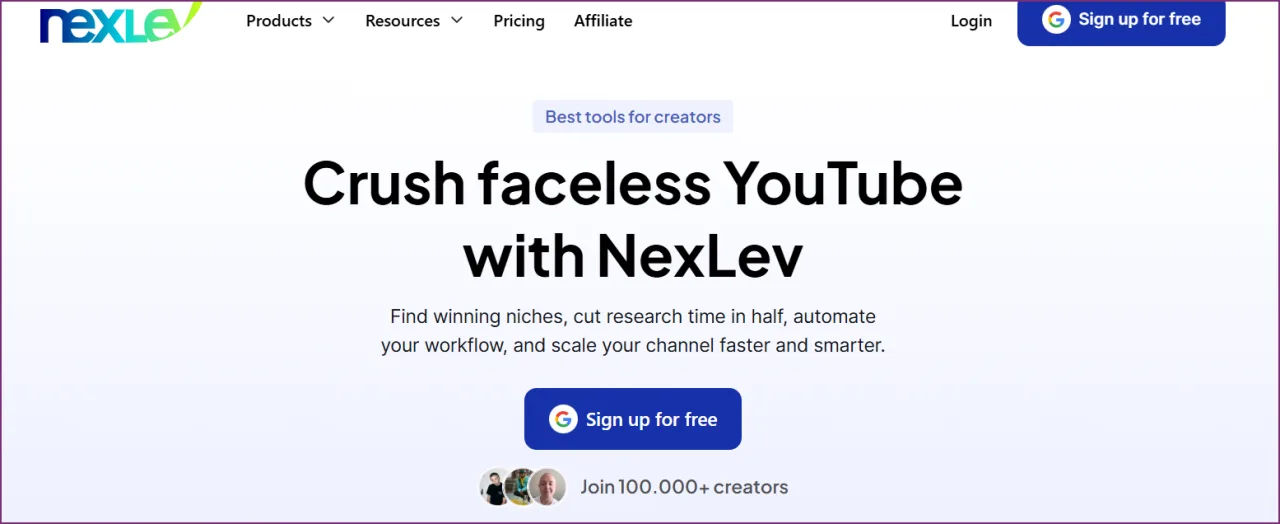
What it finds: NexLev is built for faceless YouTube channels. Its Niche Finder uses 21 filters, and its Pro package adds real-time faceless outliers and an RPM predictor. A Chrome extension and an MCP connector come with the Lite package.
Best for: Faceless creators who want niche and outlier research in one place.
Watch out for: It leans hard toward faceless channels. If you film yourself as an expert, much of it will not apply.
Price: The site does not show prices before sign-up. Plans are Lite and Pro.
7. Scrape Atlas
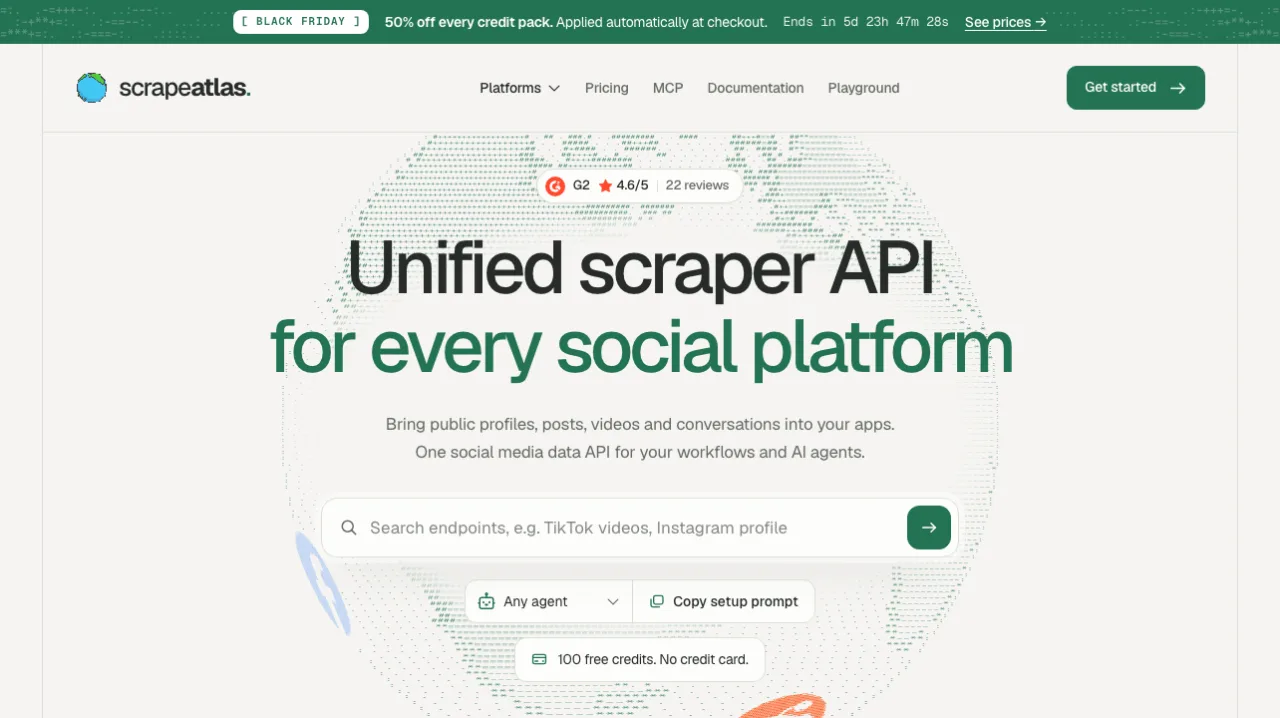
What it finds: Scrape Atlas is an API for public data from social platforms, YouTube included. It has 17 YouTube endpoints, such as a channel's videos, its Shorts, single video details, transcripts and search. Each video comes back with its view count as structured data.
That makes it the do-it-yourself route. Pull the last 30 videos from each channel you follow, work out each channel's median views, and flag any video above 3x. You get a private outlier list in your own sheet or app.
Best for: Developers and app founders who want outlier data inside their own tools, or who also track TikTok and Instagram.
Watch out for: It gives you data, not answers. You write the scoring and the filters yourself.
Price: 100 free credits to start, no card. Paid credit packs after that.
A 5-step way to find your next video idea
Take a fitness coach who wants a new video for next week.
Step 1. Search the topic, not your channel. Search "fat loss" in an outlier tool. Sort by outlier score, not raw views. Note the themes that keep breaking out, such as "skinny fat", "cortisol" or "calorie deficit mistakes".
Step 2. Check that it is a pattern. Look for three or four channels that broke out on the same theme. One spike is a hunch. Several spikes are demand.
Step 3. Watch the top three outliers. Note how each one opens, what it promises in the first 30 seconds, and when it pays that promise off. That is the part that held viewers.
Step 4. Find your angle. Keep the topic and the promise. Change the angle to fit what you know, such as "skinny fat after 40" if most of your clients are over 40.
Step 5. Package it, then film. Write several titles, compare them with the outlier titles, and pick the clearest one. Make a thumbnail that is your own, not a copy.
Common mistakes
Chasing raw views. A big number on a big channel is normal for that channel. Look at how far a video beat its own average.
Copying a title word for word. An outlier proves the demand, not the exact words. Use the idea and say it your way.
Using old outliers. A video that broke out three years ago may reflect a trend that has faded. Filter by publish date and favor the last 6 to 12 months.
FAQ
What is an outlier video?
A video that gets far more views than its channel usually gets. A score of 10x means ten times the channel's normal views.
Which tools are free?
1of10 and vidIQ have free plans with limits, ViewStats has a free account, and OutlierKit and Scrape Atlas let you start with free credits.
Do these tools work for Shorts?
vidIQ has a Shorts toggle in Outliers, and TubeLab can filter Shorts channels. For the others, check the filters on a free plan or trial before you pay.
If your Shorts start life as TikTok formats, Genviral's Viral Library lets you search viral TikTok posts and slideshows by niche and views, then turn one into a post for your own app.

Fekri
Builder, founder, father